Installation instructions6
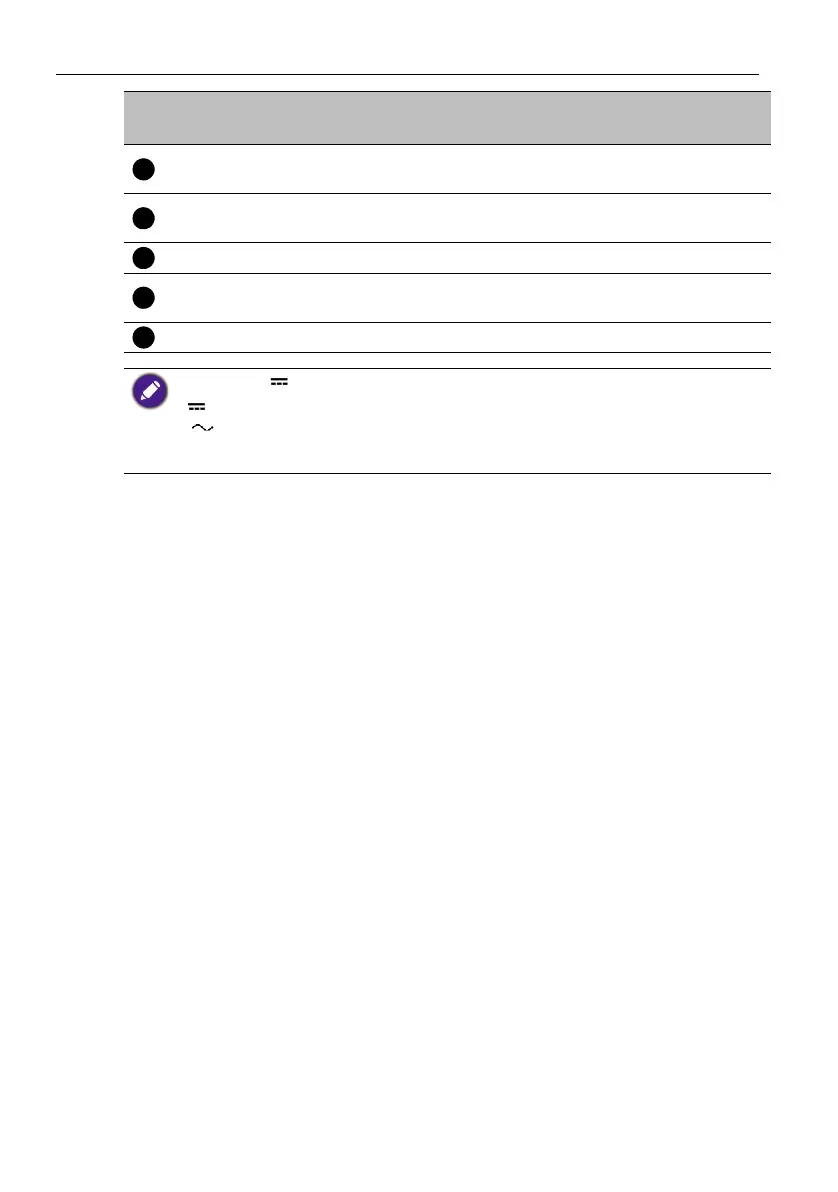
AUX IN/OUT
(Mic in/Audio out)
Connect to external audio equipment.
USB 3.0 (Host)
(
Ty pe - A)
Connect USB devices such as USB keyboards, USB
mouse, and USB flash drives. Used for upgrading.
LAN Connect RJ45 terminals.
USB 2.0 (Device)
(
Ty pe - C)
Connect to the PC for external camera,
microphone and speaker from the product.
DC Used for 12V power supply.
No
.
Name Description
• USB 3.0= 5V 900mA
• : Direct Current / DC
• : Alternating Current /AC
• The maximum length for the cables to be used with the USB slots are 5m (USB 2.0) and 3m
(USB 3.0).



 To Next Page