Menu operations 29
System settings
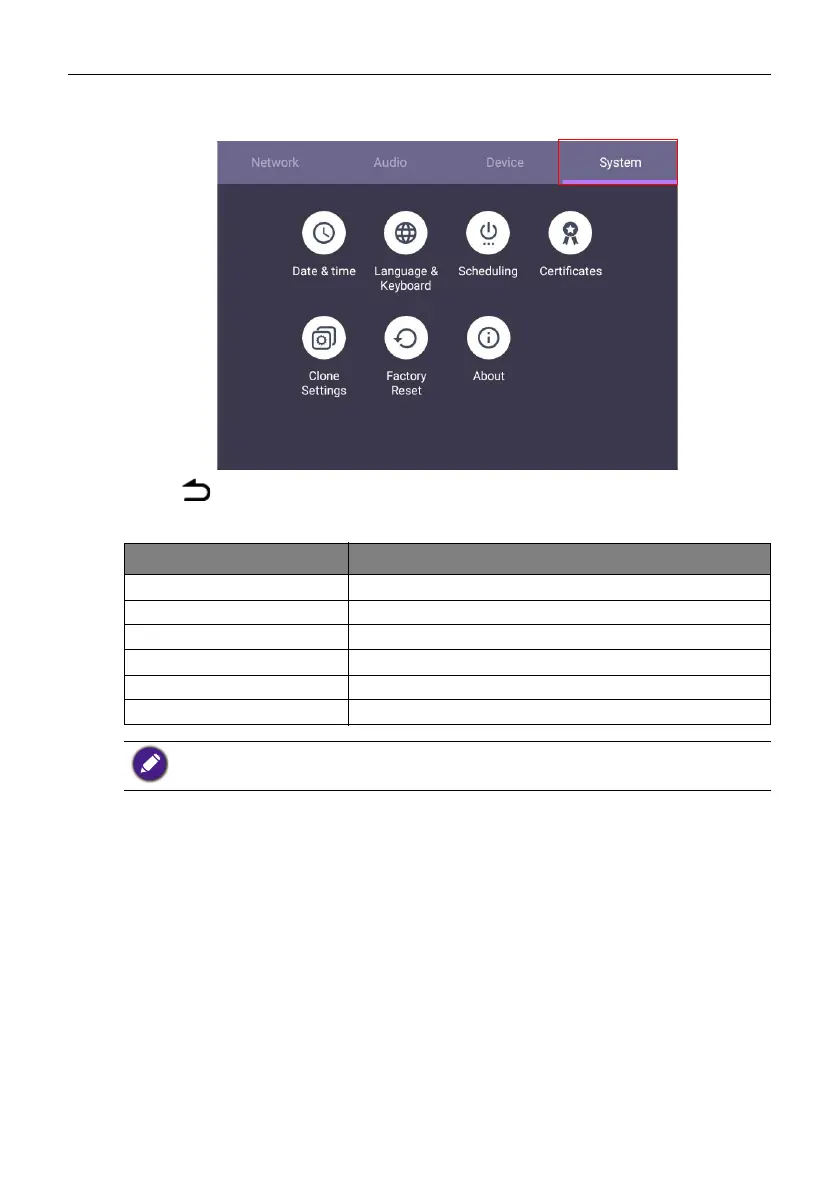
On the home screen, select Setting > System to enter system settings.
• Press on the remote control or click a blank area outside the menu to exit the
menu.
Options Description
Date & Time Click to set date, time, and their formats in Android.
Language & Keyboard Click to set Language, Keyboard in Android.
Scheduling Click to set the Power off reminder.
Clone settings Click to export/import the settings.
Factory Reset Click to erase all data back to default.
About Click to view system information in Android.
The amount of available storage space for the user varies according to the amount of pre-installed
apps and images occupying the total storage space.



 To Next Page