Menu operations26
Adjusting audio volume level
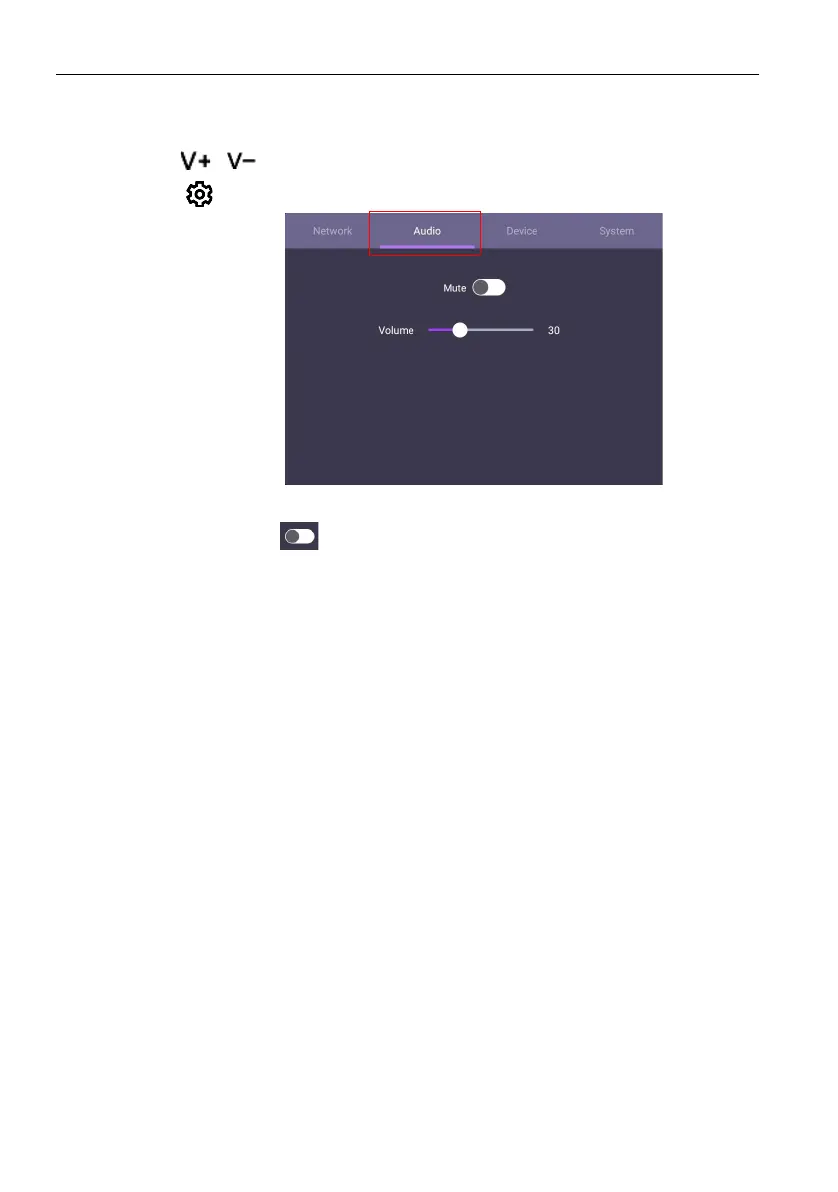
To adjust the audio volume level, do either one of the following:
• Press
/ on the remote control to adjust the volume.
• Go to
> Audio to adjust the volume
- Use the volume bar to adjust the volume for the display.
- Directly swipe to enable or disable Mute.



 To Next Page