Installation instructions8
Using the remote control
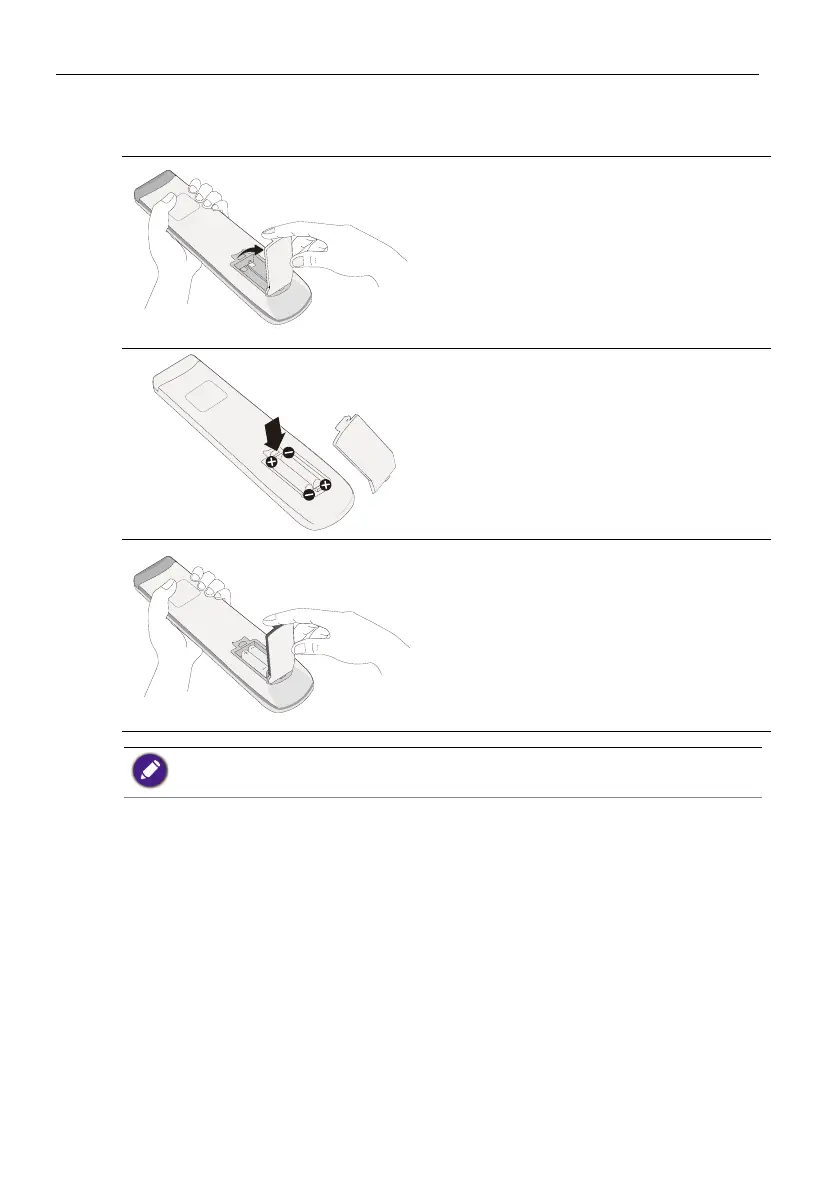
Installing remote control batteries
1. Open the remote control battery compart-
ment cover.
2. Insert two AAA batteries into the battery
compartment ensuring that the (+) and (-)
signs on the batteries match the (+) and (-)
indications on the battery compartment.
3. Re-install the battery compartment cover.
This remote control applies only to a specific model and/or operating systems. Contact your
reseller if you have any question.



 To Next Page