Menu operations24
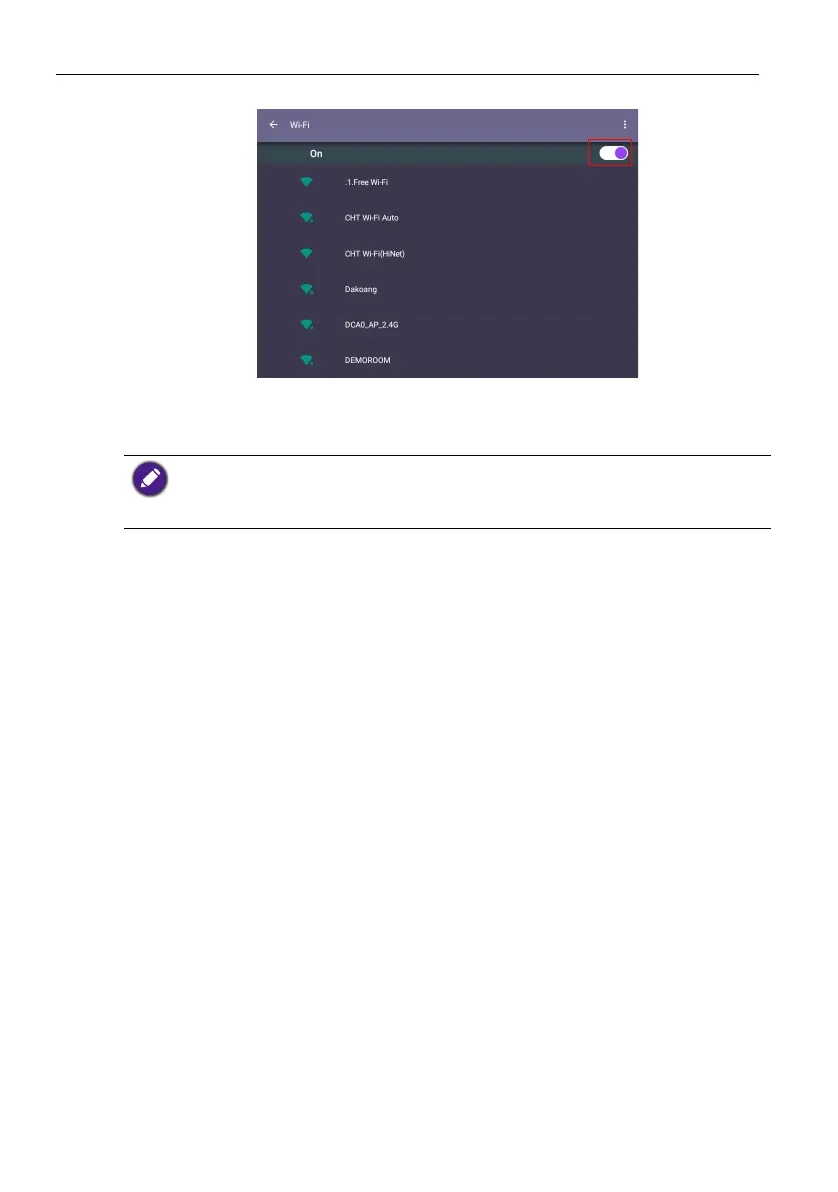
2. Turn the switcher to ON. A list of available networks will show on the screen.
3. Touch the network’s name to connect to the network. The password is needed if it
is your first time to use the network. Key in the password and press Connect. The
product is now connected to the WLAN.
• If you are connecting to a secured wireless network, enter the password for the wireless
network access when prompted and tap Connect.
• For wireless connection, BenQ shipment does not include wireless dongles; therefore, you may
purchase it separately via the local dealer.



 To Next Page