Operation
24
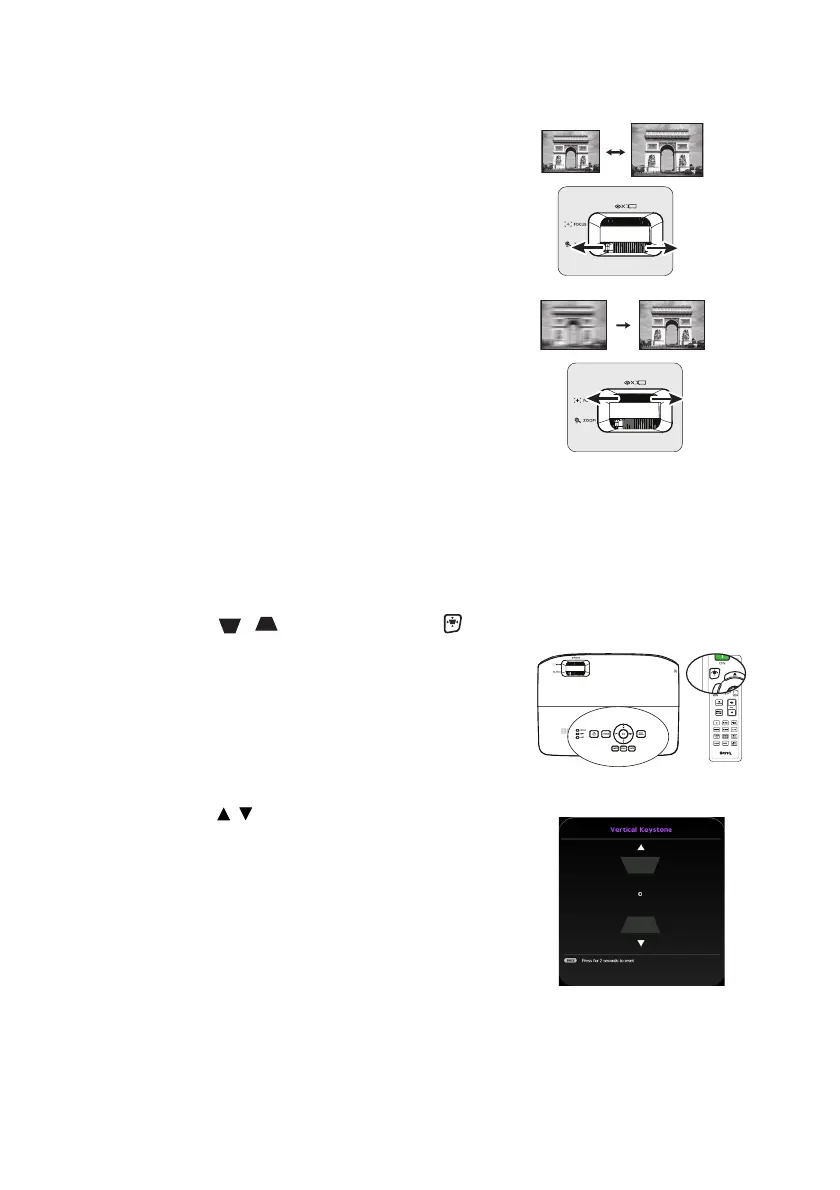
Fine-tuning the image size and clarity
1. Adjust the projected image to the size
that you need using the zoom ring.
2. Then sharpen the image by rotating the
focus ring.
Correcting keystone
Keystoning refers to the situation where the projected image is noticeably wider at either
the top or bottom. It occurs when the projector is not perpendicular to the screen.
To correct this, besides adjusting the height of the projector, you will need to manually
correct it following one of these steps.
1. Press / on the projector or on
the remote control to display the Keystone
page.
2. Press / to adjust the V-Keystone manually.



 To Next Page