Operation
42
Shutting down the projector
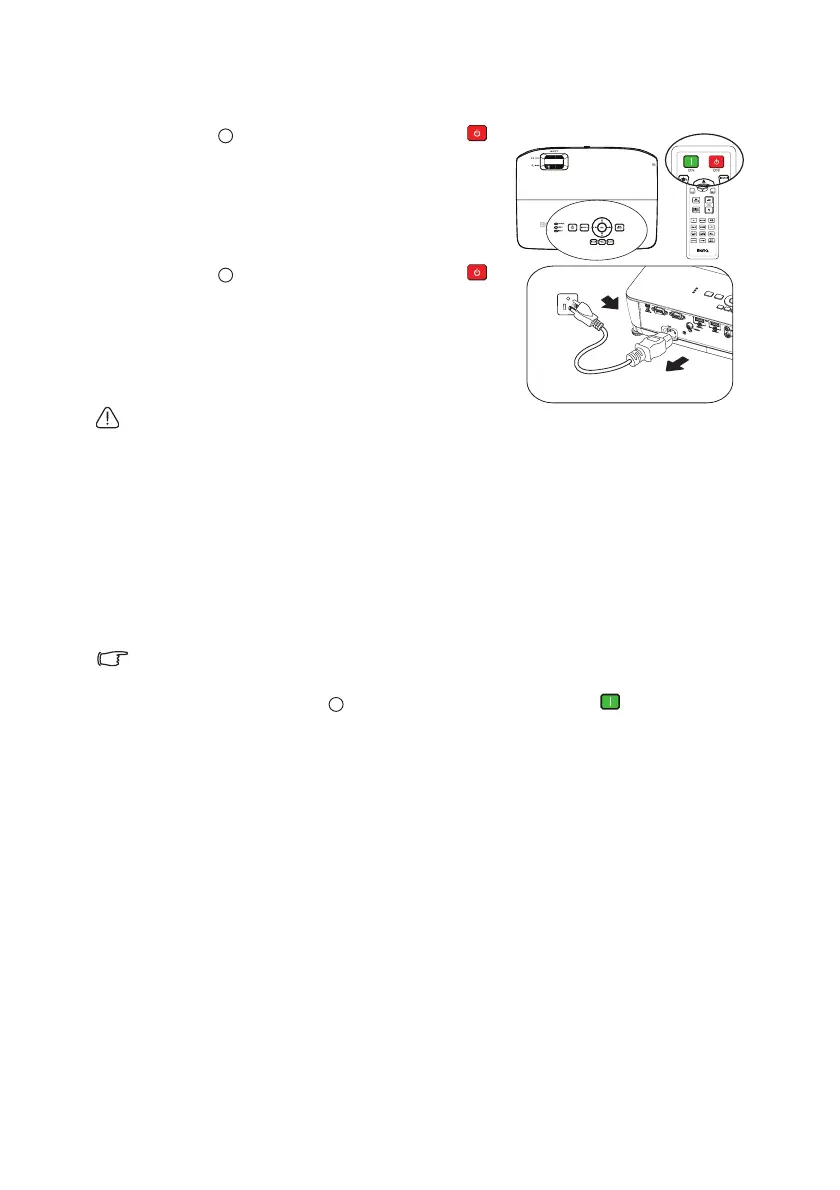
1. Press POWER on the projector or
OFF on the remote control and a
confirmation message displays prompting
you.
If you don't respond in a few seconds, the
message will disappear.
2. Press POWER on the projector or
OFF on the remote control a second time.
The POWER flashes orange, the
projection lamp shuts down, and the fans
will continue to run for approximately 90
seconds to cool down the projector.
• To protect the lamp, the projector will
not respond to any commands during the cooling process.
• To shorten the cooling time, you can also activate the Quick Cooling
function in the
Advanced menu > System Setup: Advanced. See "Quick
Cooling" on page 56 for details.
3. Once the cooling process finishes, the POWER is a steady orange and fans
stop.
4. Disconnect the power cord from the power putlet if the projector will not be
used in an extended period of time.
• If the projector is not properly shut down, to protect the lamp, when
you attempt to re-start the projector, the fans will run for a few minutes
to cool down. Press POWER on the projector or ON on the
remote control again to start the projector after the fans stop and the
POWER turns green.
• Actual lamp life may vary due to different environmental conditions
and usage.
• If the projector is not properly shut down, it will damage the lamp and
cause an effect on lamp life and brightness.



 To Next Page