If you intend to switch from the Basic OSD menu to the Advanced OSD menu, follow the instructions
below:
Use the arrow keys (
/
/
/
) on the projector or remote control to move through the menu items, and
use OK to confirm the selected menu item.
•
When there is a video signal connected to the projector
i.
Go to the Settings > Menu Type menu and press OK.
ii.
Use / to select Advanced and press OK.
iii.
Press BACK again to access the Advanced OSD menu.
•
When there is NO video signal connected to the projector
i.
Go to the Menu Type menu and press OK.
ii.
Use / to select Advanced and press OK.
iii.
Press BACK again to access the Advanced OSD menu.
Next time you turn on the projector, you may access the Advanced OSD menu by pressing MENU.
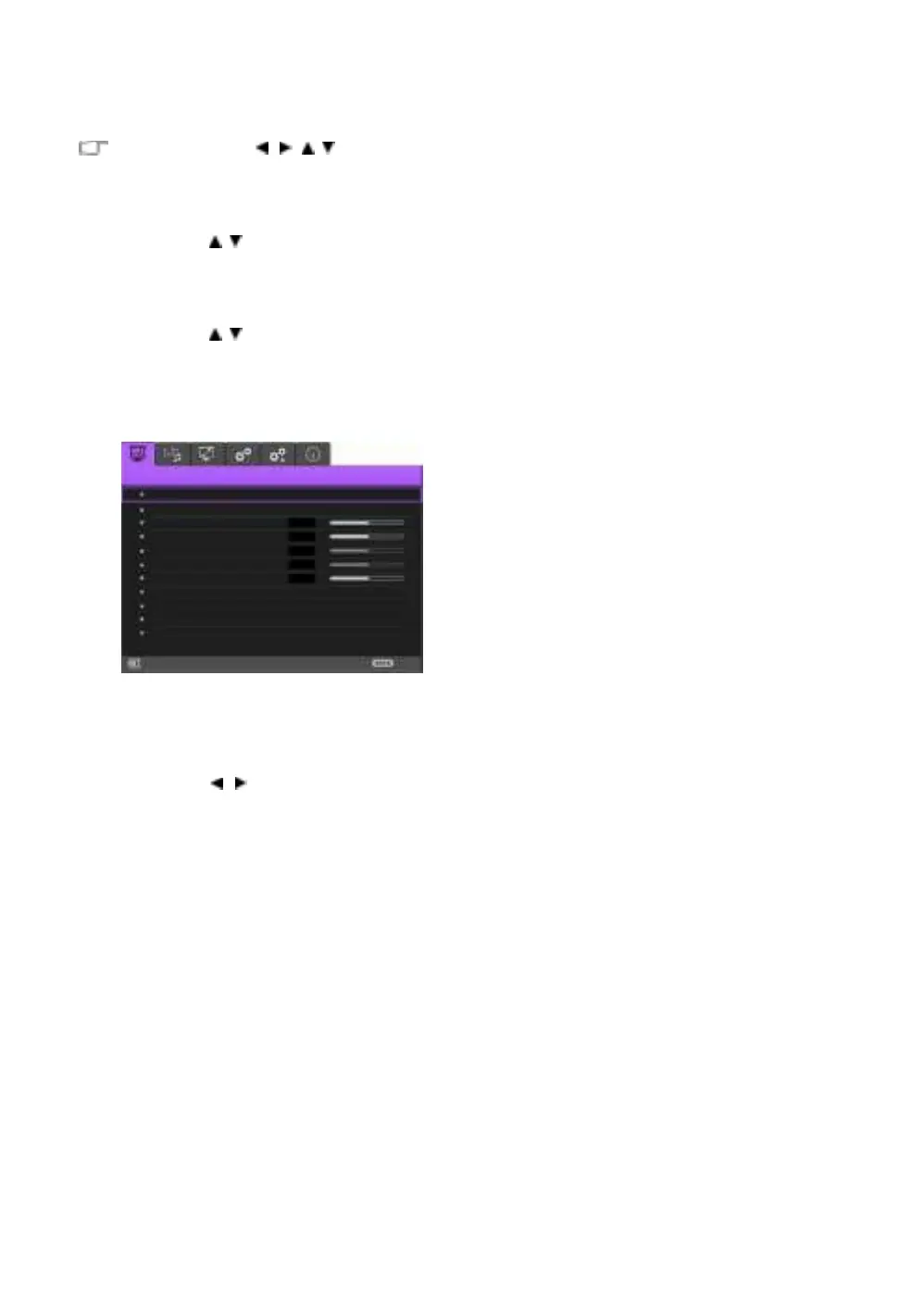
Below is the overview of the Advanced OSD menu.
Sharpness
Color Temperature
Reset Current Picture Mod e
Likewise, when you wish to switch from the Advanced OSD menu to the Basic OSD menu, follow the
instructions below:
i.
Go to the System Setup : Basic > Menu Settings > Menu Type menu and press OK.
ii.
Use / to select Basic to directly access the Basic OSD menu.
Next time you turn on the projector, you may access the Basic OSD menu by pressing MENU.



 To Next Page