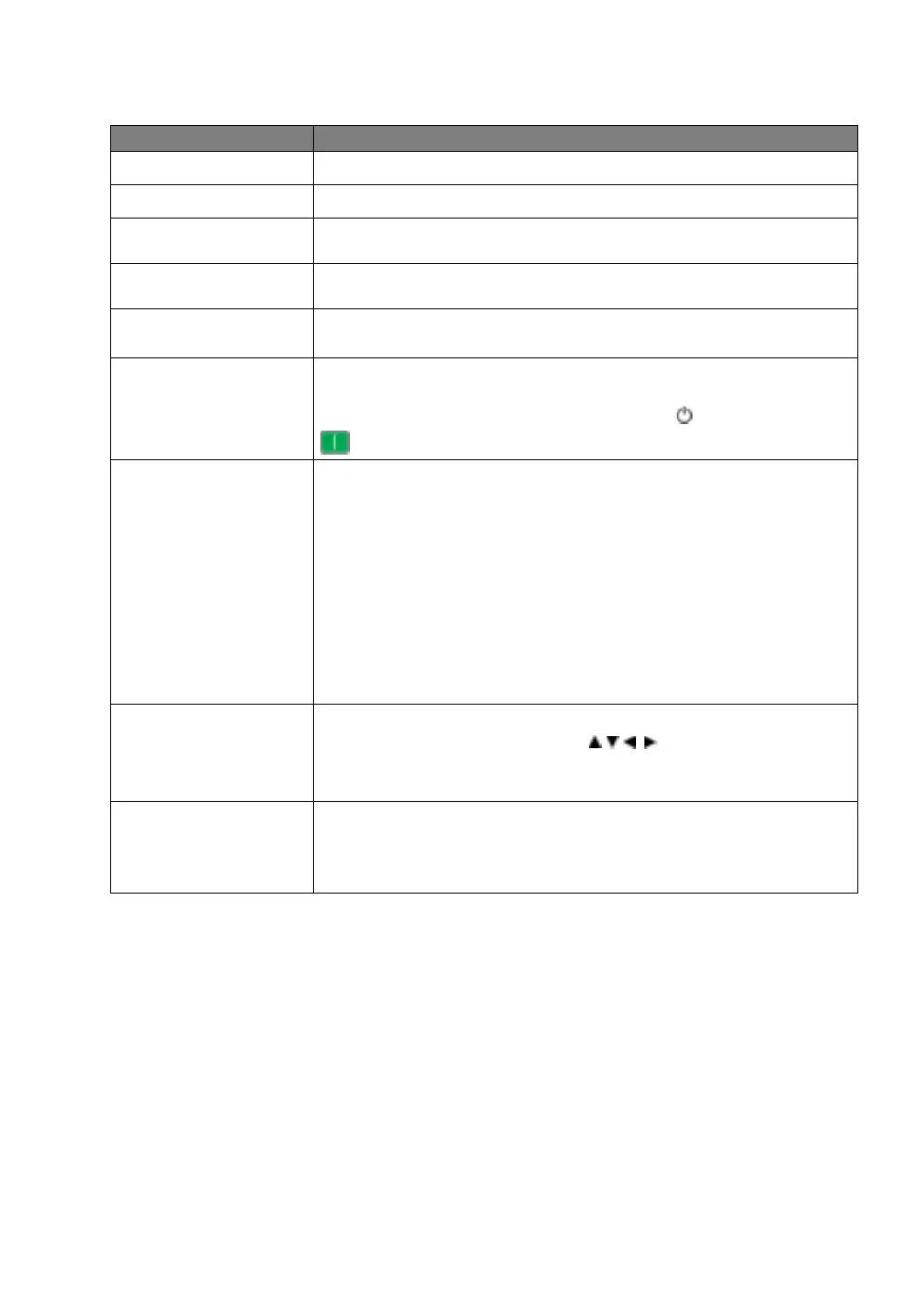
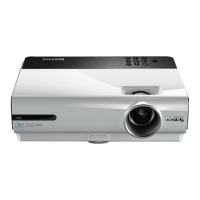
System Setup : Basic menu
Functions and Descriptions
Sets the language for the On-Screen Display (OSD) menus.
Sets the background color when there is no signal to the projector.
Allows you to select which logo screen is displayed during projector start-up.
You can choose BenQ logo screen, Blue screen, or Black screen.
The projector can be installed on a ceiling or behind a screen, or with one or
more mirrors. See
Choosing a location for details.
Prevents unnecessary projection when no signal is detected for a long time.
See
Setting Auto Off for details.
When the function is set to On, the projector will be turned on automatically
once the power is fed through the power cable. When the function is set to
Off, you’ll have to turn on the projector by pressing on the projector or
on the remote control.
•
Menu Type
Switches to the Basic OSD menu.
•
Menu Position
Sets the OSD menu position.
•
Menu Display Time
Sets the length of time the OSD will remain active after your last key press.
•
Blank Reminder Message
Sets whether the reminder message is displayed by the projector while the
image is hidden.
Renames the current input source to your desired name.
On the Source Rename window, use / / / to set the desired
characters for the connected source item.
When done, press OK to save the changes.
Sets whether the projector searches automatically for input sources.
Select On to enable the projector to scan for input sources until it acquires a
signal. If the function is set to Off, the projector will select the last used input
source.



 To Next Page