15.
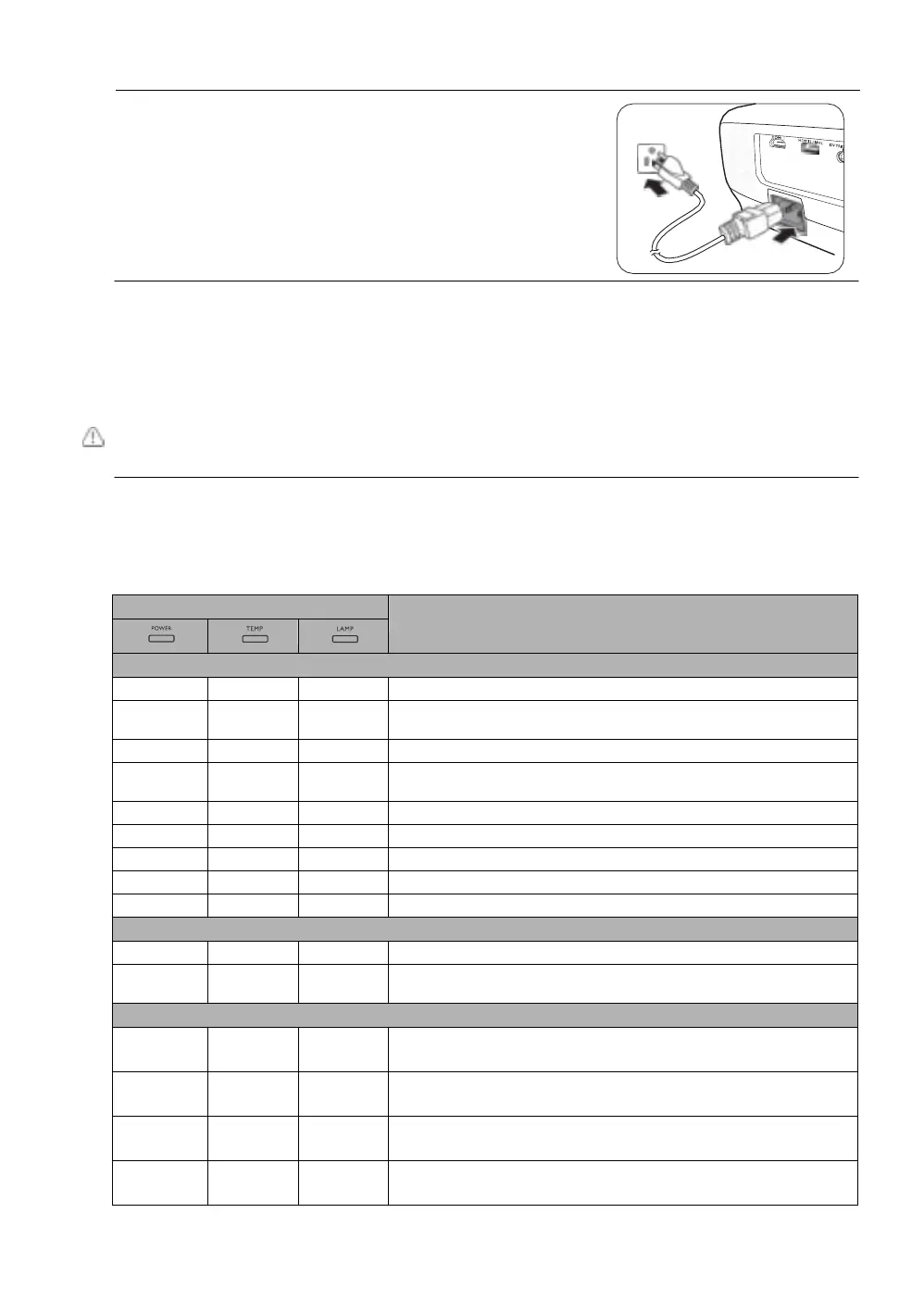
Connect the power and restart the projector.
16.
After the startup logo is displayed, reset the lamp timer via the OSD menu.
•
Under the Advanced OSD menu, go to System Setup : Advanced > Lamp Settings > Reset
Lamp Timer, and select Reset.
•
Under the Basic OSD menu, if there’s no signal connected to the projector, go to Reset Lamp
Timer and select Reset; if there are signals connected, go to Settings > Reset Lamp Timer,
and select Reset.
Do not reset if the lamp is not new or replaced as this could cause damage.
A "Reset Successfully" message is displayed to notify that the lamp time has been reset to "0".
Indicators
There are three indicators which show the status of the projector. Check the following information
about the indicator lights. If there is anything wrong, turn the projector off and contact your dealer.
Normal power-down cooling
Lamp1 error in normal operation
Fan 1 error (the actual fan speed is ±25% outside the desired
speed)
Fan 2 error (the actual fan speed is ±25% outside the desired
speed)
Fan 3 error (the actual fan speed is ±25% outside the desired
speed)
Fan 4 error (the actual fan speed is ±25% outside the desired
speed)


 To Next Page