Conventional
line
To enable or disable the Conventional line
(terminal 10[LC+]) position the cursor on
the Sensors L1 space and press the ↑
key.
Non-Configured
Devices
If an invalid address is entered, the display
will show an error message. Press ESC to
quit and step back to C.
MOD: Devices L1
Enter Address
Sensors L1: 1/ZC
Modules L1: 1/__
DEVICES LOOP1
Device not
configured
on LOOP 1
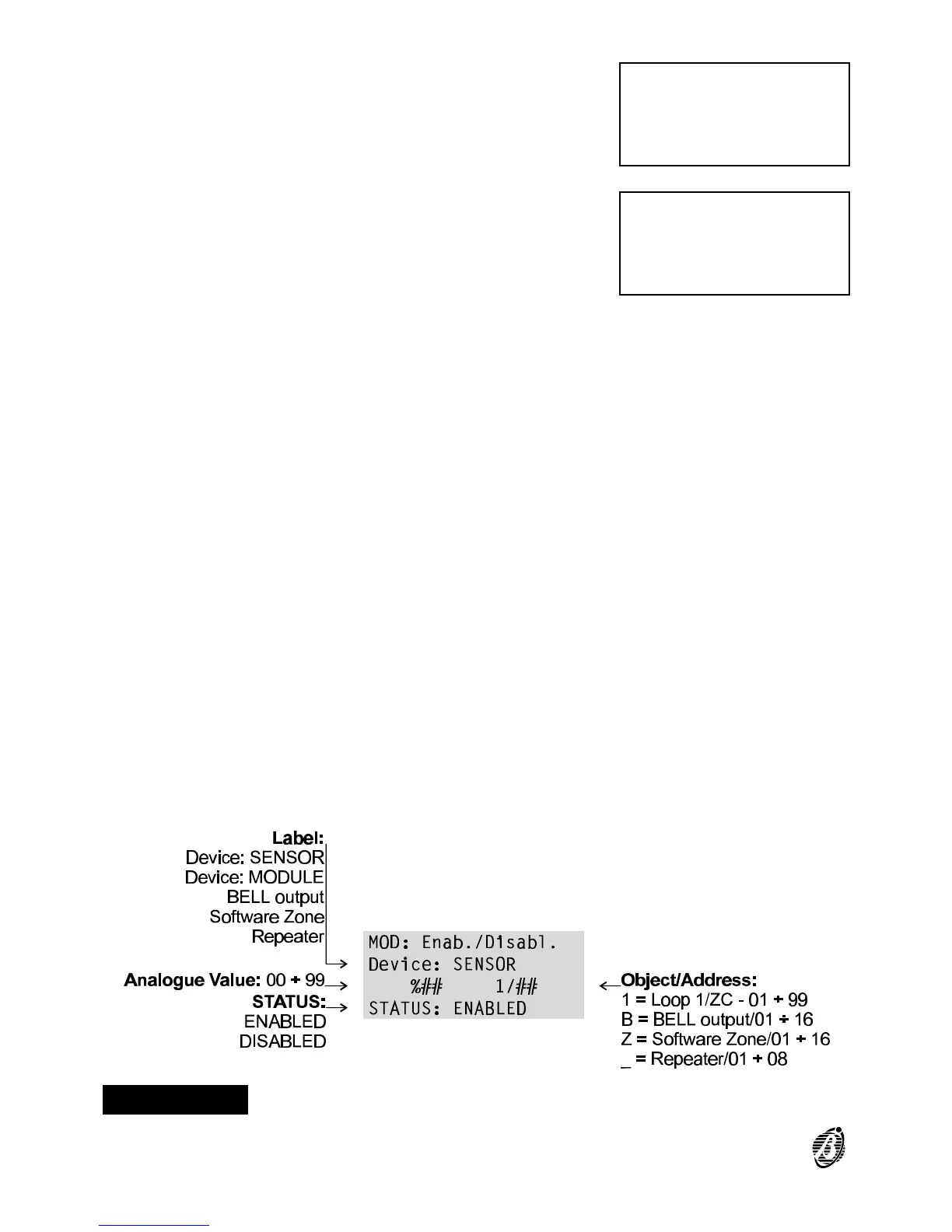
Figure 4 Enabled/Disabled status of sensors
24 Analogue Fire Control Panel FireClass100









 To Next Page