28
Multifunction Control Panel
Input Expanders
This option is available on Series 32 Models, and will allow you to program the
Input Expanders.
1. From the Installer Menu, using
99
99
9 or
00
00
0, select
‘Esp. IN’ then press
EE
EE
E.
2. Using
99
99
9 or
00
00
0, select the required Input Ex-
pander then press
EE
EE
E.
Up to 4 Input Expanders can be enabled (6 zones per Expander).
3. Using
99
99
9 or
00
00
0, enable or disable the Input Ex-
pander as required.
4. Press
EE
EE
E to go back to step 2 to program another Input Expander.
PROGRAMMING
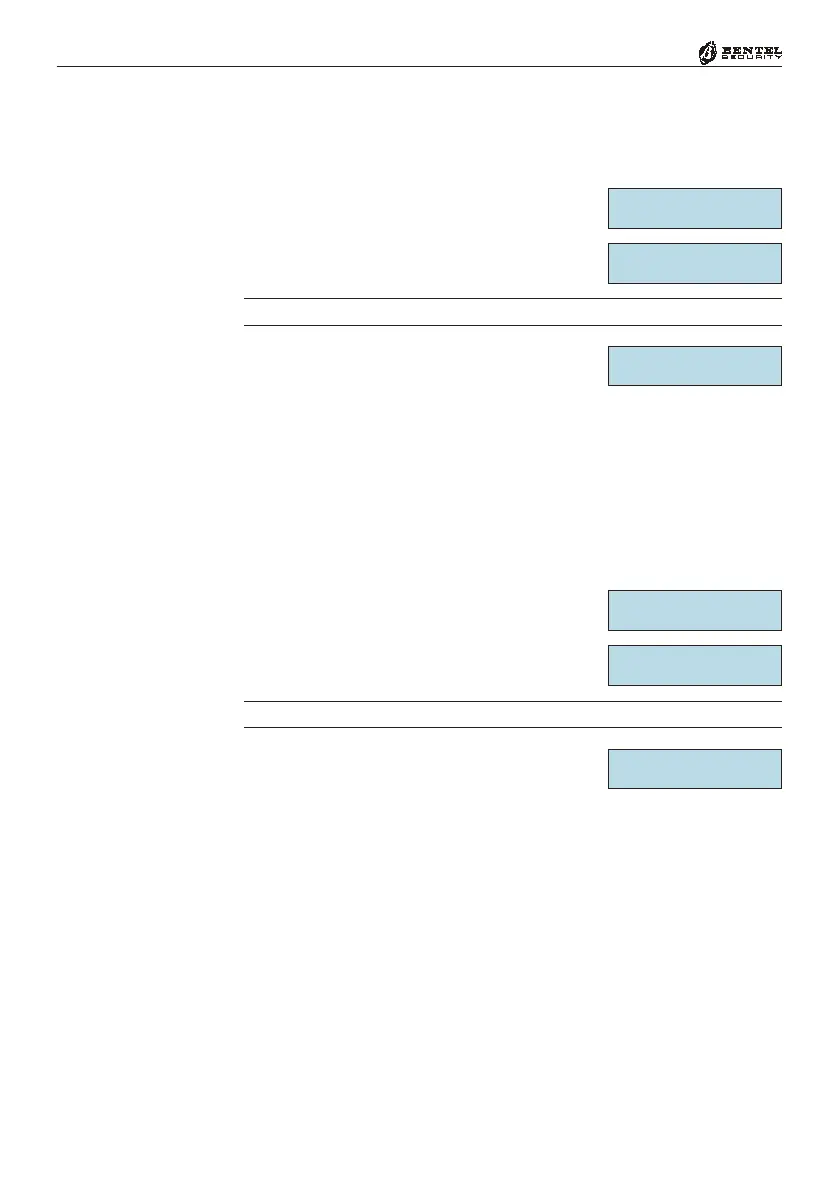
Exp. IN âá
Exp. IN
Expander In 1 âá
Expander In 1
OFF
Output Expanders
This option is available on Series 32 Models, and will allow you to program the
Output Expanders.
1. From the Installer Menu, using
99
99
9 or
00
00
0, select
‘Esp. OUT’ then press
EE
EE
E.
2. Using
99
99
9 or
00
00
0, select the required Output Ex-
pander then press
EE
EE
E.
1 or 2 Output Expanders can be enabled (6 outputs per Expander).
3. Using
99
99
9 or
00
00
0, enable or disable the Output Ex-
pander as required.
4. Press
EE
EE
E to go back to step 2 to program another Output Expander.
PROGRAMMING
Exp. OUT âá
Exp. OUT
Expander Out 1âá
Expander Out 1
OFF






 To Next Page