6
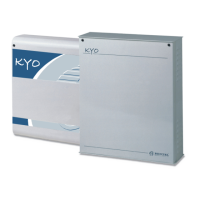
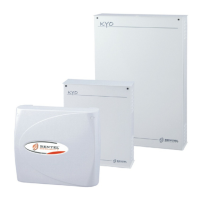
Multifunction Control Panel
47
47
47
47
47
47
47
Accepted Keypads
You can program the system from OMNIA/TAST-R, MIA/S, MIA/D, ALISON/
S and ALISON/DVP LCD Keypads or, for KYO4-8 ONLY, from LED
Keypads. The ‘Superkeys’ (function keys) on these Keypads differ slightly.
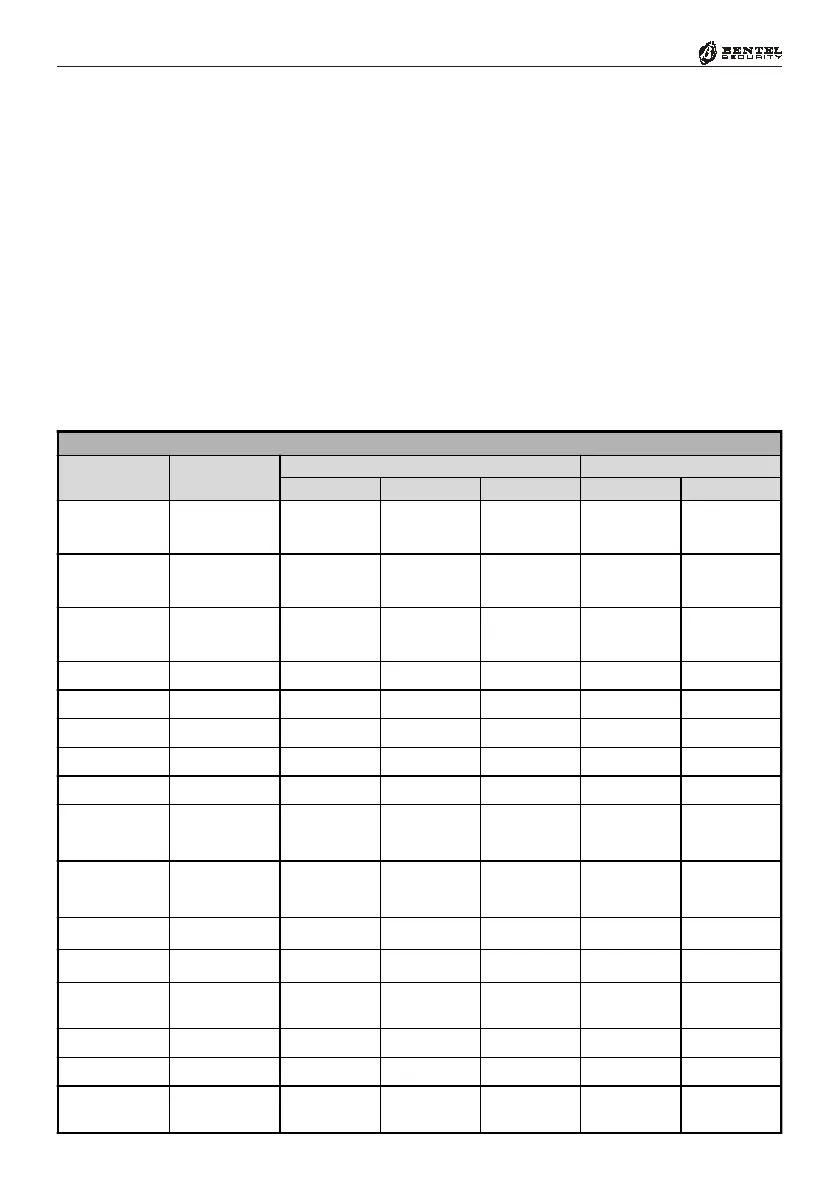
Table 2 shows how the keys function on the various Keypads.
NOTE: The ‘Superkeys’ must be duly setup, otherwise, they will NOT work.
The following Table shows the ‘Superkeys’ (function keys) on the various
Keypads. The functions provided by keys
ÌÍÌÍ
ÌÍÌÍ
ÌÍ,
PpPp
PpPp
Pp and
ÀÁÀÁ
ÀÁÀÁ
ÀÁ (to be
pressed contemporarily) on the MIA/S and MIA/D, are provided by pressing
and holding (respectively) keys
11
11
1,
22
22
2 and
33
33
3 for approximately 3 seconds.
You can scroll the Programming menu, using keys
99
99
9 and
00
00
0 on the OMNIA/
TAST-R Keypad, keys
CC
CC
C and
DD
DD
D on MIA/S and MIA/D Keypads, and
CC
CC
C
and
DD
DD
D on ALISON Keypads series.







 To Next Page