EasyManua.ls Logo

Bentel Security KYO 32 - Page 44

Bentel Security KYO 32
52 pages
Print Icon
To Next Page IconTo Next Page
To Previous Page IconTo Previous Page
Loading...
44
Multifunction Control Panel
(165-%'+







++






























+
012499-!3
,45'02"0+!0
"303("#!6

$&

7
7



#
/
/01





















2/3242









#
&' $&%
 !"(' $=%
!"!$%

8

5/3642









!
!./
"
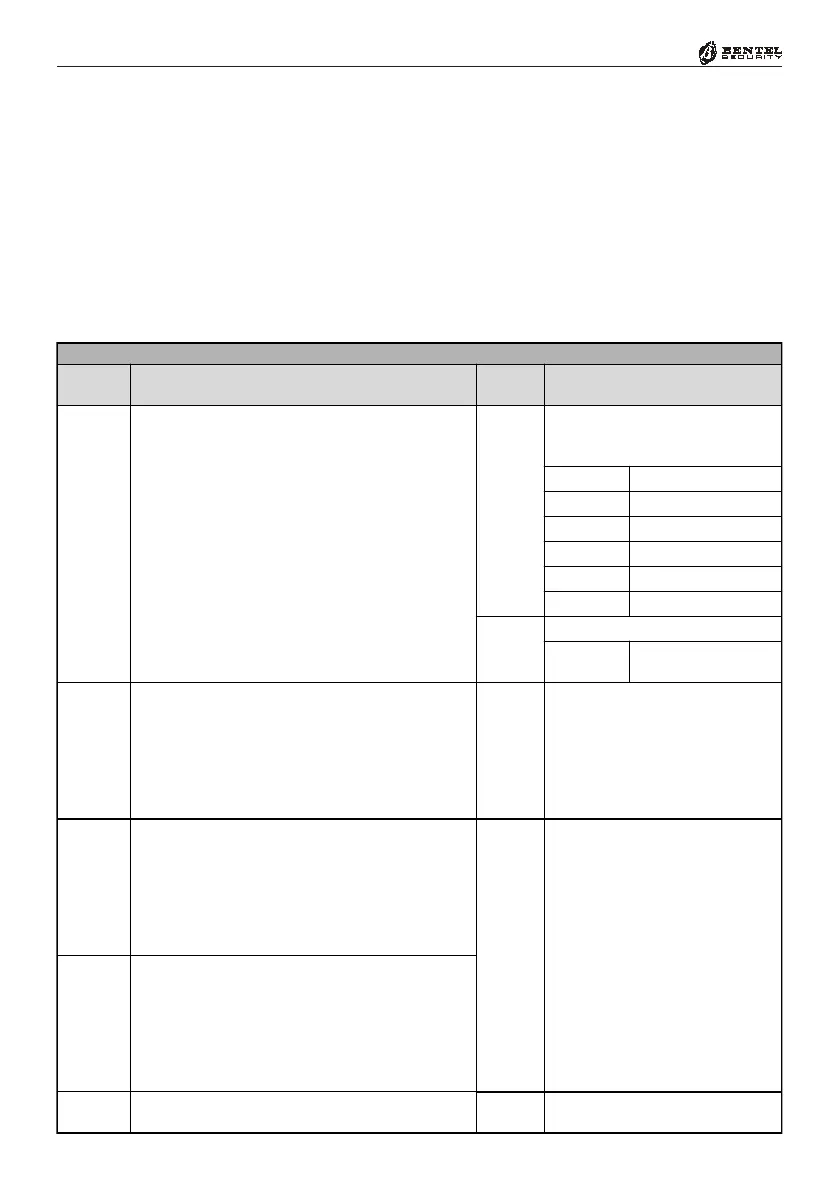
2. Using keys 1 to 4 (which correspond respectively to Partitions 1 to 4),
enable/disable the Auto-Reset Memory option (refer to Tab. 14 for de-
tails).
3. Press
E to confirm, or e to abort the setting.