Installer PIN: Access to the programming phase
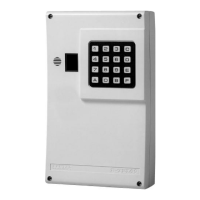
To access the programming phase of the B-TEL99, open the control panel
and press 12 on the board, or enter the default Installer PIN 11 and press
e.
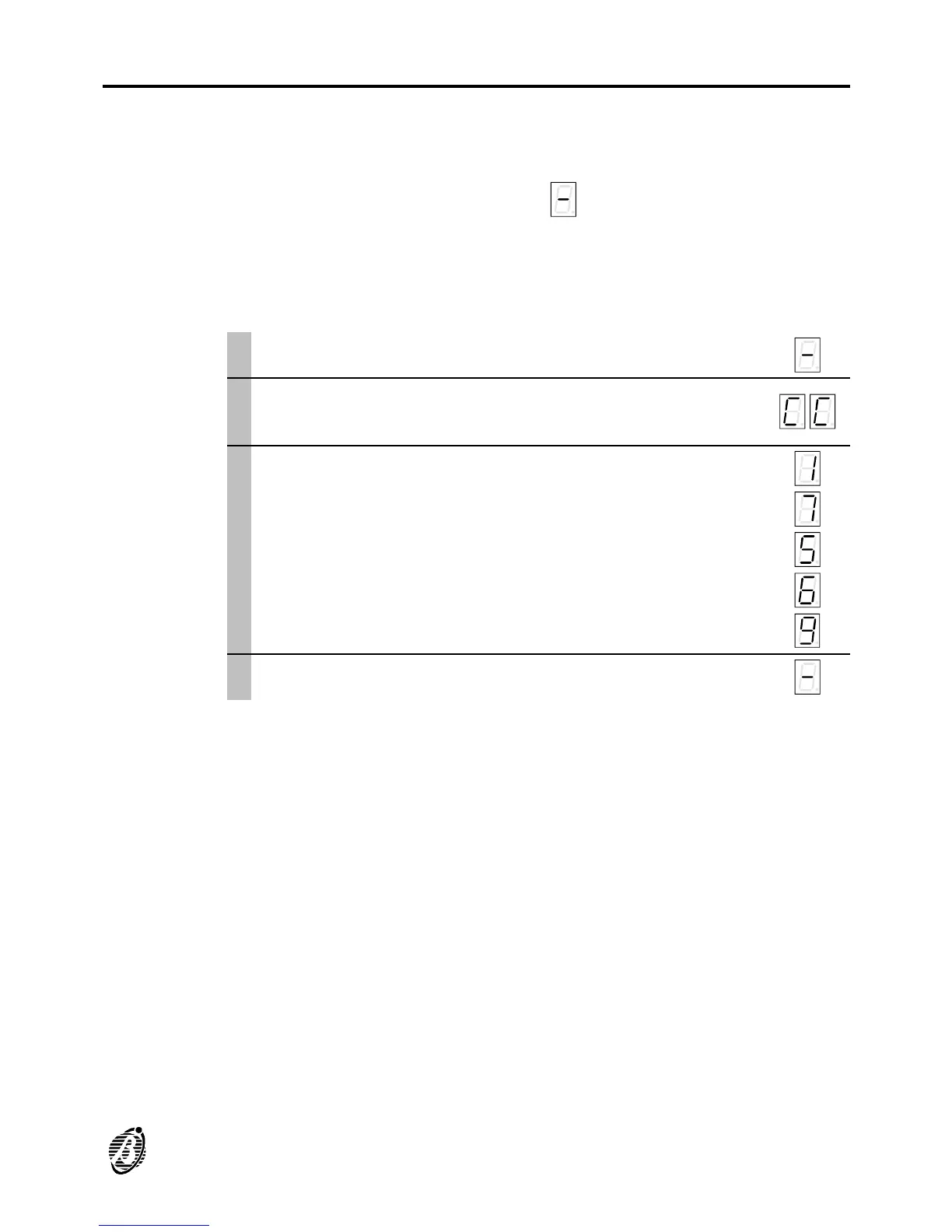
The display 4 will show the symbol thus indicating ready status: enter
the required parameters.
If no key is pressed within 25 seconds the dialler will quit the programming
phase automatically and return to standby status.
To enter a new Installer PIN proceed as follows:
Access the programming phase ...
è
1
Press c twice.
c
c
è
2
Wait for the point on the display to start blinking
slowly, and then enter the new PIN (up to 5 digits 0
through 9).
1
7
5
6
9
è
3
Press e to enter and confirm. e
è
PROGRAMMING 19


 To Next Page