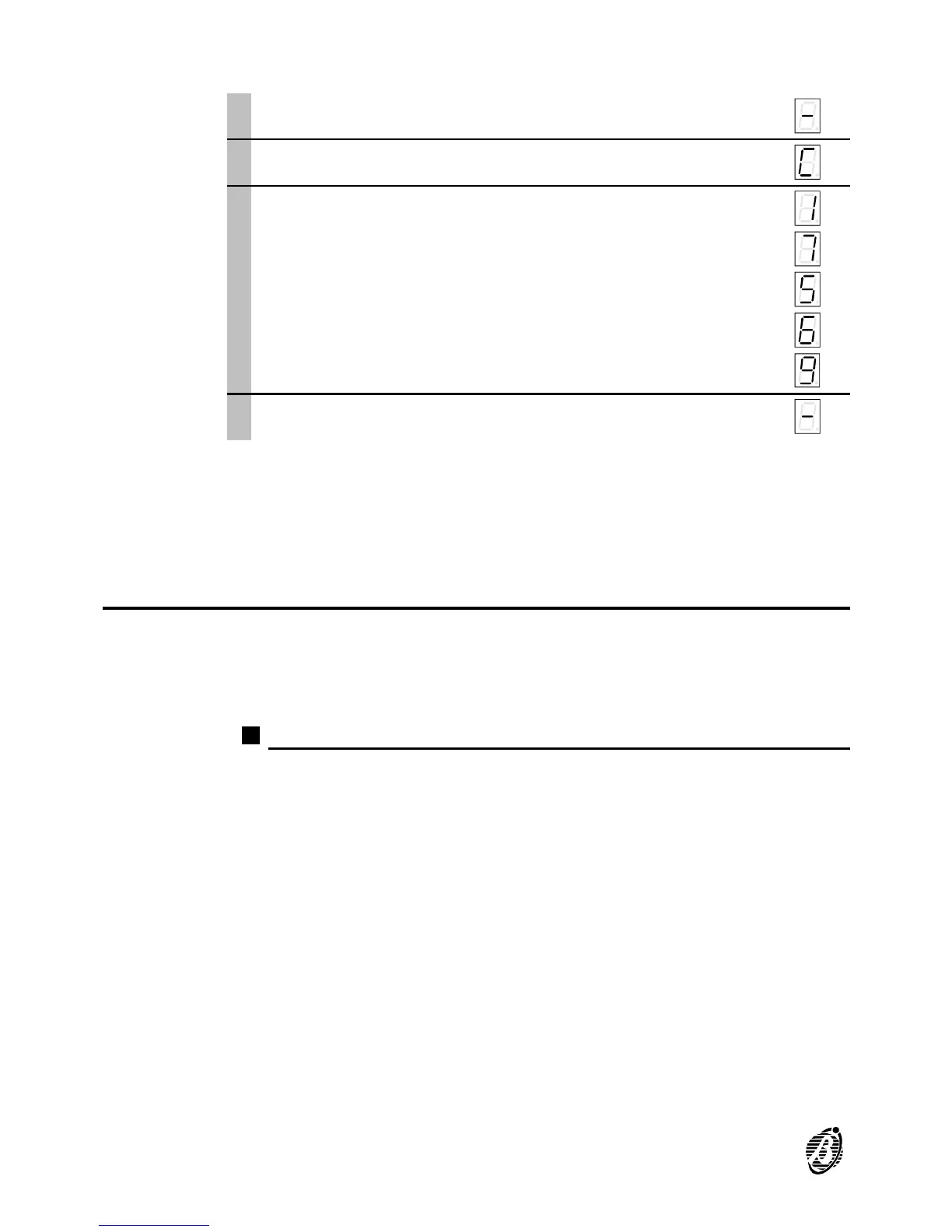
New PIN To program a new PIN proceed as follows:
Access the programming phase ...
è
1
Press c. c
è
2
Enter the new PIN (up to 5 digits 0 through 9).
1
7
5
6
9
è
3
Press e to enter and confirm. e
è
User Command
fast key
To create a User Command fast key, press c then e consecutively, in
this way, in the event of an alarm all the enabled alarm sequences can be
stopped by simply pressing e.
Options
The eight programmable options are: 1) Alarm Message Management; 2)
Number of Call Cycles; 3) Playback Time; 4) Dialling Type; 5) Dial-Tone
Check; 6) Voice Answer Detection; 7) Dial-tone type; 8) RESERVED OP-
TION Time Adjustment for Pulse Dialling.
Option 1) Message Management
Ø Value [1] = Long Common Message
When 1 is selected the B-TEL99 will assign the Long Common Message
(32 seconds) to both alarm channels.
Ø Value [2] = Two Dedicated Messages
When 2 is selected the B-TEL99 will assign a Dedicated Message to each
alarm channel (16 seconds per message).
Ø Value [3] = Short Common Message + 2 brief dedicated messages
When 3 is selected the B-TEL99 will assign the Short Common Message
(16 seconds) to both alarm channels, and a brief dedicated message to
each alarm channel (8 seconds per message).
+
In the event of an alarm on alarm channel 1, programmed with value 3, the
messages recorded by means of commands b-b-1-e will be sent,
that is, the brief dedicated message (8 seconds) assigned to alarm chan-
24 Telephone dialler B-TEL99


 To Next Page