QUICK GUIDE
The B-TEL99 requires little user intervention: the only manual intervention
that may be required is the Stop alarm cycle/s command.
The user may also change the programmed parameters of the B-TEL99
(see "Programming").
ATTENTION In the event of an alarm status, all telephone devices con-
nected after the B-TEL99 will be isolated until the end of the programmed
call cycle/s. When the alarm cycles end or are stopped, the telephone line
will be released.
Stop Alarm
In the event of false alarms, the alarm cycle/s can be stopped in the follow-
ing ways.
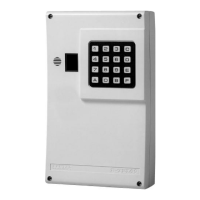
From keypad
By entering the User Command PIN followed by e.
If, for example, the User Command PIN is 17569 press the corre-
sponding keys followed by e: all the alarm cycle/s will be stopped imme-
diately.
To check that the B-TEL99 is disarmed (after a stop alarm cycle/s com-
mand). Press any key on the keypad; the display should remain blank, if
not, repeat the stop alarm procedure, as above.
Auxiliary
command
Alarm cycle/s can also be stopped by connecting terminal [B.A.] to an
electric lock, a control panel, a radio receiver or other such device. Ask
your installer for this option.
Stop Alarm cycles via telephone
To stop the alarm cycle/s via remote telephone, dial the User Command
PIN and press [#] on the telephone keypad, before the dialler call ends.
The [#] key corresponds to e on the B-TEL99.
+
This operation is possible on DTMF telephones only.
QUICK GUIDE 31


 To Next Page