65
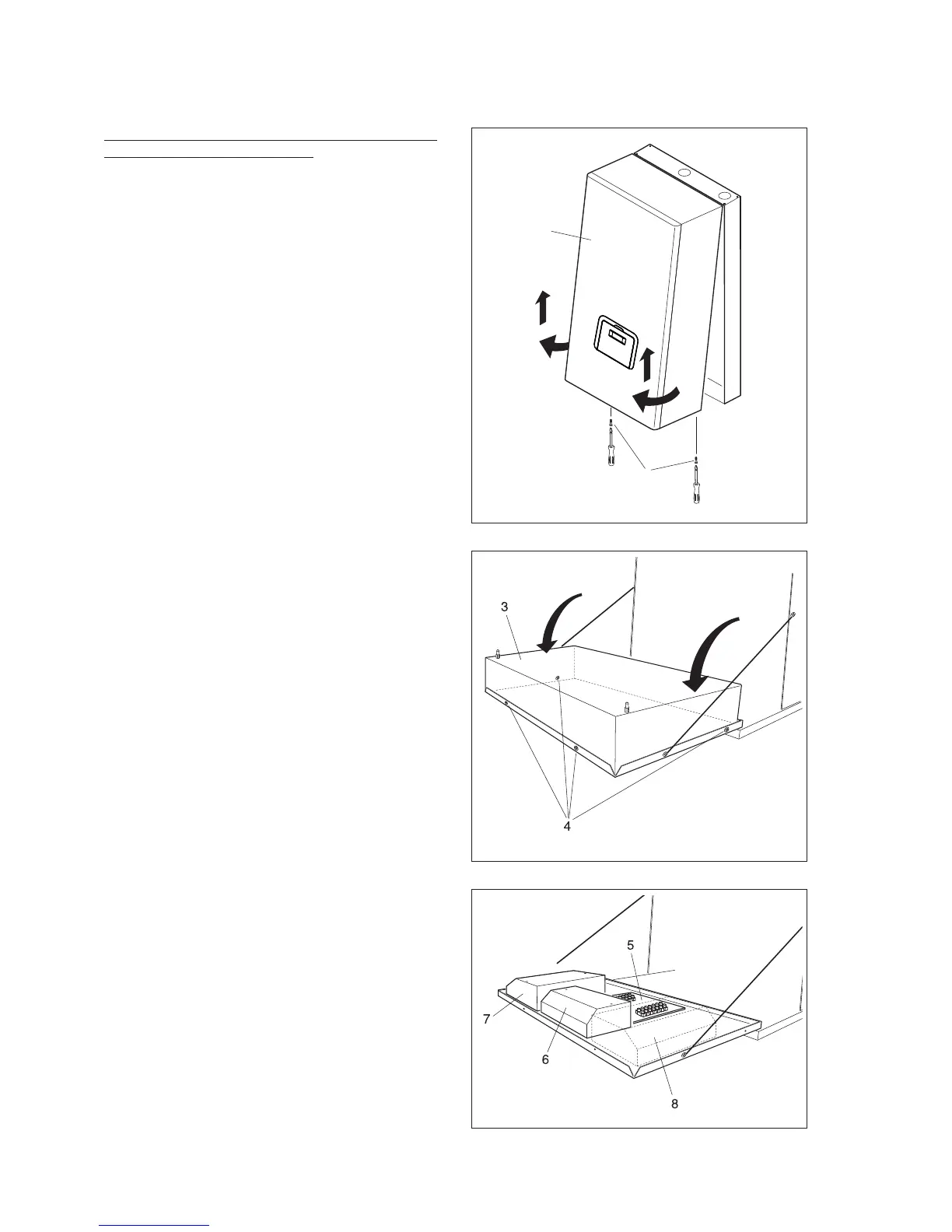
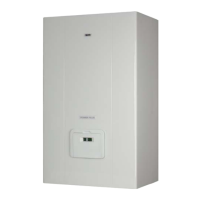
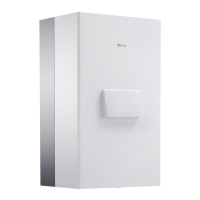
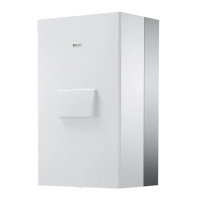
Removing the front panel, accessing the control
panel and the inside of the boiler
- Unscrew the fastening screws (1) on the front panel
(2)
- Pull the base of the panel (2) outwards and then upwar-
ds to release it from the frame and then remove it
- Turn the control panel (3) 90°C and take out the four
screws (4) so as to remove the rear cover.
- The terminal block (5) and the boards can now be
accessed:
- Master board (6) (models 50 M, 100 M and 100 M
DEP)
- first Slave board (7)
- second Slave board (8) (models 100 M, 100 M DEP,
100 S and 100 S DEP)
Once the servicing operations have been completed,
reassemble the components in the reverse order.
2
1






 To Next Page