39
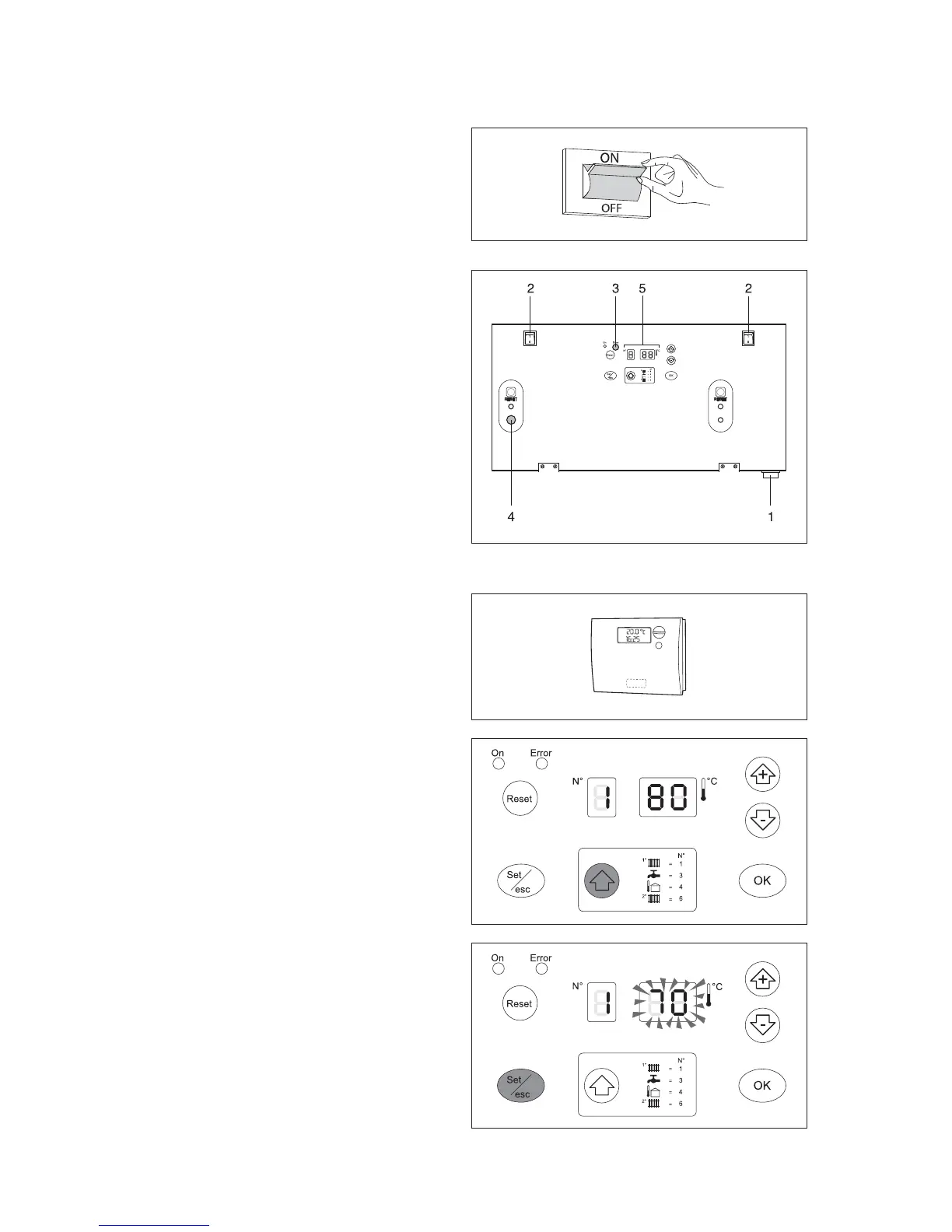
- Move the main system switch to "on";
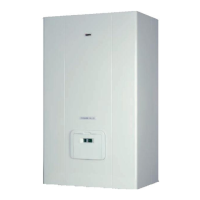
- Move the main switch (1) on the boiler and the switches
(2) on each heating unit to "on".
The green SLAVE power supply signal (3) flashes. The
boiler performs a self-diagnosis cycle, after which it will
enter DISPLAY mode.
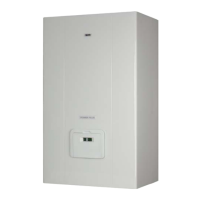
The display (4) shows the status of the system and the
temperature measured by the probe in the "high tem-
perature" circuit (see Display mode on page 20).
If there are more than two boilers installed, configure
the addresses from the third boiler on. To do this, see
the paragraph "Setting the addresses for cascading
configurations" on page 54).
- Set the room thermostats in the high and low tempe-
rature zone to the desired temperature (20°C) or if
the systems are fitted with a timer-thermostat or timer,
check that this is on and set (20°C).
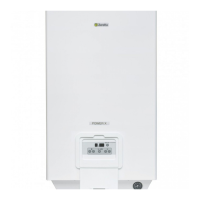
- Press the “[” button: the maximum temperature of the
boiler will be displayed, that is, the maximum tempera-
ture in the high temperature circuit, preceded by the
symbol "1".
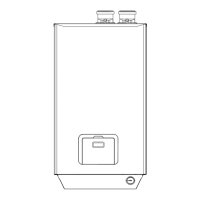
- Press “Set/esc” :the corresponding set point will be
displayed and the two digits on the right will flash. To
change the value, press “+” or “-”. To confirm press
“OK”.
Starting for the First Time






 To Next Page