BestCode Next Series 8 Technical Manual October 2022 Page 215 of 290
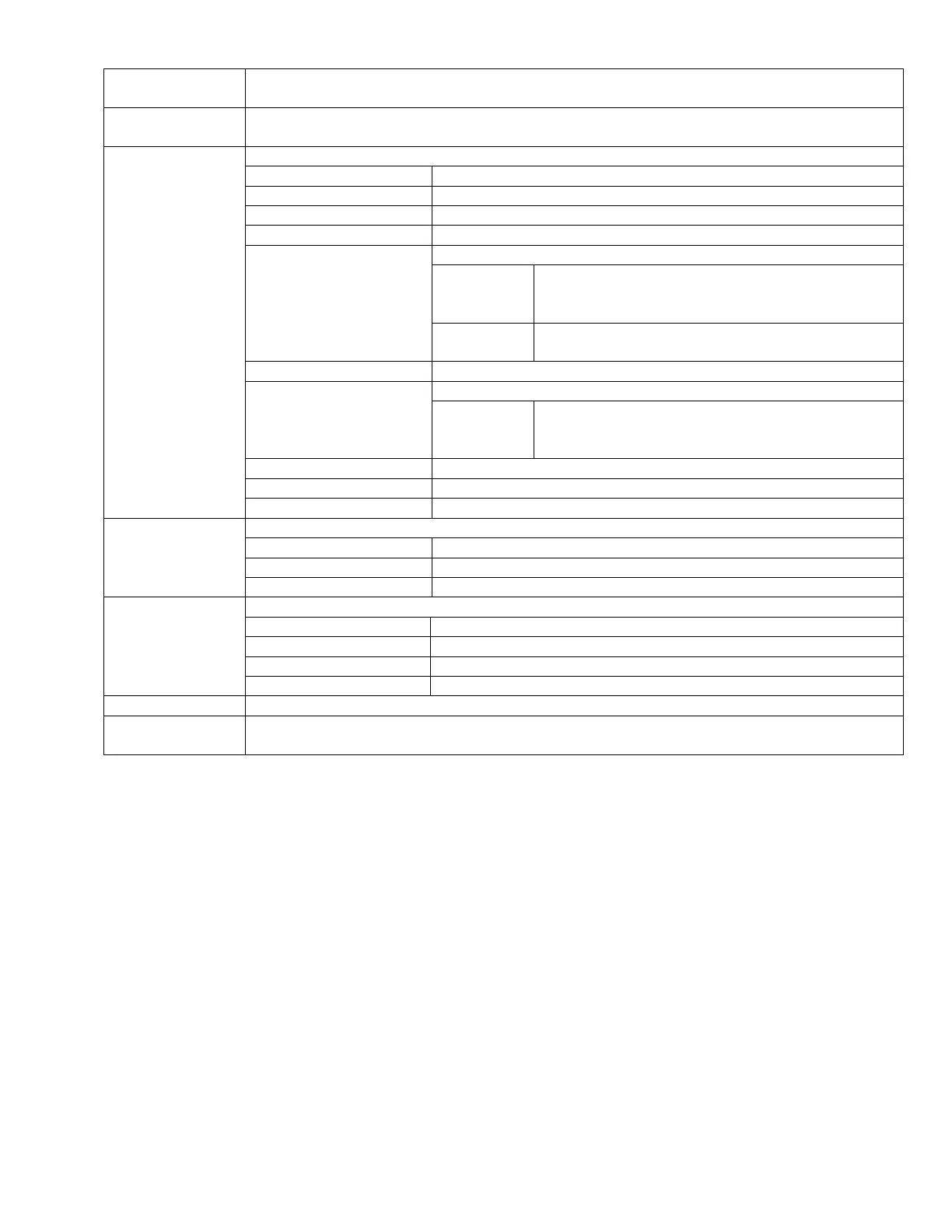
Contains System Data and User file folders.
Print quality files. Do not modify or replace.
Print quality files. Do not modify or replace.
Print quality files. Do not modify or replace.
Contains bestCode Fonts, Keyboards, and Translations
files. Use bcTools to modify and update between
firmware versions.
Contains Chinese Fonts, Keyboards, and Translations
files.
Holds CSV files for the Event Log.
Contains the valid message files.
Holding place for messages that could not be updated.
Use the built in Update Messages tool. Do not manually
move old messages into new messages folder
Print quality files. Do not modify or replace.
Controls pump and valve functions. Do not modify or replace.
Configuration file for loading. Do not modify or replace.
Contains files for USB Firmware Loading.
Necessary file for USB Firmware Load. Do not modify or replace.
Necessary file for USB Firmware Load. Do not modify or replace.
Necessary file for USB Firmware Load. Do not modify or replace.
Contains bestCode tools for keyboards, translations, fonts, and message review.
Tool for viewing messages: Instructions here.
Tool for creating language translations: Instructions here.
Tool for creating custom keyboards: Instructions here.
Tool for modifying Font drops: Instructions here.
Ensures the correct files are loaded during a firmware update process.
Executable file for loading J-Link software onto PC. Setup.exe must be installed specific to each
Firmware version load.



 To Next Page