BestCode Next Series 8 Technical Manual October 2022 Page 216 of 290
Multiple Version Per Stick
• Allows technicians to carry multiple versions of software on a single USB stick.
o This helps reduce confusion during backup and restore functions.
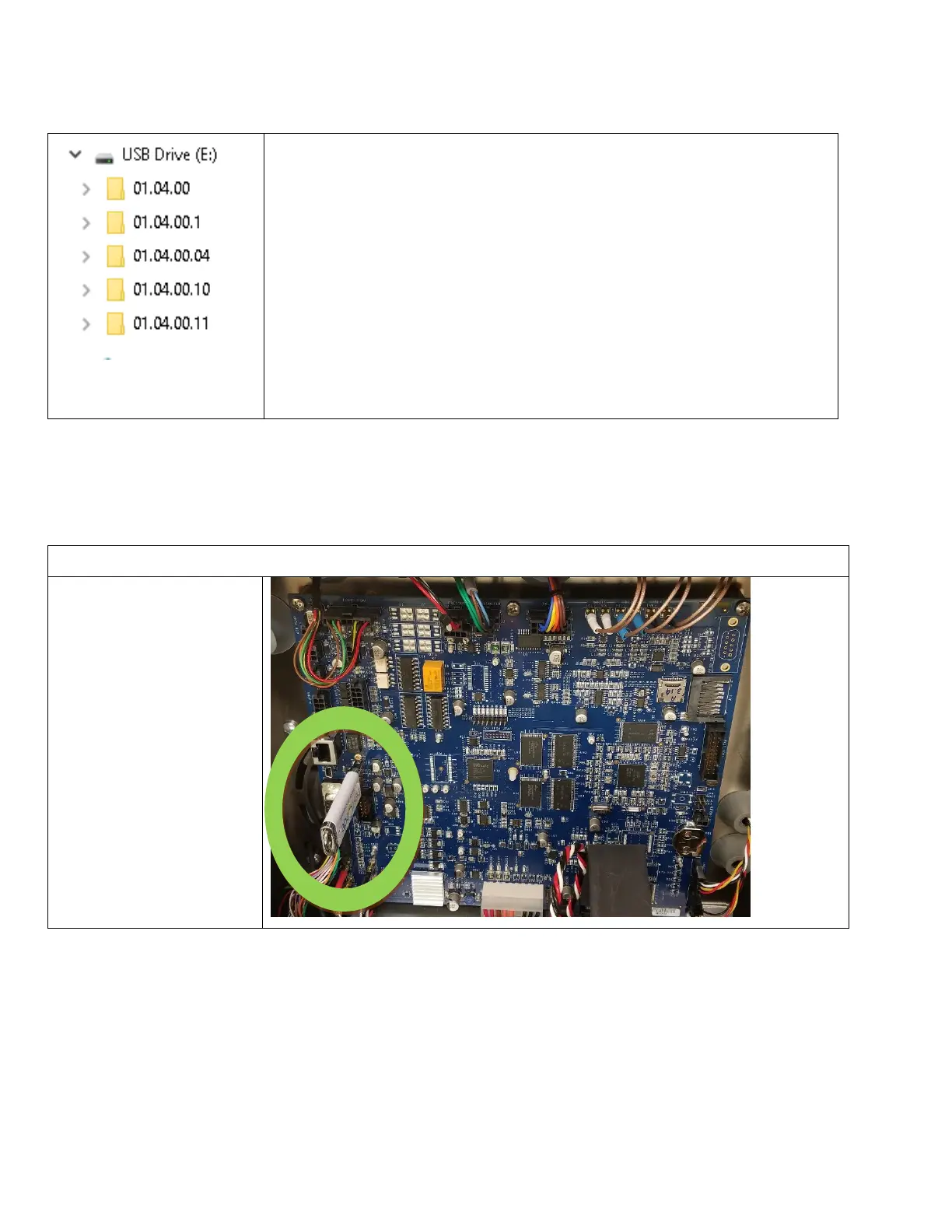
As seen to the left, multiple versions of firmware may exist on a single USB stick. This
allows technicians to use a single USB stick to Backup and Restore files from one
machine to another.
Machines must be the same Firmware version to correctly backup and restore files
between them.
When a Firmware update is performed, the newest files on the USB will always be
loaded on to the printer.
The newest Firmware version will always have the higher version number.
01.04.00.11 is newer than 01.04.00.10.
If a backup is performed to a stick where an appropriate firmware version does not
exist, the Printer will create a folder for that version of firmware and save the files in
the appropriate locations.



 To Next Page