BestCode Next Series 8 Technical Manual October 2022 Page 43 of 290
For continued counting, follow a simple Binary to Decimal Chart. The Decimal value corresponds to the ID Number.
The printer will produce repeated print when a single print trigger is provided.
How many times the print will occur for each print
trigger
Increases or decreases the time between receiving a
print trigger and print occuring.
Specifies the delay between repeated prints.
The printer will automatically print with or without a print trigger. The print trigger state for AutoPrint is based off of the Rise
or Fall edge configured in Setup.
Specifies the delay between repeated prints.
Increases or decreases the time between receiving a
print trigger and print occuring.
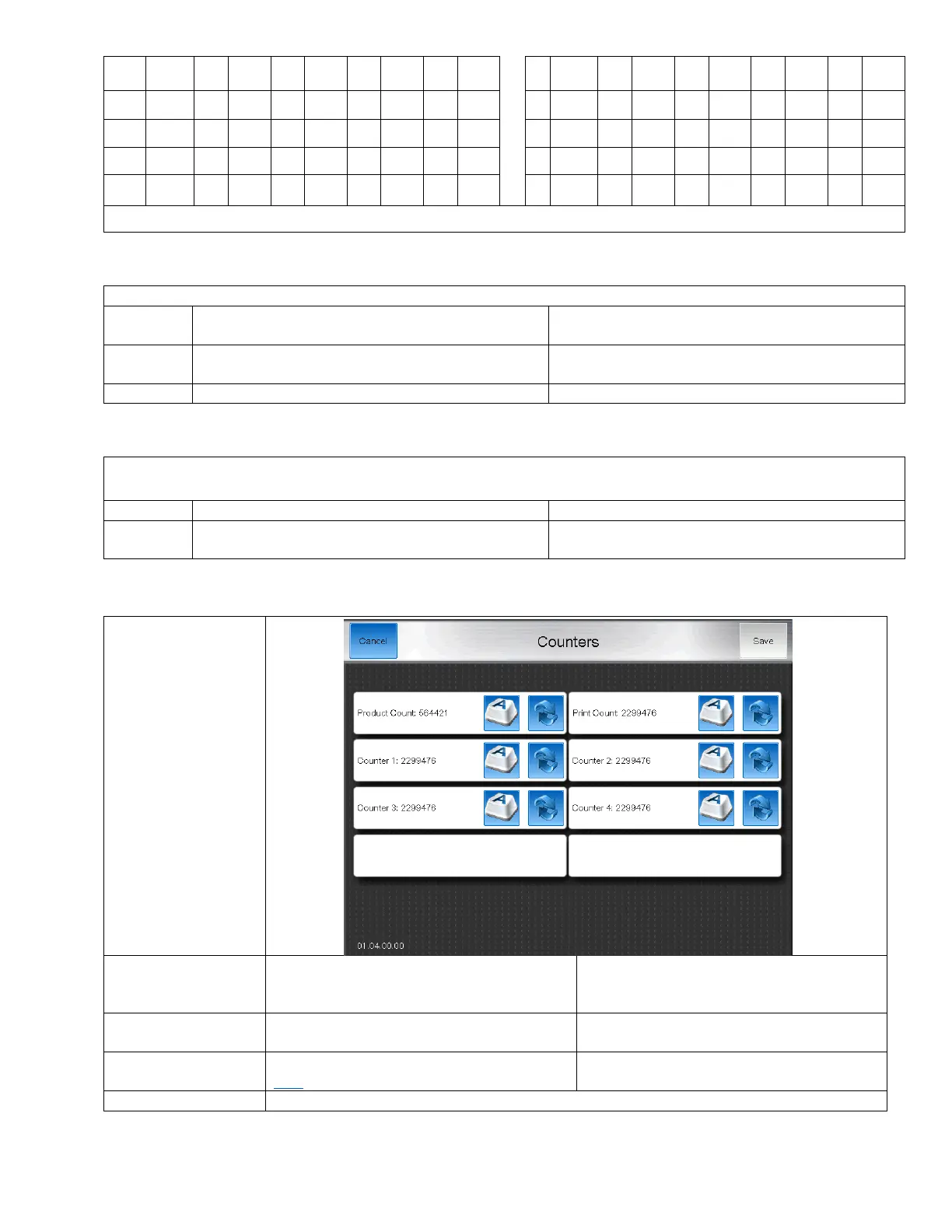
The count screen
keeps track of how
many prints and print
triggers have
occurred.
This counter tracks how many print triggers
have been received from the Photoeye
sensor.
This counter tracks how many prints have
occurred.
These are setup in the message editor. See
here
Counters can be reset OR manually typed in using the buttons next to each counter.



 To Next Page