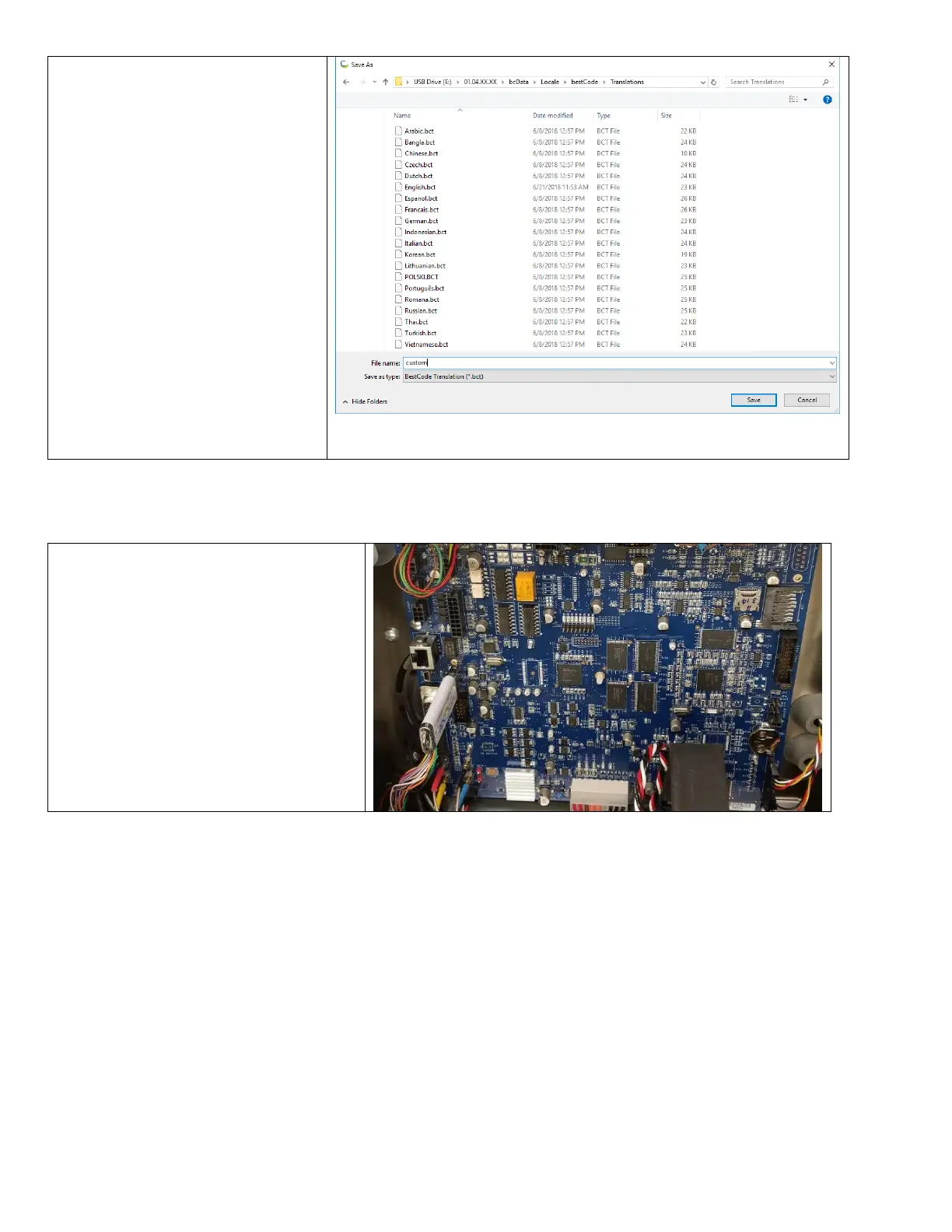
6. Press File > Save As
7. Navigate to
USBDRIVE>01.XX.XX.XX>bcData>
Locale>bestCode>Translations
The File name must not contain any
of the following characters.
• Numbers (1,2,3,4,5,…etc)
• Symbols (!,@,#,$,?,/,…)
• Blank Spaces
8. Press Save.
How to Install Translations
After Translation files are modified, the “Restore” feature is used inside the Series 8 system to install the Translation.



 To Next Page