BestCode Next Series 8 Technical Manual October 2022 Page 272 of 290
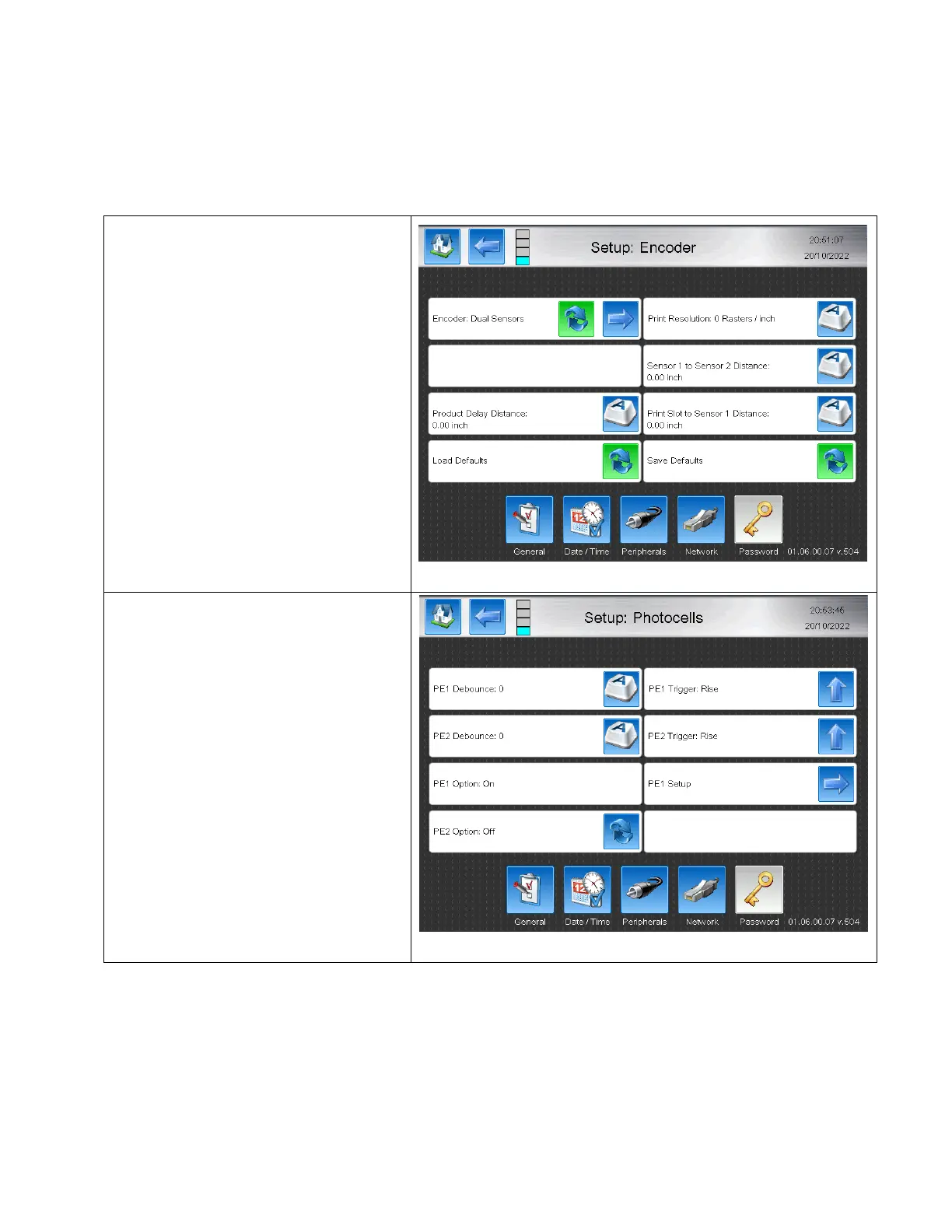
Dual Sensor AutoEncoding
The Dual Sensor AutoEncoding mode is used only in the “Normal” print mode (Not Autoprint / Repeat / Advanced / or
Auto Select), for automatically sensing the line speed of the product and adjusting the Delay and Width to ensure the
print occurs at the same location. The Dual Sensor AutoEncoding mode allows for multi length products and maintains
the same delay and print length. This is done by measuring the time between two locations usings the two Photo Eye
sensors as measurement points.
Software Setup



 To Next Page