BestCode Next Series 8 Technical Manual October 2022 Page 58 of 290
Enable or disable use of the 2
nd
Photoeye
Signals sent to PE 2 have no action
Signals sent to PE 2 are a print trigger, but the print direction is reversed. Used for traverse
printing where head moves in 2 directions.
When the PE 2 signal is held high, the print direction is mirrored. Used for traverse printing
where head moves in 2 directions.
When the PE 2 signal is held high, the print direction is flipped. Used for traverse printing
where head moves in 2 directions.
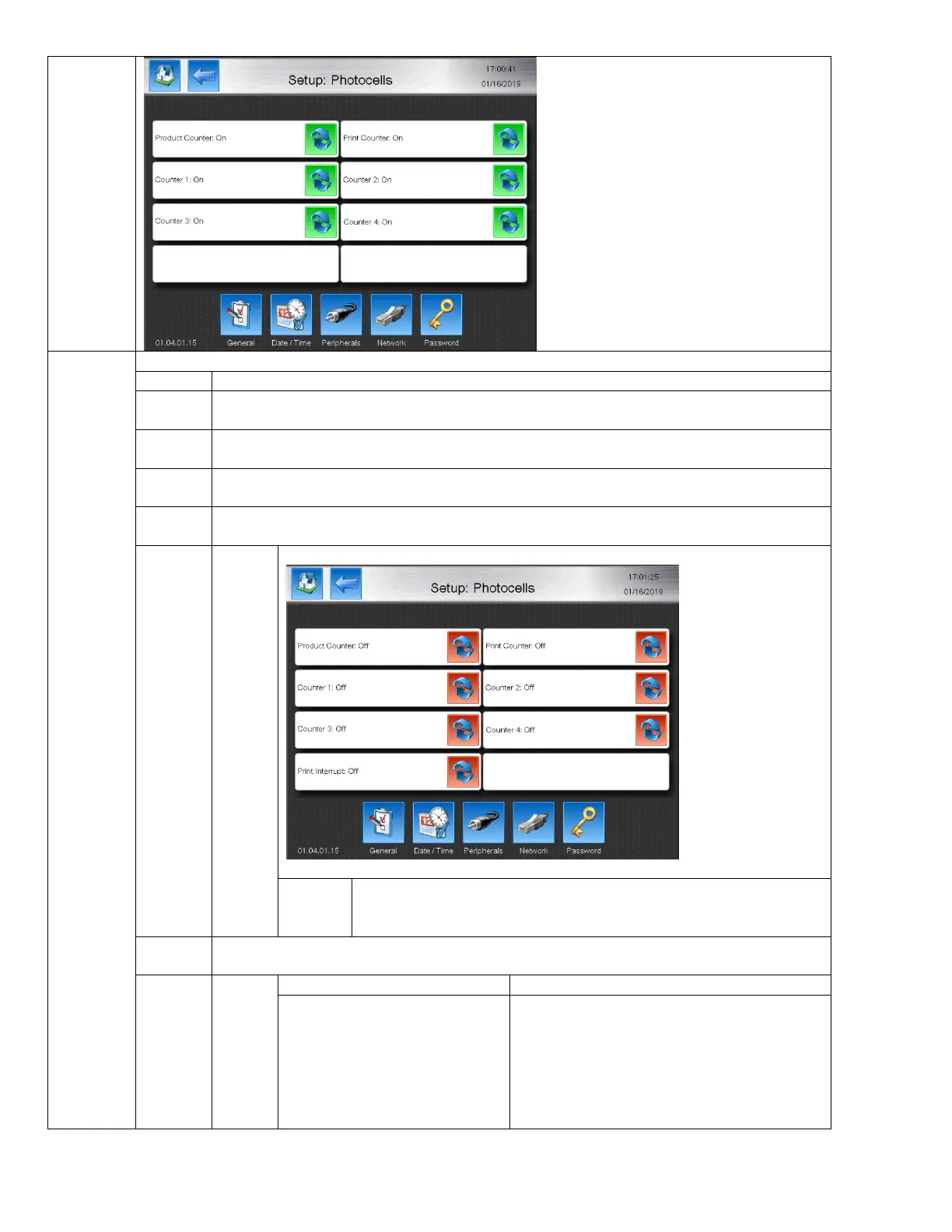
When the PE signal is received, the Counters enabled in the Counter Setup will be reset to the
defined start value.
Select which counters will be reset when PE2 is triggered.
When PE 2 signal is received the currently printing code is interupted
immediately.
When PE 2 signal is received, the Counters enabled in the Counter Setup will increment.
There is no delay value after a
print trigger provided on PE2
There is a delay value after a print trigger
provided on PE2



 To Next Page