KC5000 Technical manual — Programming 19
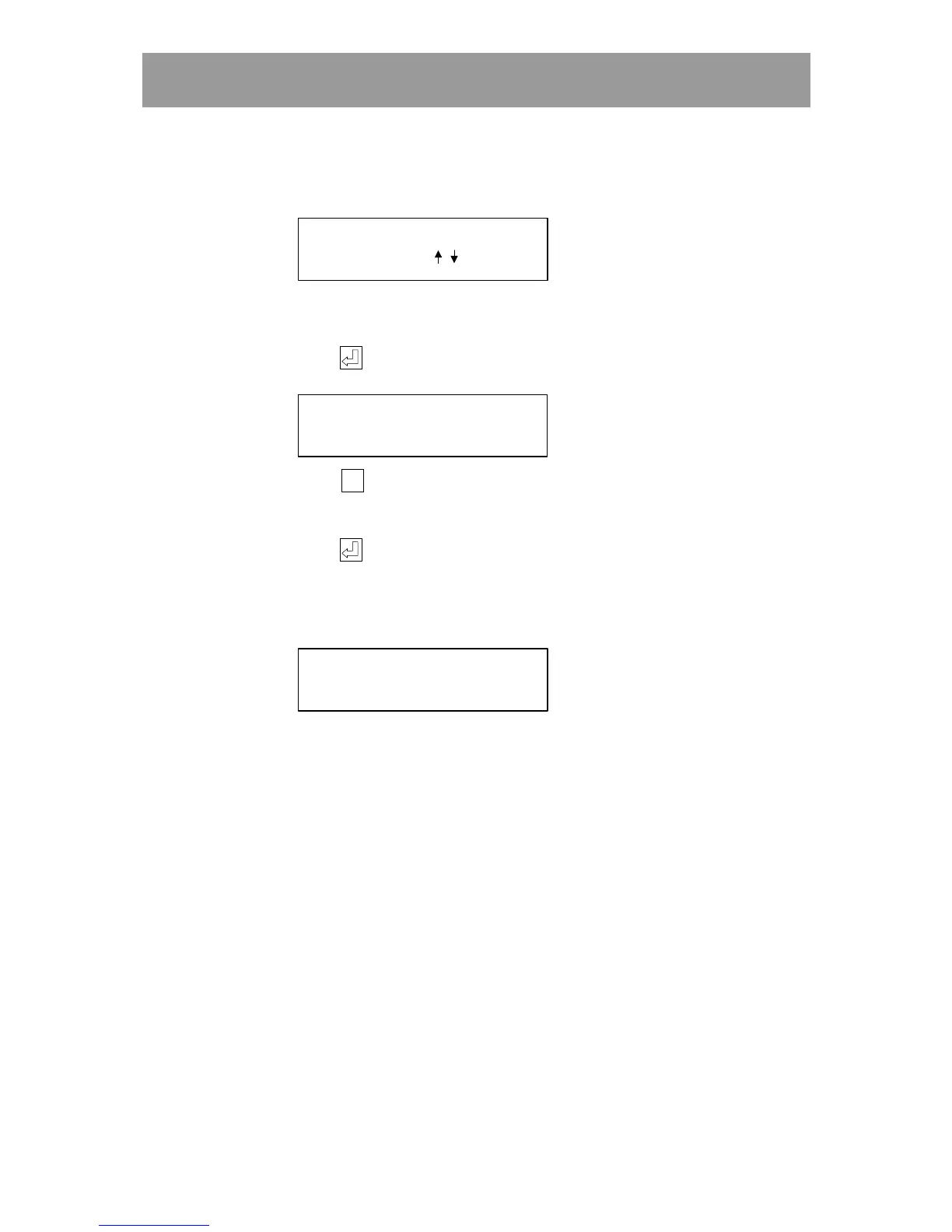
3 Choose DELETE (3). The following text is displayed:
WHICH TIMEZONE?
(TIMEZONE
OR / )
4 Enter the number of the time zone to be deleted, or use the arrow keys to
scroll forward or backwards to the desired time zone.
5 Press . The following text is displayed:
ARE YOU SURE?
1700-1500 [12345 ]
6 Press
Esc
EscEsc
Esc
to interrupt the sequence without deleting the time zone.
The main menu is displayed.
Press to delete the time zone.
If the time zone is deleted, the following text is displayed for a few
seconds:
DELETING TIME ZONE
(02) 0700-1500!
The main menu is displayed again.



 To Next Page