20 KC5000 Technical manual — Programming
Codes
This chapter describes how to program information about New Entry,
Changing and Deleting codes
New Entry of codes
Take out the Codes chart and program the codes to be used in the doors:
1 Choose CODES (press 1) on the main menu. The following text is
displayed:
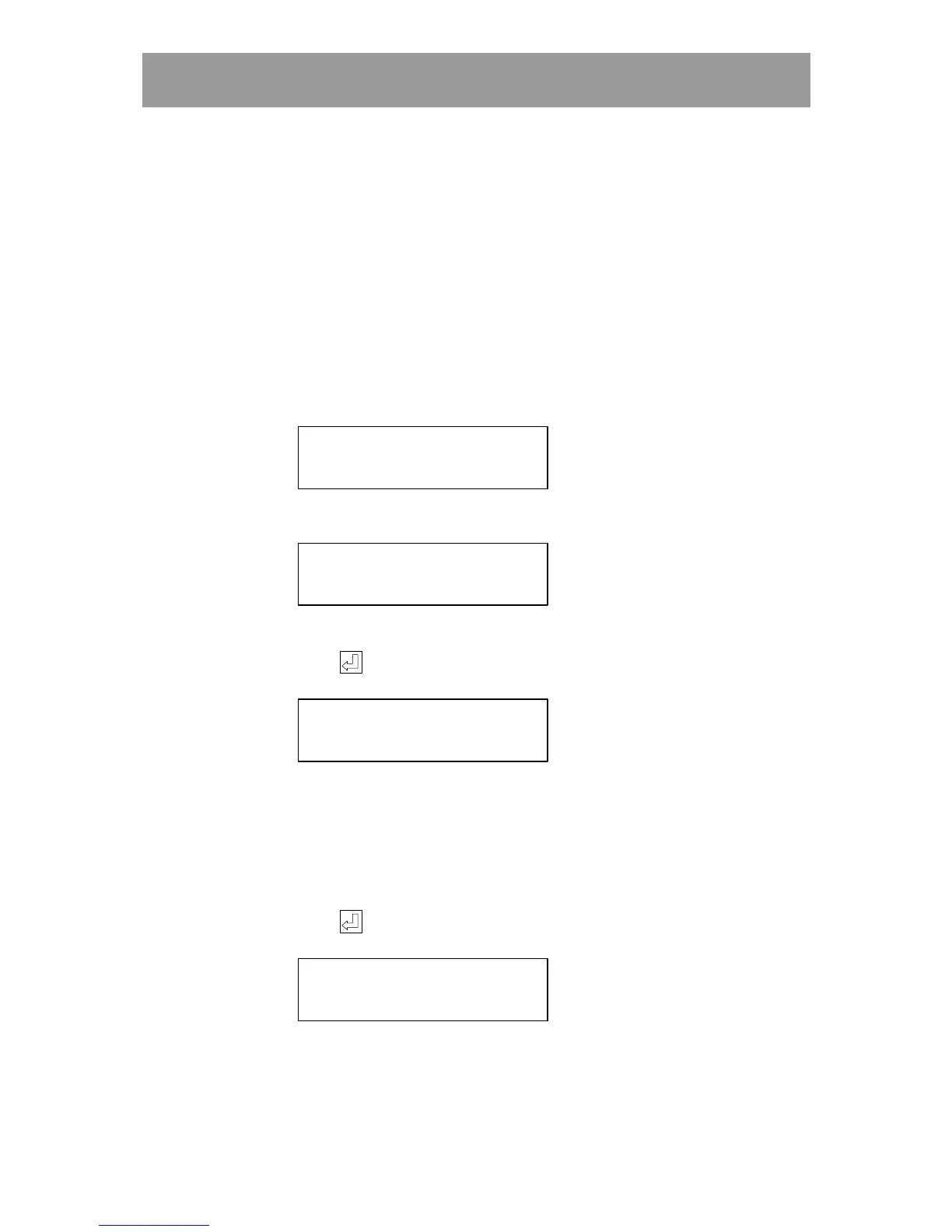
1) NEW 2) EDIT
3) DELETE 4) PRINT
2 Choose NEW (1). The following text is displayed:
ENTER NEW CODE
3 Enter a four-digit code, e.g. 2580.
4 Press . The following text is displayed:
WHICH DOOR’S?
2580 [ ]
The entered code is automatically displayed.
5 Enter in which doors the code should work. 1=the first door,
2=the second door etc. If the code should only work in the second door,
only press 2. If the wrong digit is entered by mistake, press the same
digit again to delete it.
6 Press . The following text is displayed:
ENTER TIME ZONES
, , (00,00,00)
7 Enter during which time zones the code should be valid. A code can be
used under three time zones at the most, e.g. 01, 02, 06.
If no time zone is programmed at all, the code will not work.



 To Next Page