KC5000 Technical manual — Remote programming 31
Enter new information
Change time and date
To change time and date, proceed as follows:
1 Call up the KC5000 and enter !
!!
! password !
!!
!.
2 Press 4 1. Finish with !
!!
!.
3 Enter the time, e.g. 0830 for eight thirty am. Finish with !
!!
!.
4 Enter the current date, e.g. 980709 for the 9:th of July 1998.
Finish with
!
!!
!.
If programming was performed correctly, three rising tones are heard,
otherwise four identical tones are heard.
5 Proceed and program other information (start from step 2) or press
#
to disconnect the call.
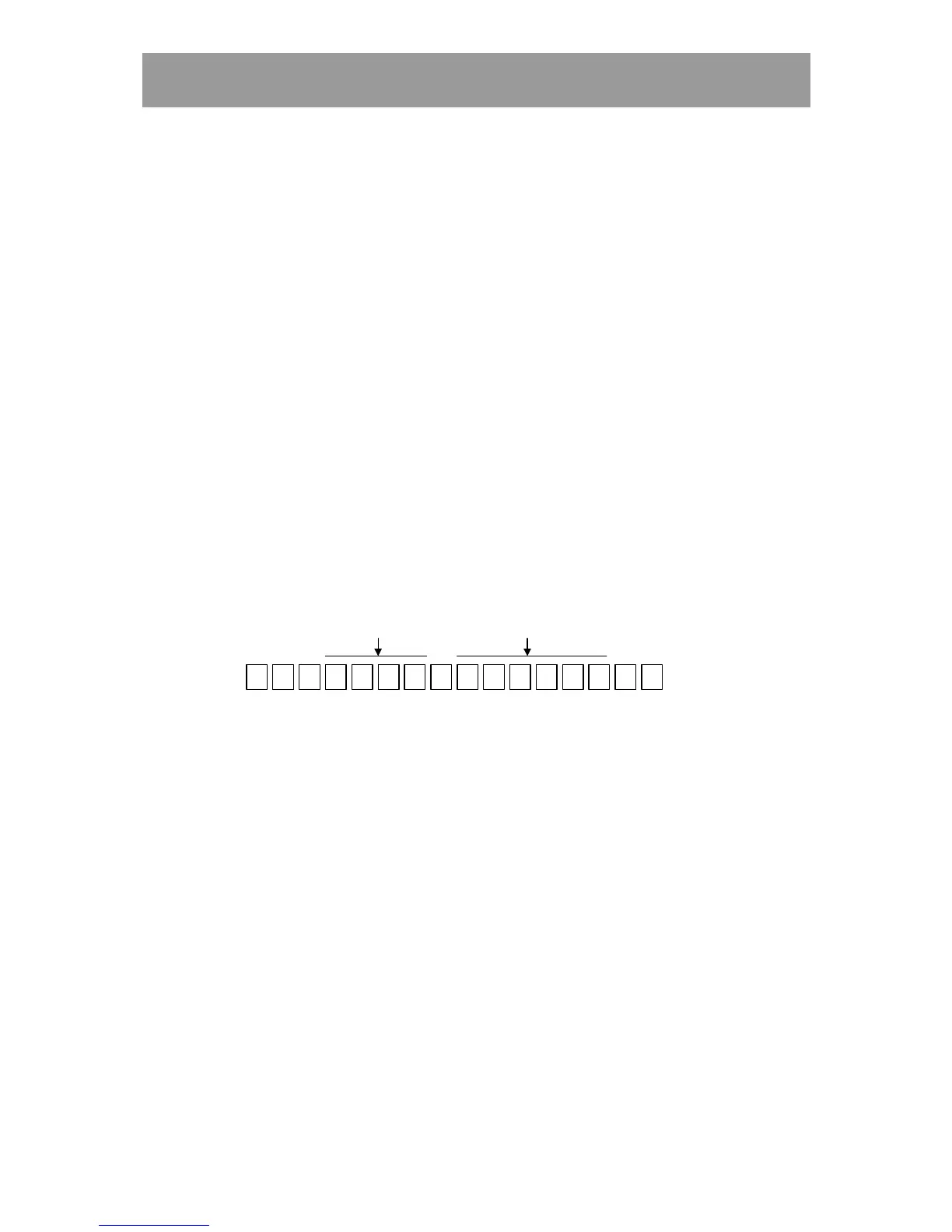
Example:
0 8 3 0 9 8 0 7 0 9
*
41
**
#
Time
Date
Time zones
This describes how to remote program information about New Entry,
Changing and Deleting time zones.
New Entry and Changing of time zones
To program a new time zone or change a previously programmed time zone,
proceed as follows:
1 Call up the KC5000 and enter !
!!
! password !
!!
!.
2 Press 4 2 . Finish with !
!!
!.
3 Enter the number of the desired time zone, e.g. 01. Finish with !
!!
!.
4 Enter the starting time of the zone, e.g. 0700. Finish with !
!!
!.
5 Enter the finishing time of the zone, e.g. 2100. Finish with !
!!
!.



 To Next Page