KC5000 Technical manual — Remote programming 35
Doors
This describes how to remote program information about Changing doors.
Changing doors
This is how to change information about doors:
1 Call up the KC5000 and enter
!
!!
! password !
!!
!.
2 Press
3 1 . Finish with !
!!
!.
3 Enter the number of the desired door. Finish with
!
!!
!.
4 Enter the desired lock activating time. Finish with
!
!!
!.
5 Enter the desired time zone for free access. Finish with
!
!!
!.
6 Enter the desired time zone for pushbutton. Finish with
!
!!
!.
7 Enter the desired time zone for registration. Finish with
!
!!
!.
If programming was performed correctly, three rising tones are heard,
otherwise four identical tones are heard.
8 Proceed and program other information (start from step 2) or press
#
to disconnect the call.
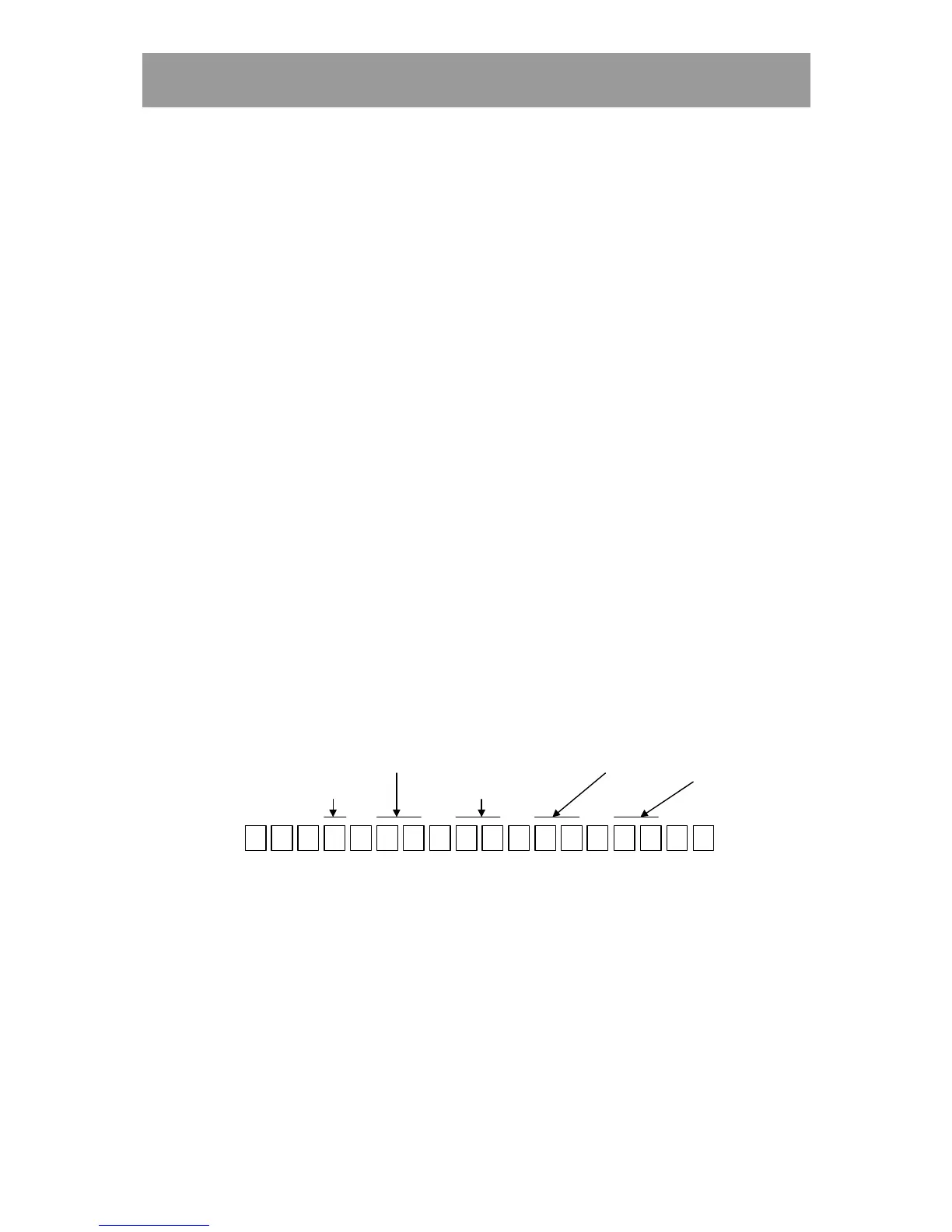
Example:
1 0 7 0 0
*
31
*
#
T. zone for
pushbutton
Door
* ***
T. Zone for
free access
Lock act. time T. zone for
registration
0 4



 To Next Page