14 KC5000 Technical manual — Programming
Programming
In this chapter are instructions on how to program time zones, codes etc. All
information is programmed with help of the keyboard in the central unit.
The display shows prompts telling what to do next.
Note! When programming the KC5000 all the codes works as normal, but
the new information will not be updated until the next shift of minute.
1
11
12
22
2
0
00
0
9
99
98
88
87
77
7
5
55
54
44
4
3
33
3
6
66
6
*
**
*
#
##
#
Esc
EscEsc
Esc
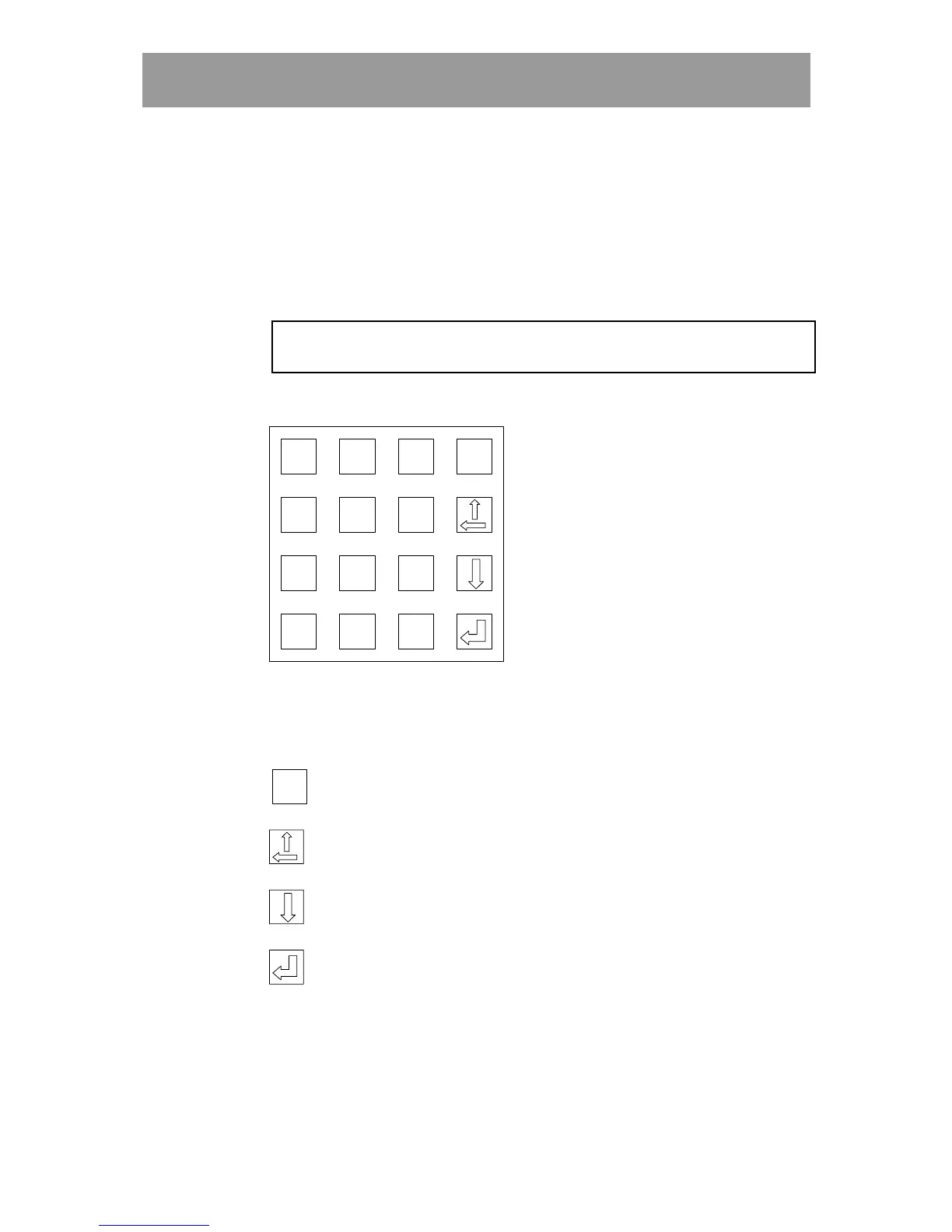
Keys
0-9 Used to enter digits.
Esc
EscEsc
Esc
Used to leave menus and to interrupt what you are currently
doing.
Used to delete characters backwards and to scroll backward
through stored entries, e.g. codes.
Used to scroll forwards through stored entries.
Used to confirm (“enter”) entered information.
!
!!
! # Not used.



 To Next Page