KC5000 Technical manual — Preparations 13
Codes
Now it is time to fill in the access codes to be used at the doors:
1 Take out a copy of the Codes chart and write the first code under the
Code heading. Write also under the User heading, who should use the
code.
2 Under the Door heading, write down in which doors the code should be
valid. 1=door 1, 2=door 2 etc.
3 Under the Time zones heading, write during which time zones the code
should be valid (3 at the most).
4 Write the next code to be used in the system. Follow step 1-3.
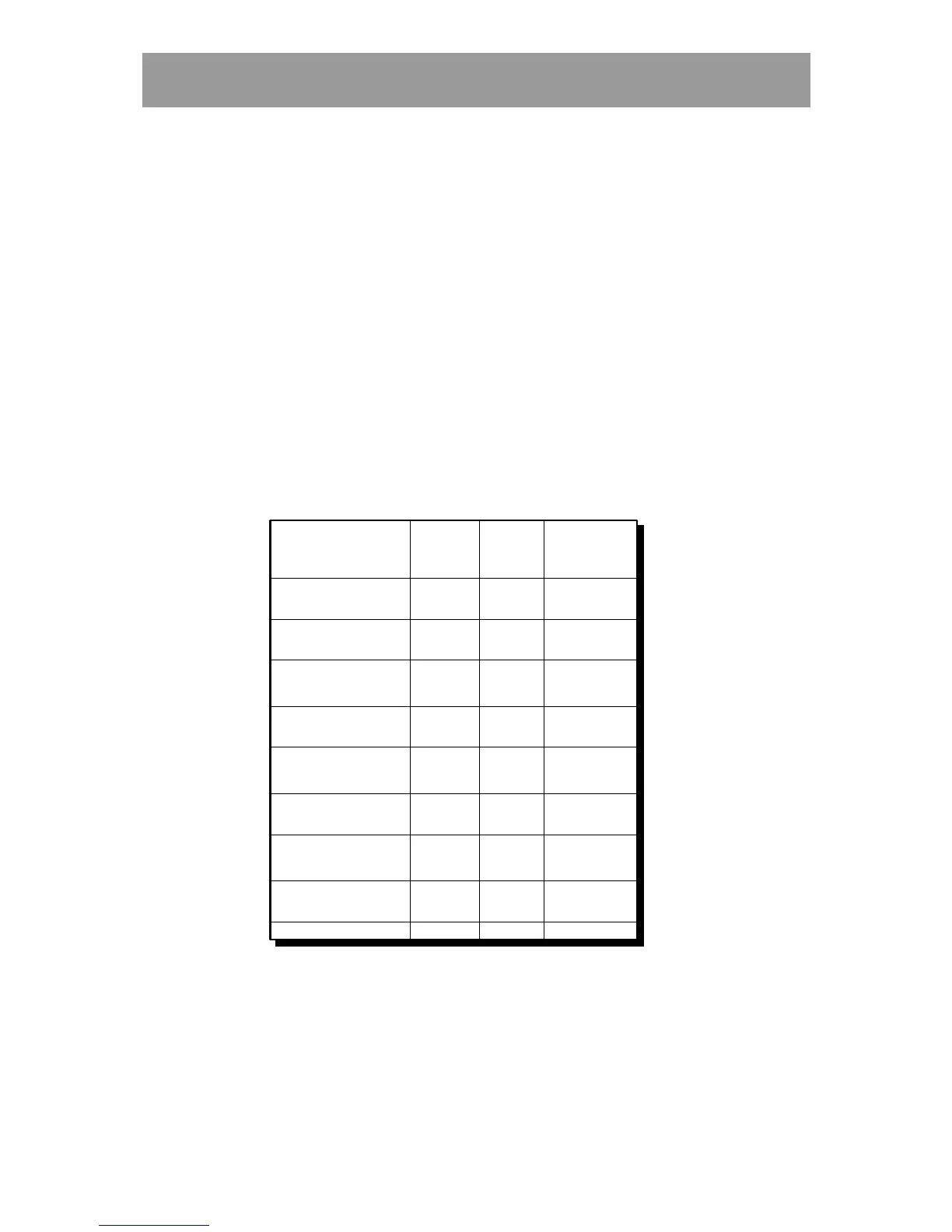
Using the example, the list may look like this:
Codes
User Code Door Time zones
Tenants 1 1066 1 1
Tenants 2 4881 2 1
Tenants 3 2419 3 1
Tenants 4 6112 4 1
Tenants 5 9437 5 1
Tenants 6 1786 6 1
Mail 1587 123456 2
Newspaper 7392 123456 3
In the example each door has its own access code. You could of course have
the same code at several doors. In all doors the tenants’ code is valid 24
hours a day, all days, since time zone 1 is chosen (see the Time zones chart
on page 11). The postman’s and the newspaper boy’s code is working on all
doors but under limited time.



 To Next Page