6 KC5000 Technical manual — Installation
Installation
This chapter describes how to install KC 5000.
Placing and mounting
Central unit
The central unit is designed for wall mounting (there are three screw holes
in the back plate), in a secure room with normal temperature, e.g. the
building’s power room.
Place the power supply near the central unit.
Keypad M65
Install the keypads at a height of 120–140 cm (from the floor to the bottom
edge of the keypad). To adapt the installation for disabled persons, a suitable
height is approximately 95 cm.
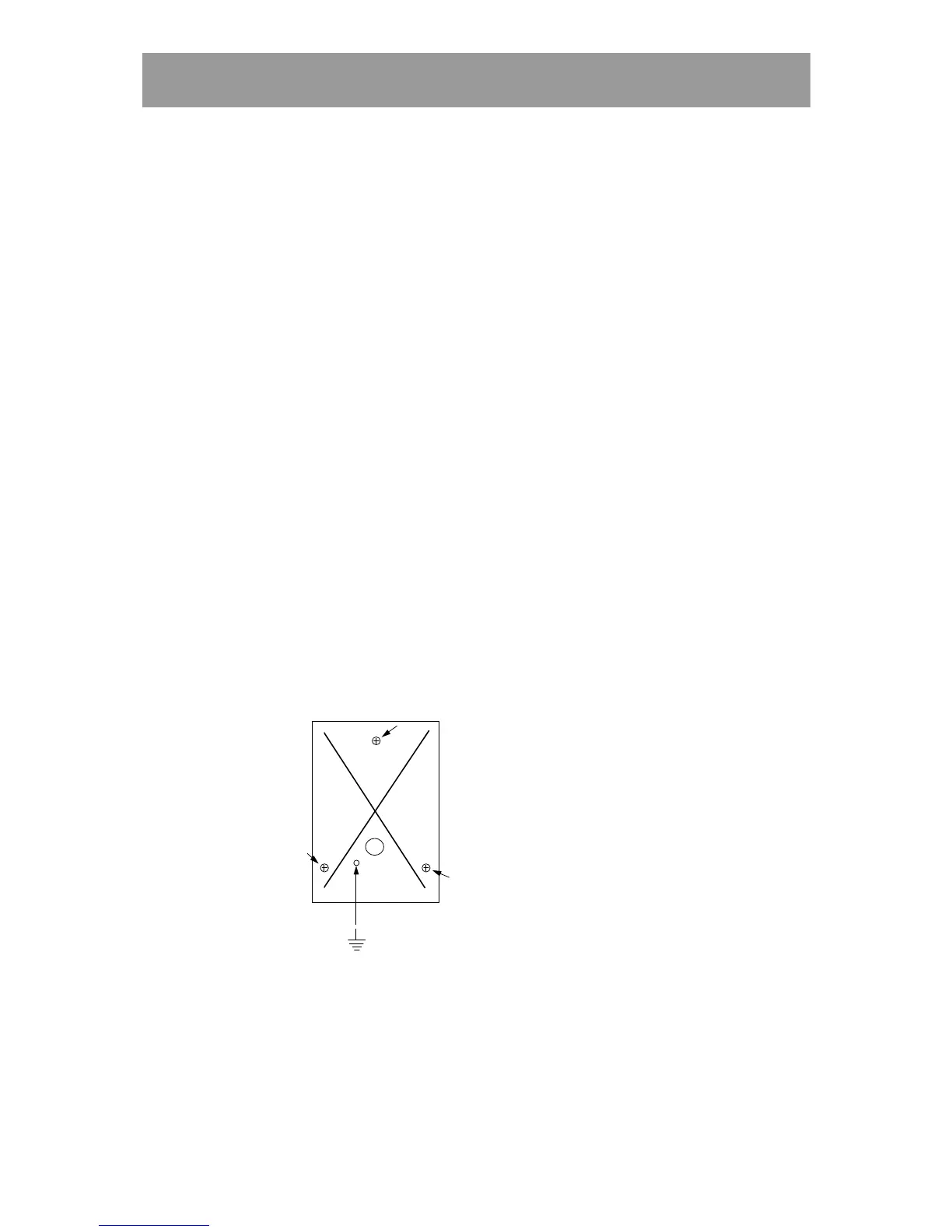
Installing the keypad:
1 Open the keypad with the key supplied.
2 Fasten the back plate against the wall, using three screws according to
the illustration below.
3 Wherever disturbance may occur (e.g. close to garages, lifts etc), earth
the back plate. Use a separate cable to the earth point. Make sure the
front and back plate is connected with the internal strap.
4 Fit the front and check that the keypad is securely fixed.
5 If the keypad is mounted outdoors, you should seal screw- and cable
holes with a sealing compound e.g. silicone, to prevent water leakage.



 To Next Page