12 KC5000 Technical manual — Preparations
Doors
When you have written down the time zones, it is time to complete the
Doors chart. Proceed as follows:
1 Under the Door heading, write the number of the first door, i.e. 1.
2 Under the Lock activating time heading, enter the number of seconds
for the door to be open after a correct access code has been entered.
When the system is delivered the lock activating time is set to 7
seconds.
3 If any time zone should be used to keep the door unlocked, write the
number of the zone under the Time zone for free access heading.
Otherwise, write 0. This means the door is locked 24 hours a day.
4 If any time zone should be used to limit the push button’s function,
write the number of the time zone under the Time zone for push
button heading. Otherwise, write 0. This means the buttons work 24
hours a day.
5 If any time zone should be used for registration, write the number of the
zone under the Time zone registration heading. Otherwise, write 0.
This means that the registration is on 24 hours a day.
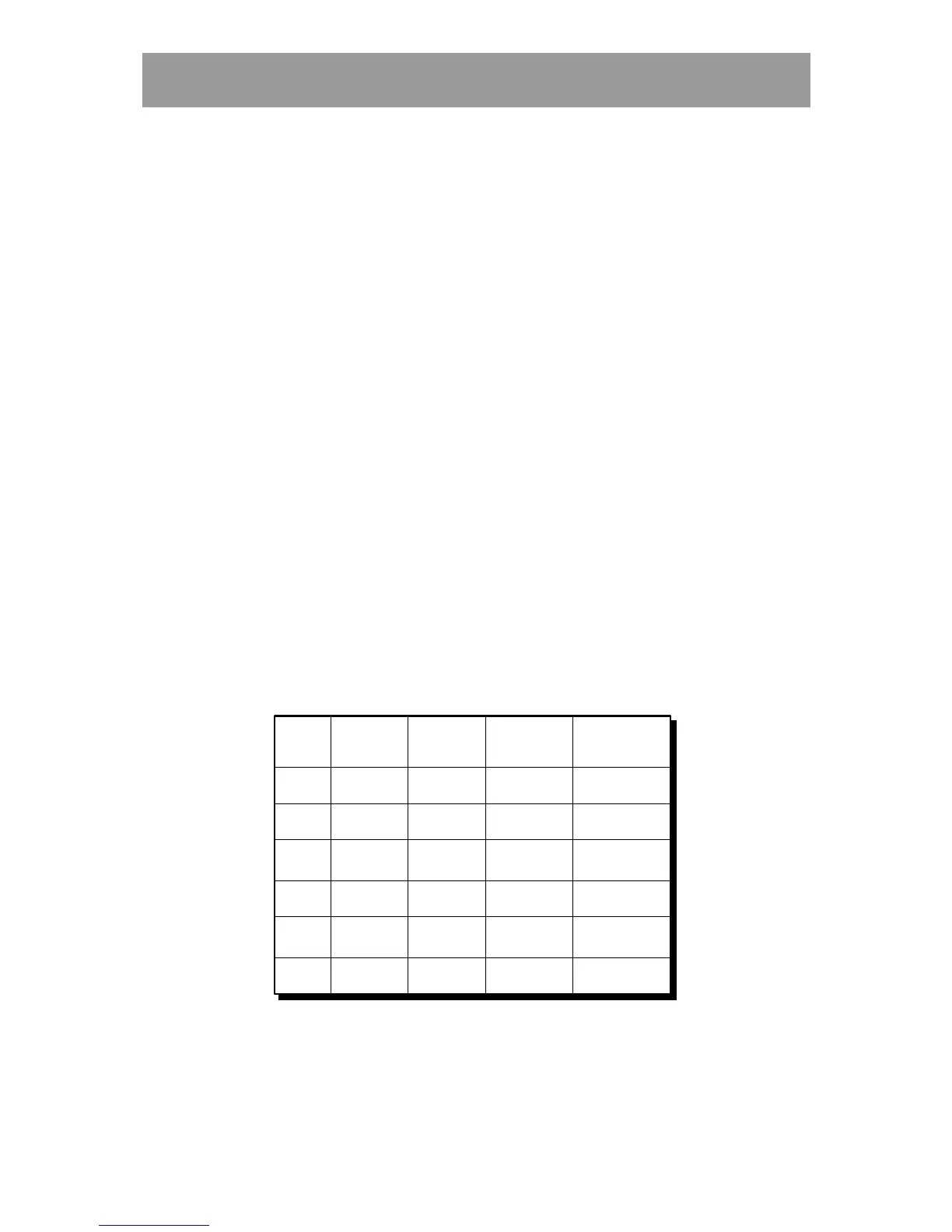
Using the example, the Doors chart would look like this:
Doors
Door
Lock
activating
time
Time zone
for
free access
Time zone
for
push button
Time zone
registration
1 7 0 0 0
2 7 0 0 0
3 7 0 0 0
4 7 0 0 0
5 7 0 0 0
6 7 0 0 0
In the above example the lock activating time is the system’s pre-set time
(7 seconds). All doors are locked 24 hours a day, there is no limitation for
the push button and the registration is on 24 hours a day.



 To Next Page