KC5000 Technical manual — Programming 21
If the wrong digit is entered by mistake, press and replace the
incorrect value with the correct value.
8 Press . The following text is displayed:
ENTER NEW CODE
9 Program any additional codes in the same way.
Otherwise, press
Esc
EscEsc
Esc
. The main menu is displayed.
Changing codes
To change information about codes, proceed as follows:
1 Display the main menu and choose CODES (1). The following text is
displayed:
1) NEW 2) EDIT
3) DELETE 4) PRINT
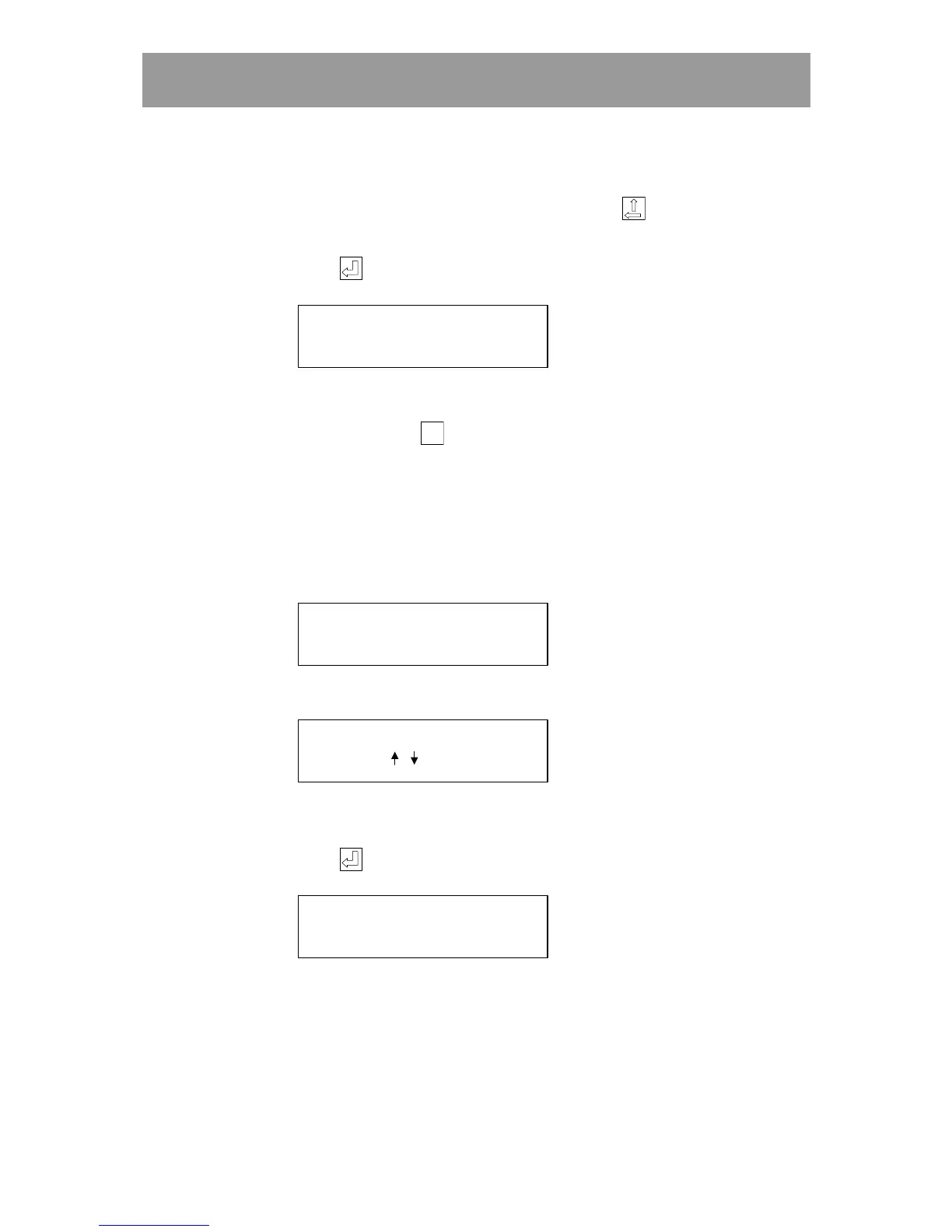
2 Choose EDIT (2). The following text is displayed:
WHICH CODE?
(CODE
OR
/
)
3 Enter the code to be changed or use the arrow keys to scroll to the
desired code.
4 Press . The following text is displayed:
ENTER NEW CODE (2580)
The current code is automatically displayed within brackets.
5 Enter the new four-digit code, or leave the prompt unanswered. Next,
change in which doors and during which time zone/s the code should be
valid.



 To Next Page