KC5000 Technical manual — Programming 25
6 Enter the number of the time zone when the door should be unlocked.
If the door should be locked 24 hours, keep the pre-set setting (0).
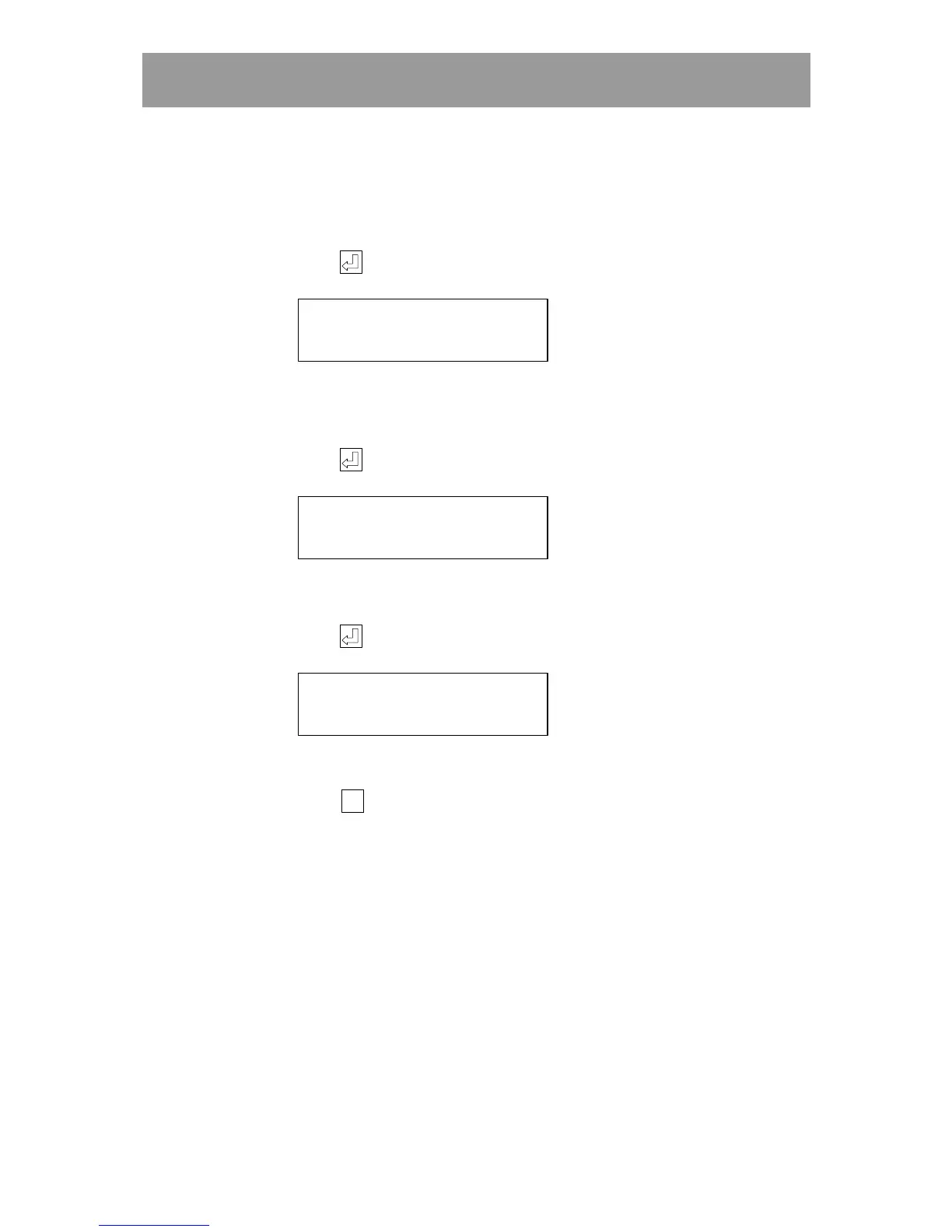
7 Press . The following text is displayed:
TIMEZONE OPEN BUTTON?
(0=ALWAYS) (0)
8 Enter the number of the time zone when the push button on the inside
should work. If the button should always work, keep the pre-set
setting (0).
9 Press . The following text is displayed:
TIME ZONE REGISTRATION
(0=ALWAYS) (0)
10 Enter the number of the time zone to control printing to the printer.
If printing is to occur 24 hours, keep the pre-set setting (0).
11 Press . The following text is displayed:
WHICH DOOR?
(1-6)
12 Enter information about the next door in the same way.
Press
Esc
EscEsc
Esc
to go back to the main menu.
Changing doors
To change programmed information about doors, proceed in the same way
as when registering new entries (see New Entry of doors).



 To Next Page