KC5000 Technical manual — Printouts 27
5 Press , to start the printout.
Printing can be terminated by pressing
Esc
EscEsc
Esc
.
6 When printing is complete, press
Esc
EscEsc
Esc
to go back to stand-by position.
Edit level of registration
With the choice EDIT LEVEL OF REGISTRATION in the OPTION
MENU, you can choose what type of transaction that is sent to the printer.
The event types are divided in to five different levels, 1, 2, 3, 4, and 5. You
can choose to have one or several of these levels.
When the system is delivered all five levels are activated.
The levels have the following meaning:
1 = System Error. (To high or low power, restarts etc.).
2 = Valid Logins. (At the central unit and at remote programming).
3 = Failed Logins. (At remote programming).
4 = Valid Access.
5 = Access Denied. (Wrong code, wrong time zone).
To gain access to this function:
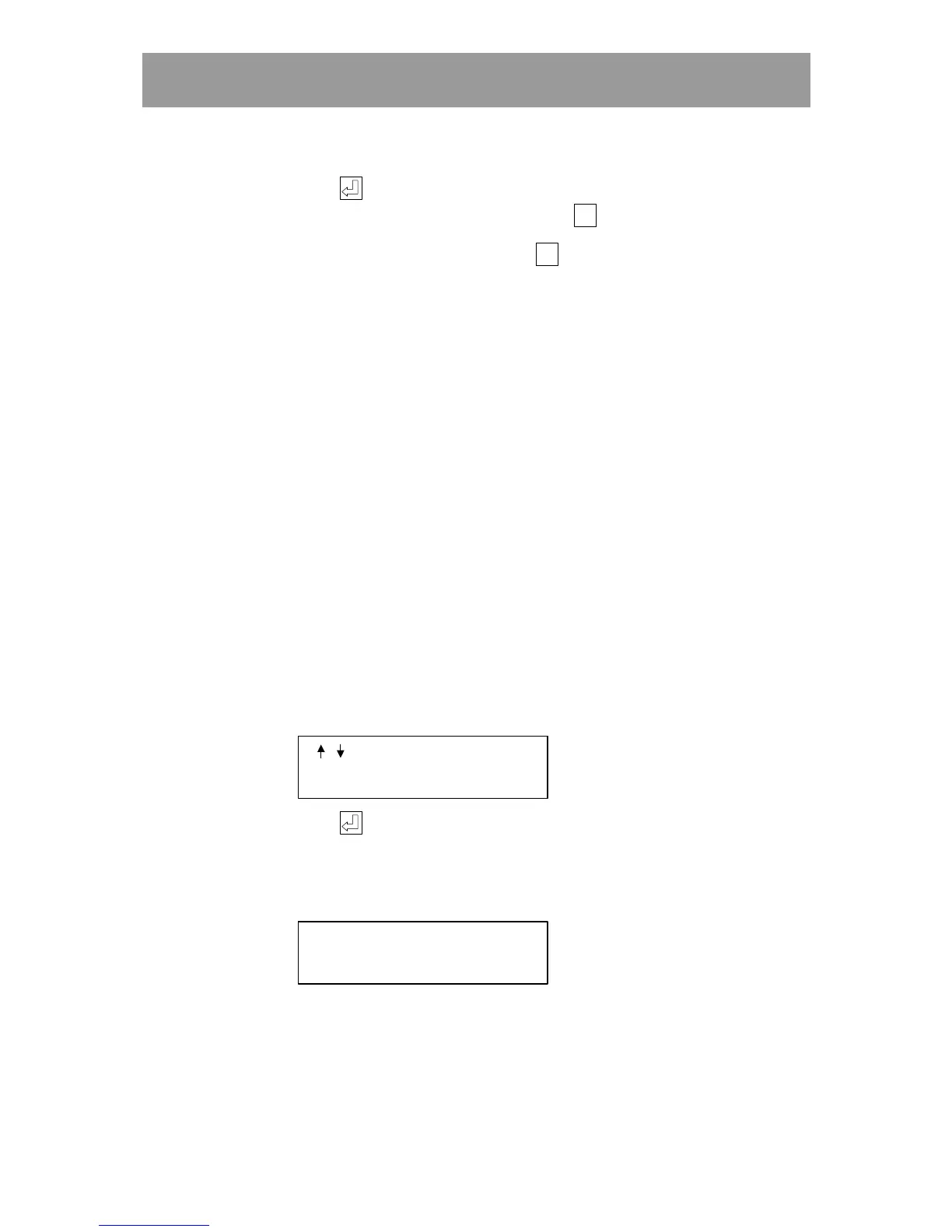
1 Choose the OPTION MENU and step forward until the following text is
displayed:
/
TO STEP
EDIT LVL OF REGISTR.
2 Press , and enter the required levels.
If you, for example only wish to have System Error and Valid Access
registered, then the following text should be displayed:
ENTER LEVELS:
[ 1 4 ]



 To Next Page