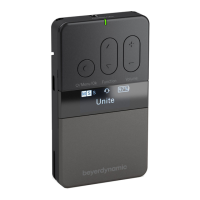
UNITE – Unite TP bodypack transmitter
17
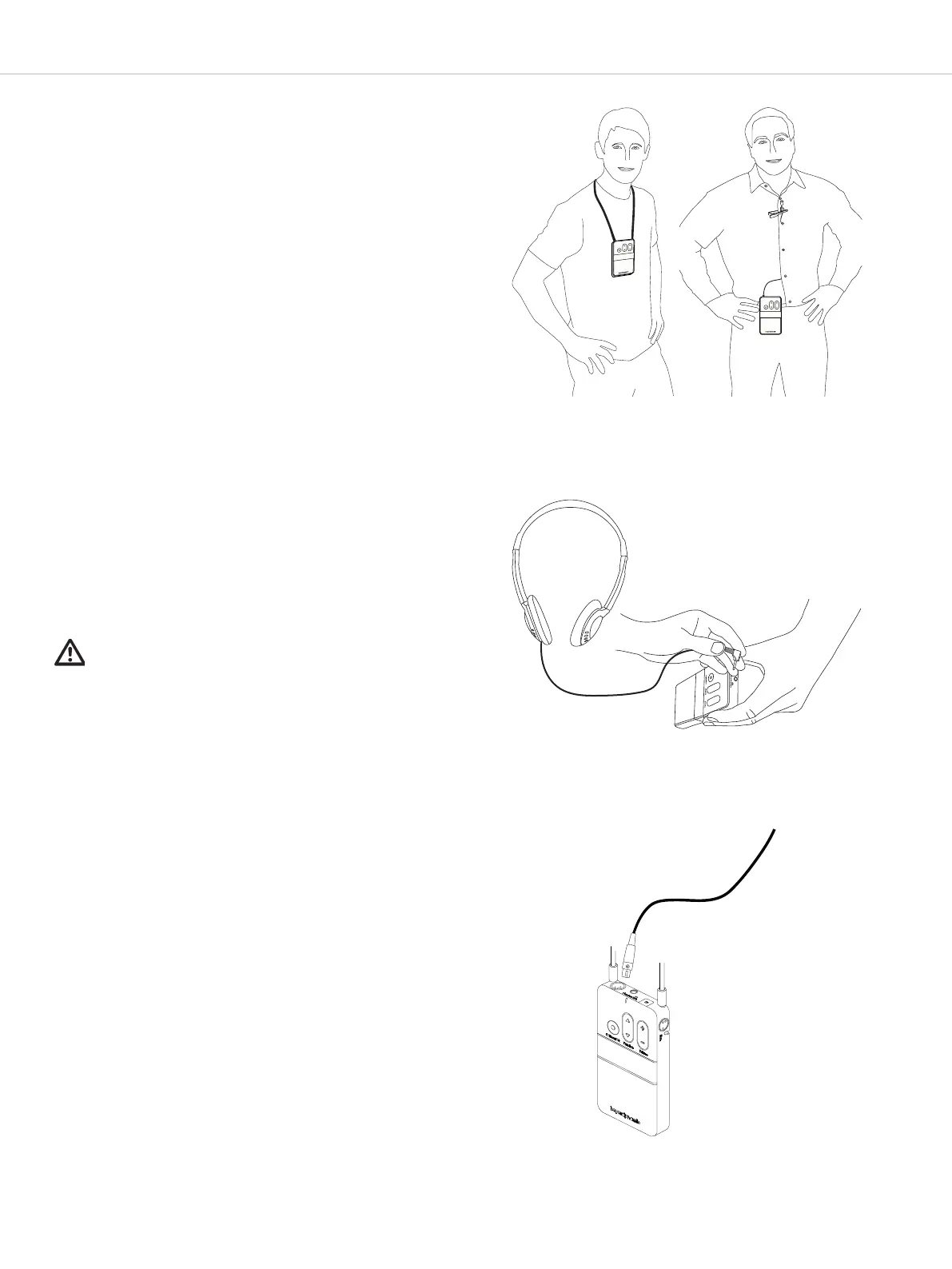
.. How to wear the bodypack transmitter
There are two options for wearing the bodypack
transmitter:
1. Neck rap
When using the supplied rap, you can wear the
bodypack transmitter around the neck. For safety
reasons, the faening will release when pulled rongly.
• Put the pins at the end of the rap into the faening
holes.
• Put the rap around the neck.
2. Belt clip
When using the belt clip, you can attach the bodypack
transmitter to clothing such as a trouser or ski wai-
band.
.. How to connect a headphone/headset/induction
loop
• You can connect headphones, a headset or induction
loop to the mini jack socket .
• You can control the volume of the connected device
with the volume button .
Impoant:
Please note the safety inructions regarding too high
volume.
.. How to connect a microphone
• You can connect a microphone with a 4-pin mini XLR
connector to the microphone connector . For pin
assignment, please refer to the “Technical
specifications”.
• The integrated microphone will be activated if the
“internal” mode has been selected as an audio
source in the menu or if the “auto”* mode has been
selected when there is no external microphone
connected.
Note: The integrated microphone was specially
developed for the talkback function in conjunction with
the Unite RP-T bodypack receiver for short queries.
For best audio transmission we recommend using an
external microphone or headset.
• Depending on the microphone, you can adjust the
sensitivity of the microphone in the “Audio” main menu
under “Volume” in the menu items “Mini XLR Mic”,
“Headset Mic” or “Internal Mic”. Refer also to the chapter
about the “Menu”.
• With quiet speakers, increase the level. With loud
speakers, reduce the level.
Wear the transmitter
around the neck
Wear the transmitter
using the belt clip
Connect headphones to
the bodypack transmitter
Connect a microphone
to the transmitter
*Function probably available from V1.1
Please refer to the previous page for the following
descriptions.


 To Next Page