UNITE – Special features
31
. Channel search
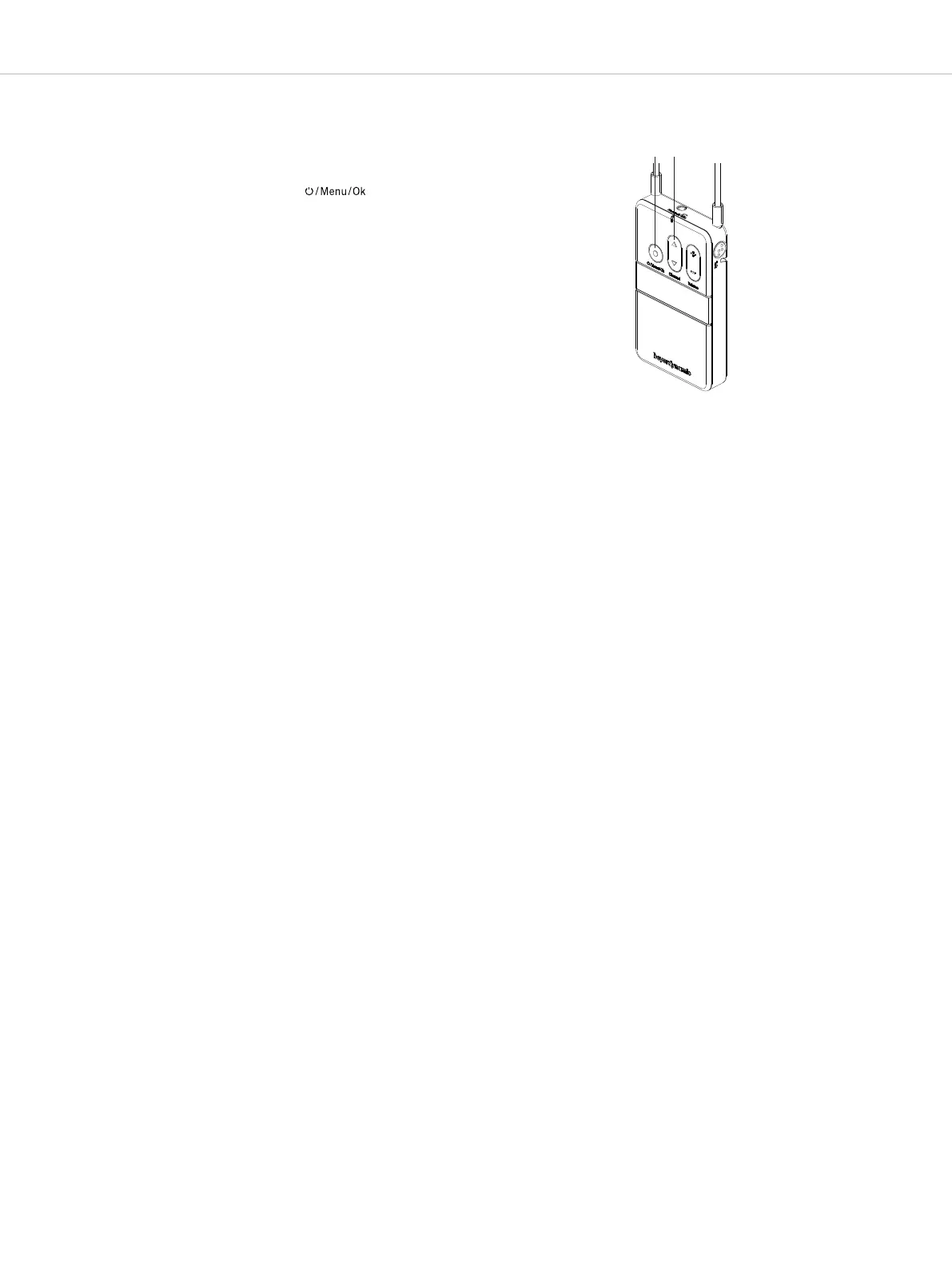
The “Channel” multifunction button of the receiver
(Unite RP and RP-T) is also used for channel search.
• When you press s or t of the multifunction button,
the device asks if a channel search should be carried
out. Upon confirmation via the button ,
the device will search for compatible wireless trans-
missions.
• Both, transmitter and receiver, mu have the same ID
and key (see chapter “Create / define a new pairing”)
to eablish a connection between them.
• The scanning procedure is also a dynamic process as
the automatic frequency management. This means
that the devices scan continuously and do not op
this process independently.
• Once the receiver has found one or more channels,
press the s or t of the multifunction button to
select a channel.
• Press the button to confirm the selected channel.
The receiver then connects to the selected channel.
This usually takes place within one second, however,
due to various influencing factors it can also take
several seconds.
Example: A high number of wireless connections in the
immediate vicinity and/or too great a diance
between transmitter and receiver.
.
11.5 External inteaces
(analogue line-in; USB inteace; Bluetooth®)
Devices of the type “TP” also oer inteaces with which
audio signals can be received and/or played.
The analogue line-in is a 3.5mm 3-pole mini jack
connector. Please note that a ereo signal in Unite is
conveed to a mono signal.
The “TP” device has a USB inteace (USB 2.0) with a type
C connection po. This inteace can play audio in and
out simultaneously. When connected to a PC or Mac
computer, the device serves as an external soundcard.
Moreover, the device can be supplied with power and
recharged via the USB po.
The Bluetooth® inteace can also be used both for
playing in external audio material and playing back
audio signals. This depends upon configuration within
the Bluetooth® menu (phone/PC; headset). You can also
use a Bluetooth® headset. Please be aware that use of
Bluetooth® in general will result in additional latency.
Channel search with a receiver


 To Next Page