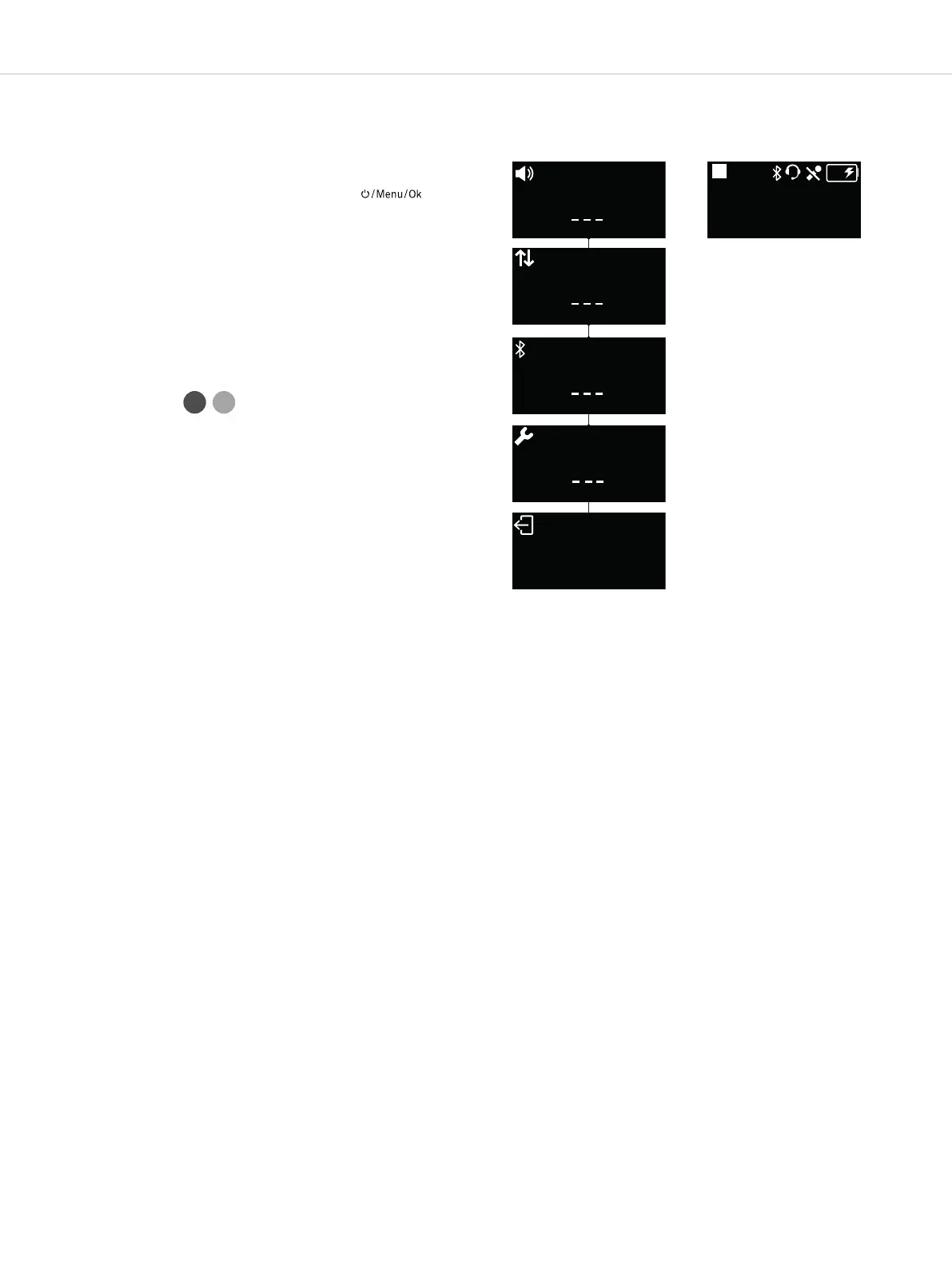
UNITE – Menu items
24
Main menu items
Main screen
. Menu items
. General
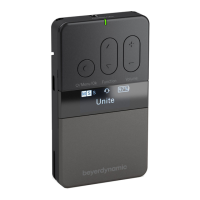
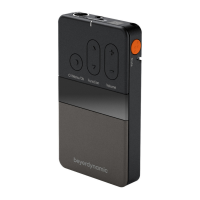
Once you have turned on the Unite TP bodypack
transmitter or Unite TH handheld transmitter and
the Unite RP bodypack receiver, press the
button for approx. 2 seconds to access the menu.
Press the button again to access the respective
menu or submenu. Use this button also to save or con-
firm the desired setting.
Use the multifunction button to scroll through the
menu and to carry out various settings within the
respective menu.
Depending on the device, up to 4 main menus with
submenus are available:
• Audio
• Talkback
• Bluetooth® ( only)
• Syem
The dashes at the bottom of the display in the
individual menus show how many submenus or setting
options are available in the respective menu.
If no setting is made or changed or if the button is not
pressed, the display returns to the main screen aer a
few seconds.
An active function is indicated by a highlighted display.
Example: A transmitter is defined as “Maer”. As long as
the function is not active, “Maer” is displayed by a
white “M” on a black background. When the “Maer”
function is active, the “M” is highlighted, i.e. the “M” turns
black on a white background. Refer also to the
illuration “Main screen” with an active “Maer”.
TP TH


 To Next Page