UNITE – Menu items
28
. “Syem” main menu
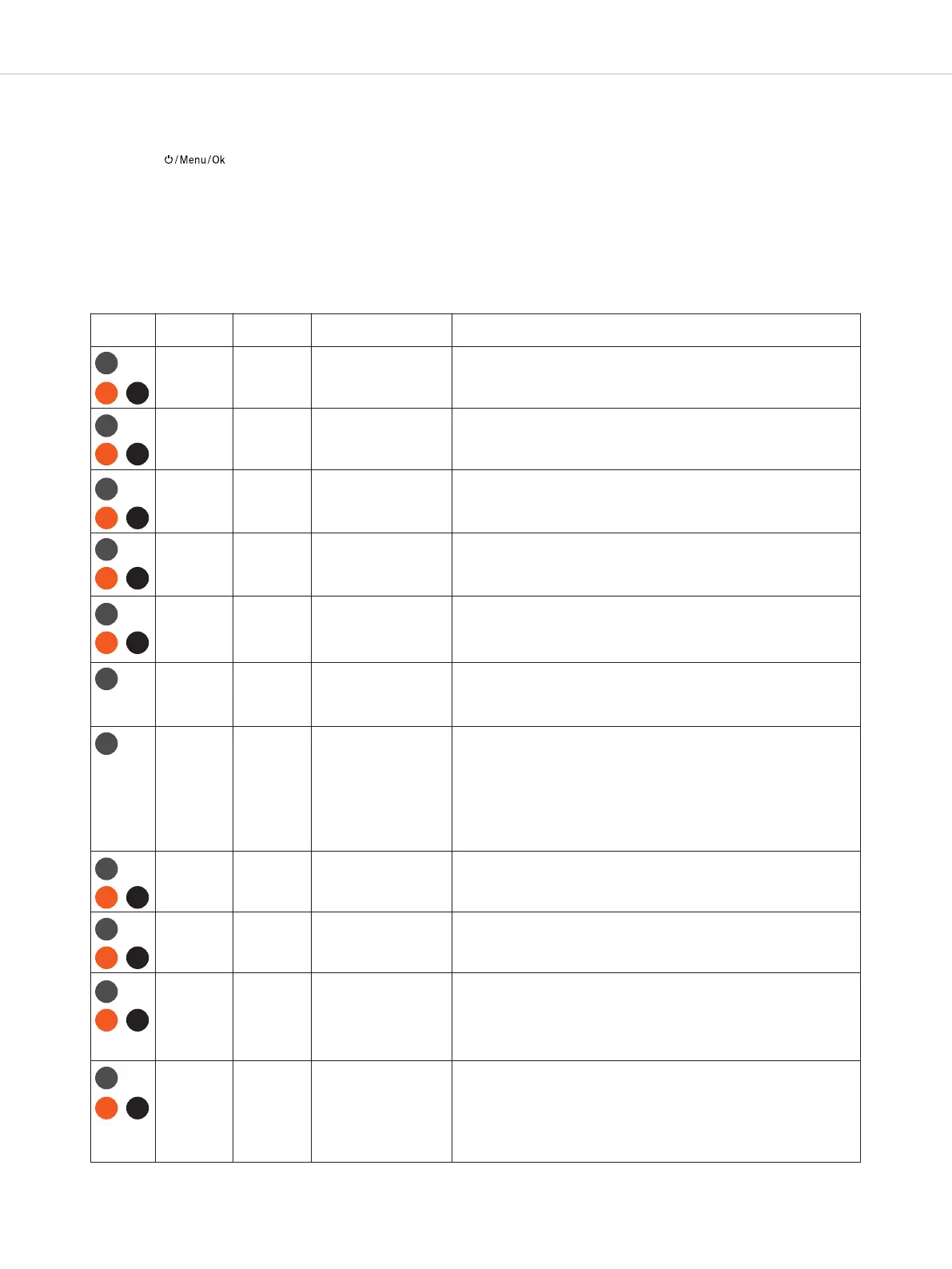
In the “Syem” main menu, the menus lied in the following table (menu path / level 2) with fuher submenus (menu
path / level 3) are available for various syem settings.
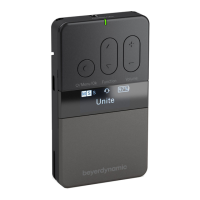
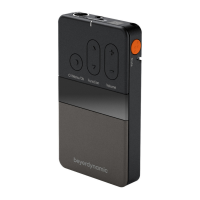
• Press the button on the already switched on transmitter/receiver for approx. 2 seconds to access the
menu.
• Press the multifunction button to select the “Syem” main menu.
• Briefly press the button to access the “Syem” main menu.
• Press the multifunction button to select the “Channel Name”, “Group ID”, “Display”, “Radio Power”, “Device Mode”,
“Power Lockable”, “Reset” or “Information” submenu.
• Briefly press the button to access the respective submenu.
• Press the multifunction button to make settings in the respective submenu.
• Briefly press the button to confirm the setting.
D
evice
M
enu path
L
evel 2
M
enu path
L
evel 3
A
djustable parameters
D
escription
Channel
Name
5 characters
(big and small letters,
s
pecial characters and
numbers)
In this menu, the channel name displayed on the bodypack receivers
can be set. The channel to which the receiver is to connect can also be
entered on the receivers. In this case it is not necessary to peorm a
c
hannel search.
G
roup ID
1
to 256
I
n this menu you can set the group ID for devices (transmitter and
receiver) that are used within a defined group.
D
isplay
B
rightness
1
0 eps
(10 to 100%)
I
n this menu you can adju the general brightness of the display.
Display
Dimming
Level
11 eps
(O to 100%)
In this menu you can set the value to which the brightness of the display is
reduced aer the dimming time has been reached. With the setting “O” is
selected, the display is completely switched o.
Display
Dimming
Time
17 eps
(O to 4 min)
In this menu you can select the time from which the selected dimming
level value is applied to the brightness of the display.
Radio
Power
Std
Mid
Low
In this menu the transmission power of the transmitter is defined from
andard to low. You can use this setting to reduce the range to body-
pack receivers, if you want to operate several transmitters in adjacent
rooms simultanteously.
Device
Mode
Maer / Sub-Maer This menu is used to switch the device mode of the TP devices. In
“Sub-Maer” mode, the device behaves like an RP-T, with the
dierence that a fixed audio channel is reserved for this Sub-Maer
and it can continue to oer connection options for external devices.
For more on this, see the chapter: “Sub-Maer device mode”
Impoant: If you change and confirm this setting, the device switches
o. Please switch it on again. Please wait until the device has
reconfigured and the main screen is displayed.
Power
Lockable
O
On
When this option is activated (“On”), it is not possible to switch the de-
vice o manually by holding down the On-o and Menu button.
Reset Factory The “Reset” menu resets the device to the factory settings. All pairing
information is deleted. Please refer also to chapter “Create/define a
new pairing”.
Information Battery Battery information:
Remaining capacity (Charge)
Charging ate (Charging)
Current power consumption (Average power)
Battery temperature (Temperature)
Display of time to full or empty (time to full or time to empty)
Information Device Current firmware version (Firmware version)
Build number of the firmware (Firmware build)
Hardware address of the DECT inteace (DECT ID)
Production date (Production date)
Serial number (Serial number)
Built-in hardware version (Hardware version)
Firmware version for Bluetooth (Bluetooth® version)
TP
R
P-T
R
P
T
P
R
P
R
P-T
TP
RPRP-T
TP
RPRP-T
TP
R
P
R
P-T
TP
TP
TP
RPRP-T
TP
RPRP-T
TP
RPRP-T
TP
RP-T RP


 To Next Page