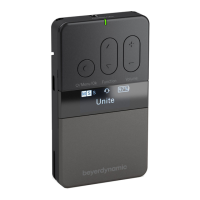
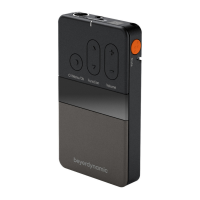
UNITE – Menu items
25
.. Basic audio settings
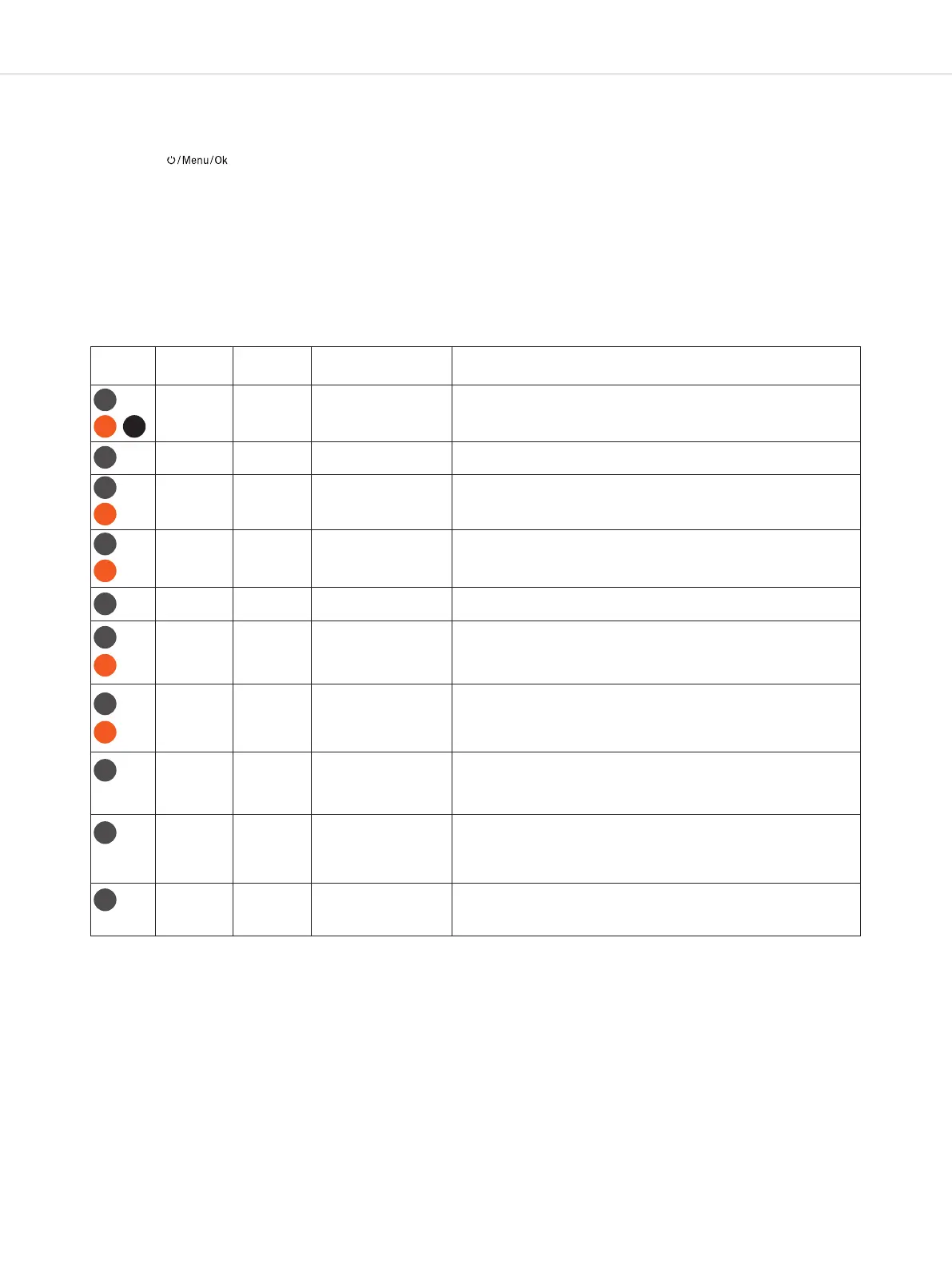
Device Menu path
Level 2
Menu path
Level 3
Adjustable parameters Description
V
olume
H
P Initial
Level
2
5 steps
(0 to 24)
H
P ands for headphones. When the device is turned on, the overall
v
olume is defined. When the device is reaed, the original volume is
reored.
V
olume
M
ini XLR Mic
1
3 steps
(0 to 12)
T
his menu is used to adju the sensitivity (mic gain) of the mini XLR
microphone jack.
V
olume
H
eadset Mic
1
3 steps
(0 to 12)
T
his menu is used to adju the sensitivity (mic gain) of the headset
microphone connected to the 3.5mm mini jack socket.
Volume Internal Mic 13 steps
(0 to 12)
This menu is used to adju the sensitivity (mic gain) of the internal
microphone, if present.
Volume Line In 13 steps
(0 to 12)
This menu is used to adju the input sensitivity of the mini jack input
line (3.5mm).
Volume Sidetone 13 steps
(0 to 12)
It is also possible to transmit your own microphone signal on the head-
phone connector if you wish to hear your own voice. Volume for this is
adjued in this menu.
Microphone Internal
Mini XLR
Headset
The source of the microphone signal is selected in this menu.
Quality HD
SD
HD (high quality, 22.3 ms latency)
50–14,000 Hz frequency range
SD (low quality, 18.3 ms latency)
200–7,000 Hz frequency range
Mute Button Push
Toggle
The mute button can be used in two dierent ways. “Push” means the
device’s own microphone signal is muted for as long as the button is
held down. “Toggle” means the microphone is muted when pressed
once and reactivated when pressed a second time.
Line In Aux All
Master
Master & Sub-Masters
This menu is used to eablish which devices in the group can hear the
signal available on the analogue line-in input.
T
P
RP-T RP
TP
TP
RP-T
TP
RP-T
TP
TP
TP
RP-T
TP
TP
TP
. “Audio” main menu
In the “Audio” main menu, the menus lied in the following table (menu path / level 2) with more submenus (menu path /
level 3) are available for various audio settings.
• Press the button on the already switched on transmitter/receiver for approx. 2 seconds to access the
menu.
• Briefly press the button to access the “Audio” main menu.
• Press the multifunction button to select the “Volume”, “Microphone”, “Quality”, “Mute Button”, “Line In Aux” or “Input
Eects” submenu.
• Briefly press the button to access the respective submenu.
• Press the multifunction button to make settings in the respective submenu.
• Briefly press the button to confirm the setting.
RP-T


 To Next Page