Chapter4. Basic Operations 20
Chapter4.
Basic Operations
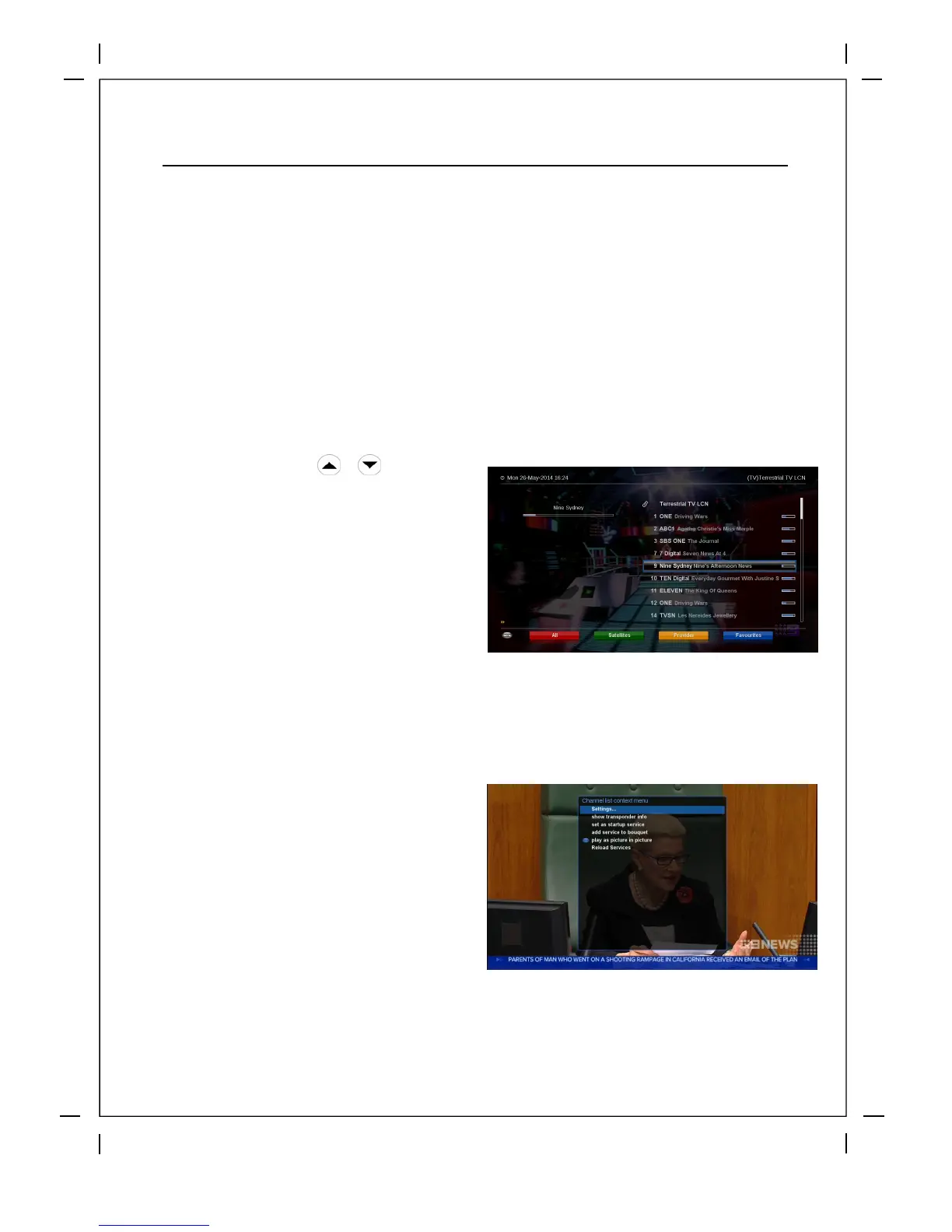
4.1 Channel List
How to use > Press /
If press Navigation UP/DOWN key, this will
activate Channel Selection Menu.
Four types of the channel lists are available
to help you manage your channel selection.
①
Call up the Channel Selection lis
t by
Pressing
UP
or
DOW
N
key.
② Go to All lists by pressing RED key.
③ Select the channel that you want to add
to the Favorites list.
④
Press MENU key on the selected
channel and the following menu
appears.
⑤ Choose add service to bouquet and
press OK.
⑥
In order for you to add certain channels to this favorites list.
Go to the Favorites list by pressing
BLUE key to confirm that the selected
channel is correctly included in the list.



 To Next Page