35 System Configuration
Subtitle Settings
How to use > Press
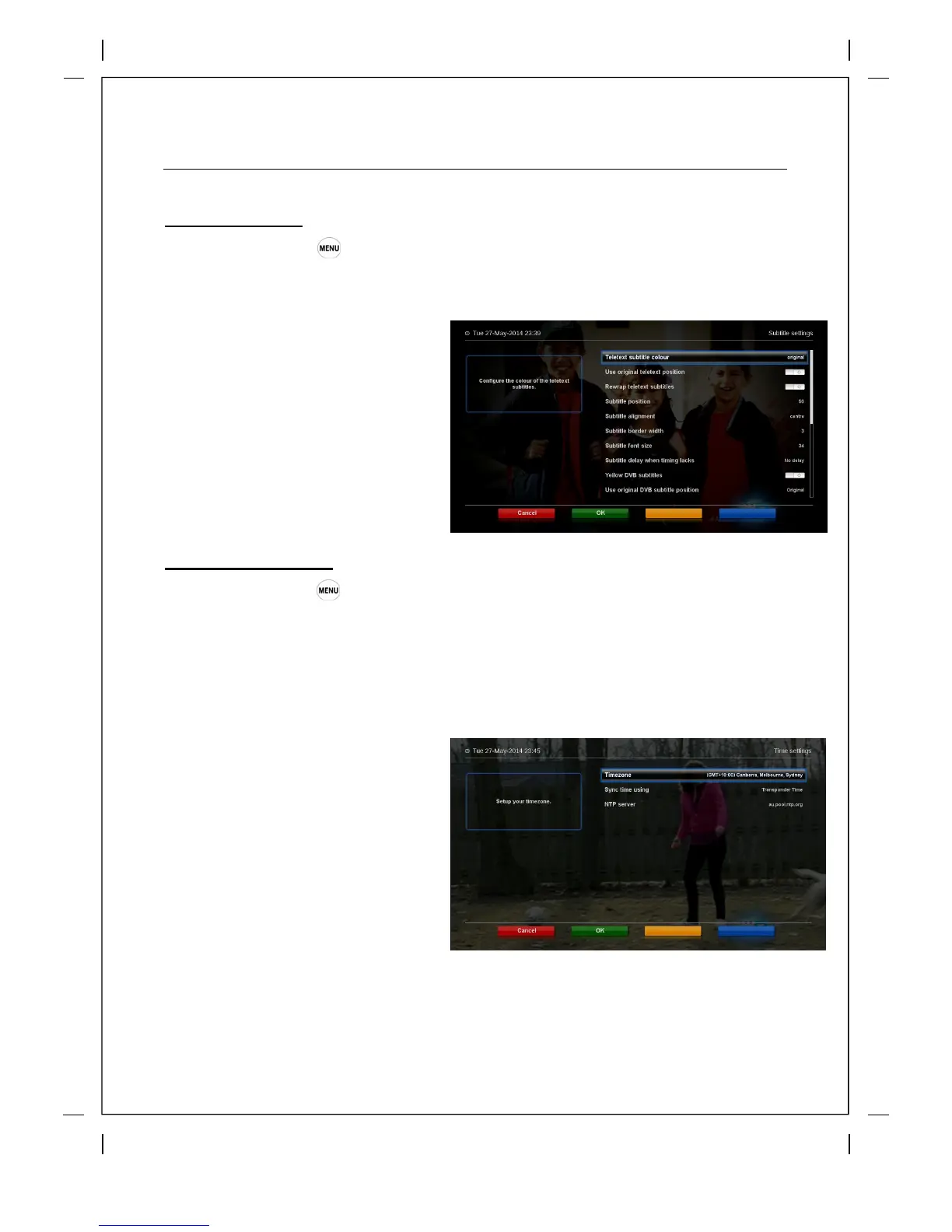
‘Setup’ ‘System’ 'TV‘ - Subtitle Settings’
You can set subtitles in this menu.
Using LEFT/RIGHT key, you can set a
color, position, etc. After setting, press
GREEN
to confirm and save the
changed setting.
Selecting Time Zone
How to use > Press
‘Setup’ ‘System’ ‘Time settings’
The Beyonwiz T3 will set your timezone in the initial setup wizard and will automatically adjust to
daylight savings but if you should have to change it then you can do it vie the Time Settings menu.
Using LEFT/RIGHT key, you can find a
time zone that you
want to use for your
Beyonwiz T3 .After selecting a time zone,
press GREEN to confirm and save the
changed setting.



 To Next Page