Chapter4. Basic Operations 30
4.13 Recording Playback
How to use >
Press 'Media'
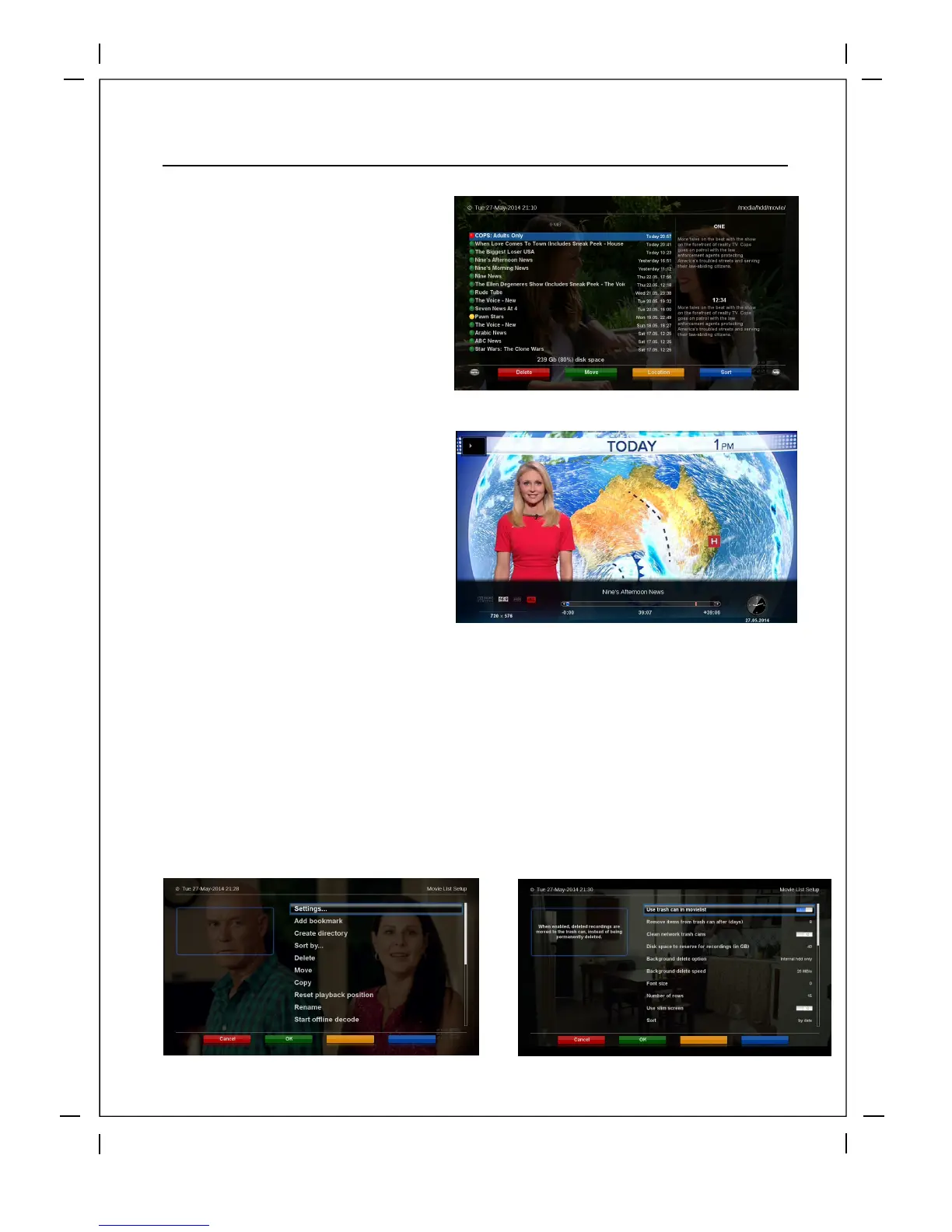
You can view recorded files on the
Recorded files menu. Press Filelist to
activate this menu.
Select the file that you want to play. It
will instantly replay the file and display
the recording infobar.
This infobar gives you the following
information of the recording.
① Title of the recording
② Total duration of recording
③ Remaining time
④ Progressive bar
⑤ Elapsed time
Recordings list Options
Red Button: Delete Recording
Green Button: Move recording to another folder
Yellow Button: Change the Recording location
Blue Button: Sort recordings (Name, Date, type etc..)
Menu Button: Recording options and Settings
Help Button: Recording Help info



 To Next Page