Chapter5. System Configuration 34
Recording Settings
How to use > Press
‘Setup’ ‘TV’ ‘Record
ing
Settings’
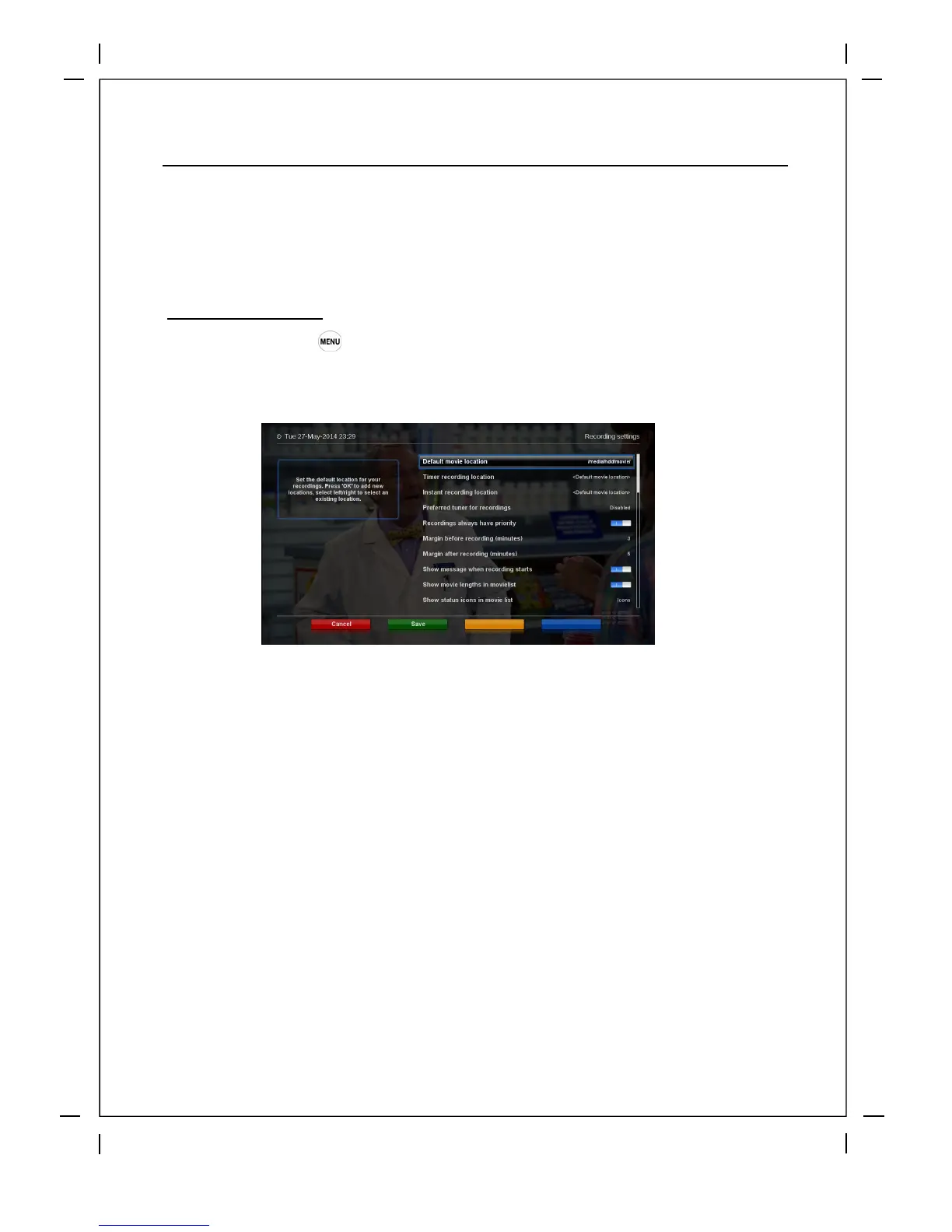
This menu is where you set your timer padding, recording location and many other custom settings
①
②
Margin before record (minutes): If you enter a number here, for example, 5, the recording
will begin 5 minutes before the defined time. If it is ‘0’, it means that the recording starts
exactly at the defined time. This option comes in handy, just in case that a program starts
earlier than the original schedule.
Margin after record: If you enter a number here, for example, 5, the recording will stop 5
minutes after the defined time. If it is ‘0’, it means that the recording stops exactly at the
defined time. This option comes in handy, just in case that a program ends later than the
original schedule.
5.2 System Setup



 To Next Page