Chapter5. System Configuration 39
Skin
How to use > Press
‘Setup’ ‘System’ ‘Skin’
Beyonwiz T3 is a Linux based set top
box and there are a lot of Skins available
for Linux set top box. Using this menu, you
can use a different Skin other than the
default one.
NOTE: It can take ov
er a minute after the change of Skin and requires a complete system
shutdown. Please wait patiently until the system reboots with a newly selected Skin.
You may be asked if you wish to
continue and if you wish to disable the
LAN adapter, select Yes on both
occasions, it will then attempt to
connect.
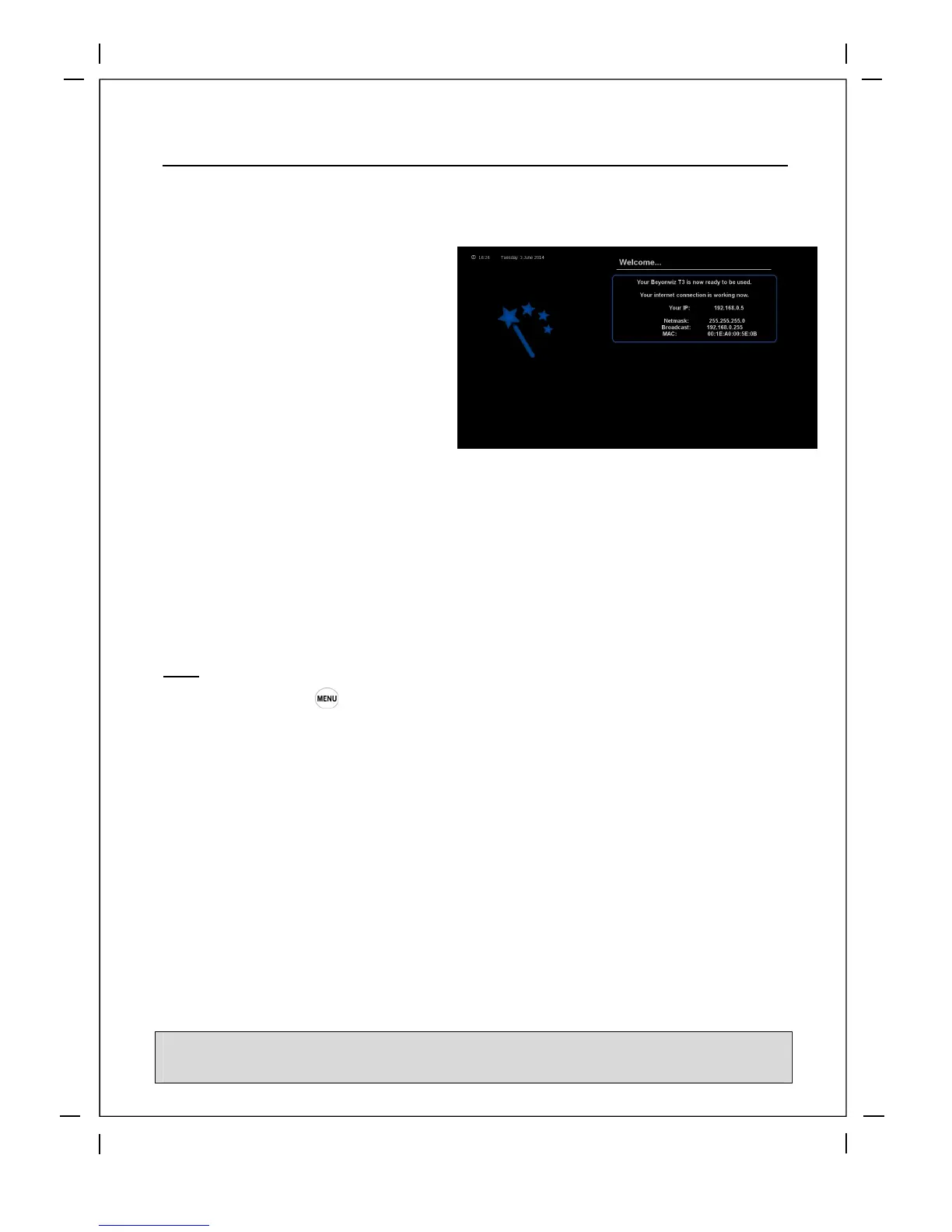
If connection is successful you will
eventually get a screen similar to this,
please take note of your IP address as you
can use this to access your T3 via your PC
for controlling, streaming, setting timers
plus more. If unsuccessful please check
your network settings or try manually
entering your network info in 'Network
settings/info' and 'Nameserver settings'
You can also check our user forum for tips
at www.beyonwiz.com.au/forum



 To Next Page