Frequently Asked Questions
www.beyonwiz.com.au/faqs
How to Videos
www.beyonwiz.com.au/tv
User Forum
www.beyonwiz.com.au/forum
Support and Warranty Requests
www.support.beyonwiz.com.au
Tech Support and Warranty claims.
If you have a problem with your V2 or need some help finding please follow these steps, if
you don't find the solution in the first step move to the next.
1) Check our FAQs and how to Videos
2) Search our user forum for the answer
3) Join our user forum and post your question
4) Open a Support Request
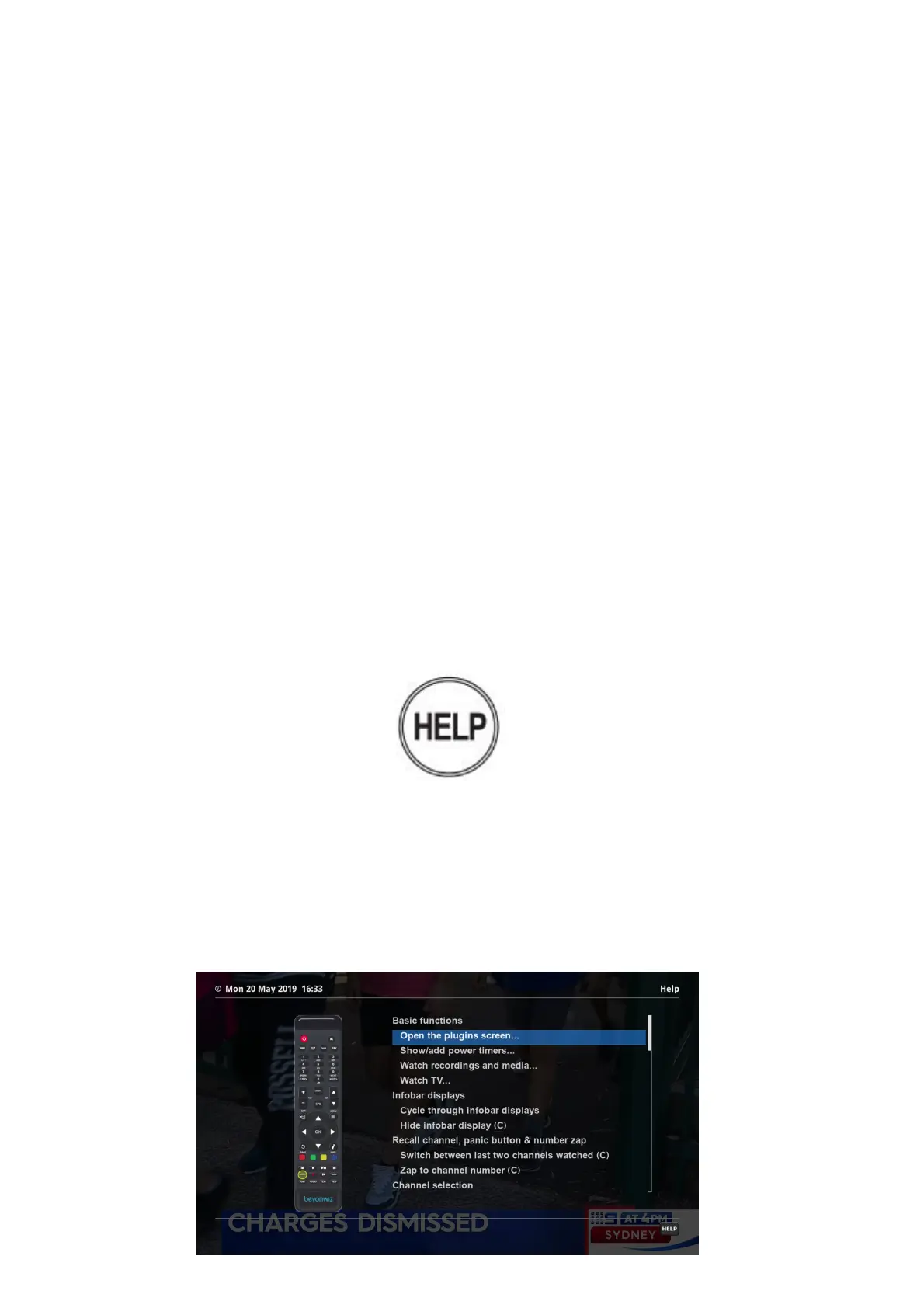
Located on the bottom right hand corner of the V2 remote control is the HELP button.
You can press this button when there is a HELP button hint on the bottom right of the
screen, the feature is also available while watching Live TV, while in timeshift mode,
while browsing the EPG and while playing back recordings/media. In addition when in
the help screen, pressing HELP gives instructions on how to use the help system.
When you press the HELP button you will get an onscreen interactive menu that
explains what each buttons function is in that particular menu or function.
EPG HELP screen



 To Next Page