Chapter 3. First Time Installation 19
Skipping Internet Setup
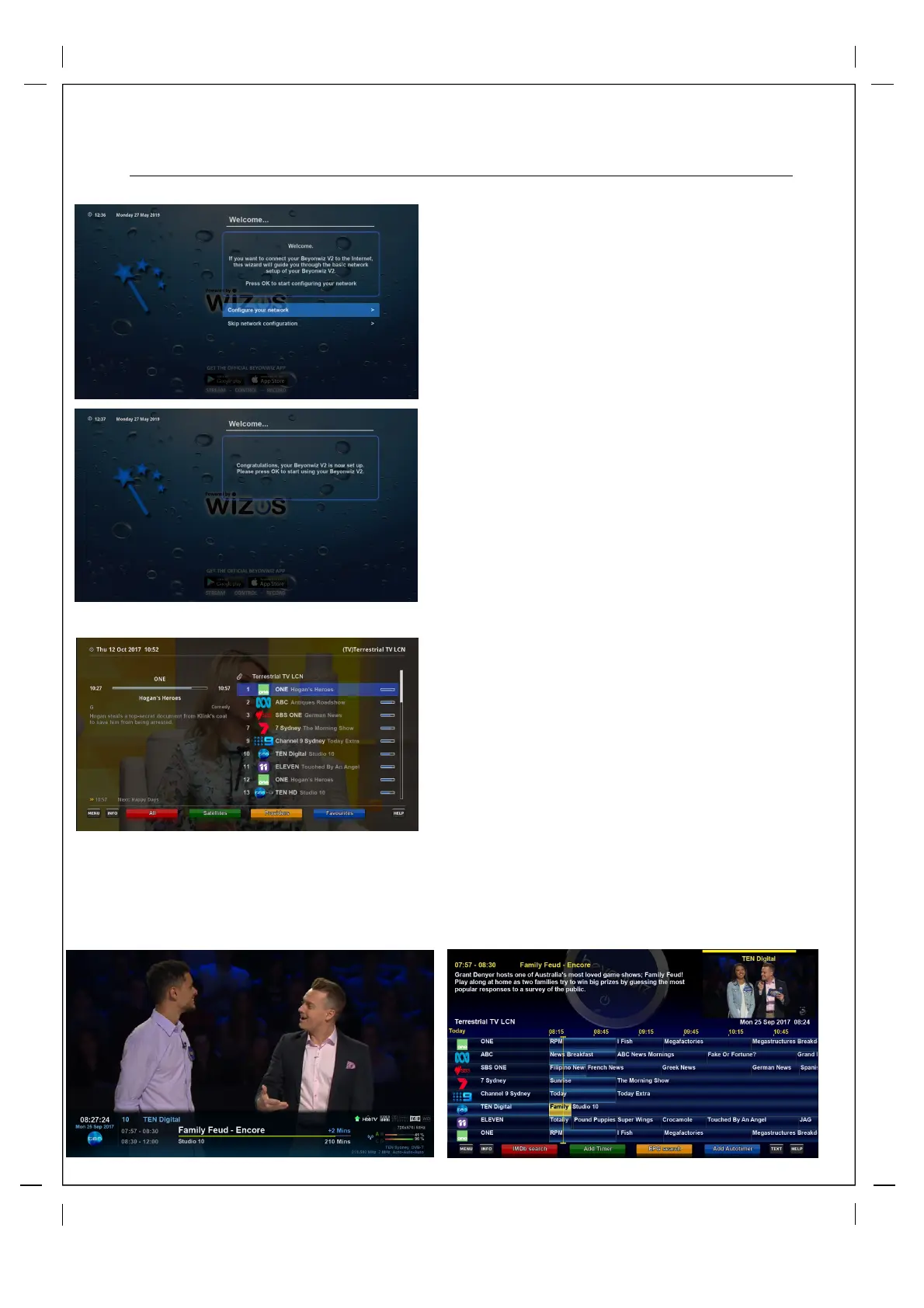
Set-up Without Internet
If you do not want to connect your V2 to the
internet at this time, don’t worry you can easily set it
up at a later time. Scroll down to ‘Skip Network
configuration’ and then press ‘ok’.
Your V2 is now almost ready to use, press ok
when you get the Setup conformation message
below on left.
Once the Scan is complete press OK and you
will launch your Live TV channel list, scroll to
any channel and press OK to launch Live TV
Tip: On first setup you need to load the data for the EPG (Guide) that is transmitted individually from
each TV Network. So when you get to Live TV switch to one of the channels for each TV Station for
around 30secs to load the EPG for all of their channels. e.g. In Sydney you would change channel to
ABC, SBS, 7, 9 & 10 for 30secs each and that would load the EPG for all of the channels.



 To Next Page