14 User Manual • Basic-Step
Viper Climate and Production Computer
2.2.1.3.2 Set Timer Function
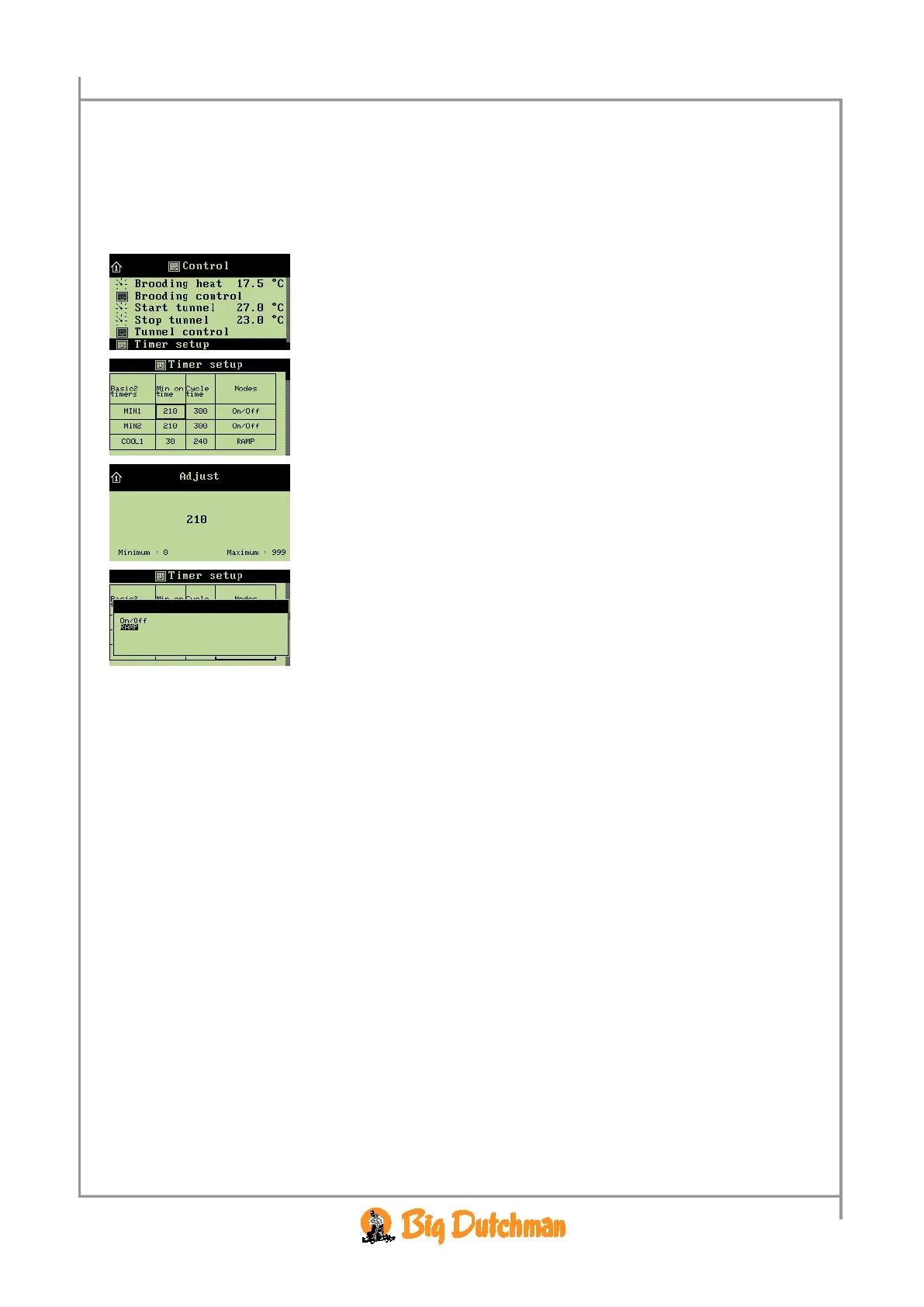
For each timer you must indicate an ON-time and a cycle time and in which mode (ON/OFF, Ramp)
the timer is to run.
When you want to... set a timer,
open the
Control menu, and
→ select
Timer setup, and press
→ select the required field, and press
→ set a number of seconds
and
→ set a mode



 To Next Page