10 User Manual • Basic-Step
Viper Climate and Production Computer
2.2 Climate Functions
Control
Tunnel
Pad cooling
Tunnel status
Pressure regulator actual value
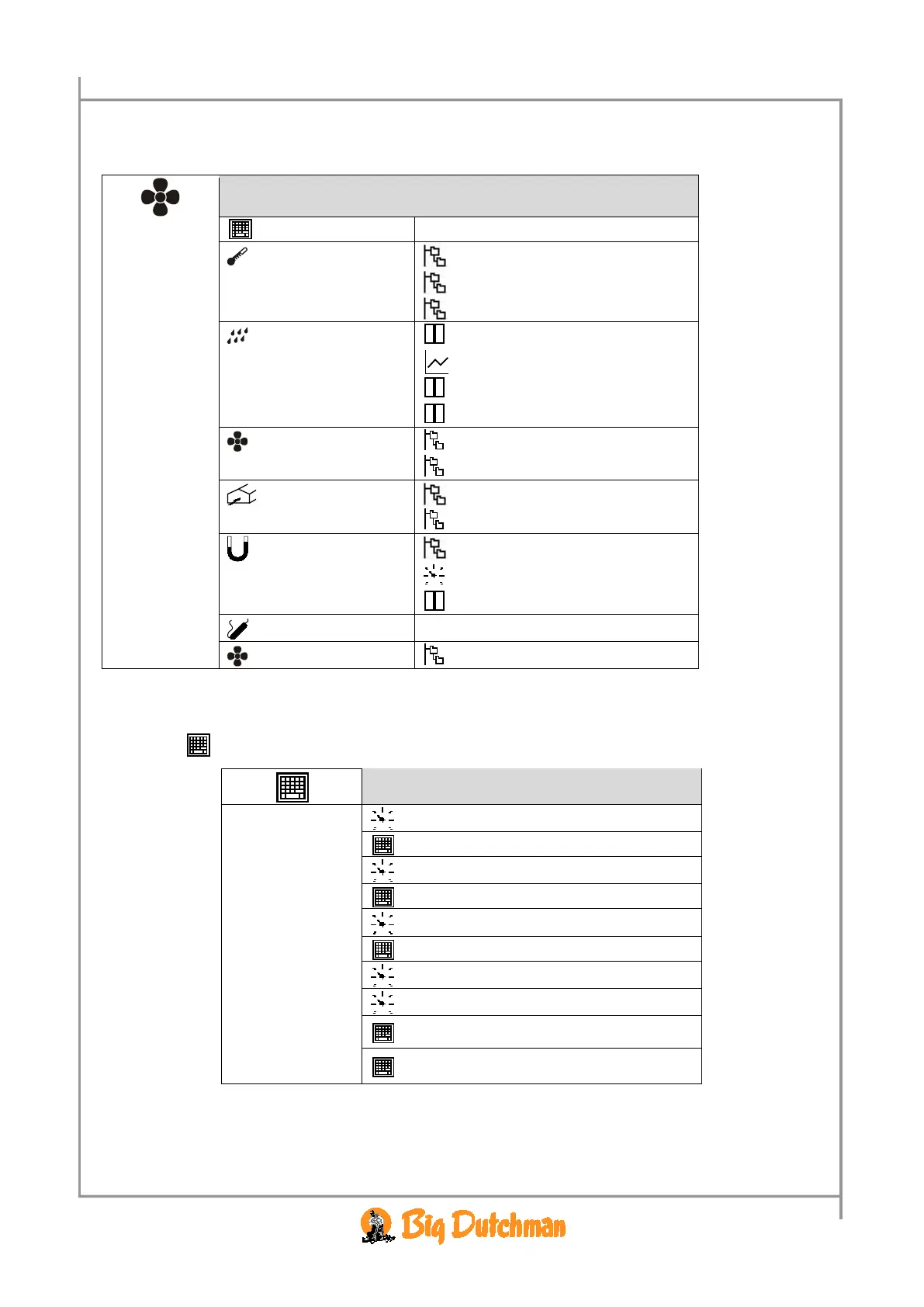
Table 3: Outline of the climate menu
2.2.1 Control
Target temp. (temp.setpoint) 19 °C
See section 2.2.1.1
concerning setting
of matrix
Side control
Room heat 17.5 °C
Room control
Brooding heat 17.5 °C
Brooding control
Start tunnel 27 °C
Stop tunnel 23 °C
Tunnel control
Timer setup
Table 4: Outline of the control menu
The Control menu gives you access to setting of each side and tunnel fan and each room and
brooding heater by means of matrix menus.



 To Next Page